
Subtitle Sync Server
See nightly subtitle sync status, and nudge a subtitle's timing by milliseconds without leaving the app.
iPhoneMacOn this page
Subtitle Sync Server is a self-hosted companion that runs a nightly subtitle sync and exposes a status feed, plus a “nudge” API for shifting a subtitle file’s cues by a few hundred milliseconds. Pocket Homelab surfaces both on the shared Subtitles screen. Either it or Bazarr alone is enough to unlock that screen; configuring both fills in every section.
What you get
- Home tile (“Subtitles”): value
<n> missing, captionsync idle · <n> queuedorsyncing <current file>. This tile (and the header widget, Spotlight entry, and ntfy deep link) only appear once the Subtitle Sync Server is configured, Bazarr alone does not produce them. - Subtitle Sync section on the Subtitles screen: idle/running status and the current sync queue (on the Mac, as tiles and a Sync queue card).
- Nudge screen: search the subtitle library, then shift a file’s cues earlier or later, in presets of ±100/250/ 500/1000 ms or a custom value; the file is pinned so the nightly sync stops re-timing it until you unpin it.
- Quick action: Nudge subtitles opens the Nudge screen directly as a sheet.
Set up
- Point
SUBSYNC_URLat your Subtitle Sync Server instance, it takes no authentication, so keep it on a private network or behind Tailscale; the app cannot send it any credentials. - In the app, go to Settings → Services → Subtitles, paste the URL, then press Test connection.
| Key | Field | Required | Secret | Where to get it |
|---|---|---|---|---|
SUBSYNC_URL | Subtitle Sync Server URL | Optional | — | Base URL of your Subtitle Sync Server instance. Leave empty to hide those features. |
BAZARR_URL | Bazarr URL | Optional | — | Base URL of your Bazarr instance. Leave empty to hide Bazarr features. |
BAZARR_API_KEY | API key | Optional | Secret | Settings → General. |
On iPhone
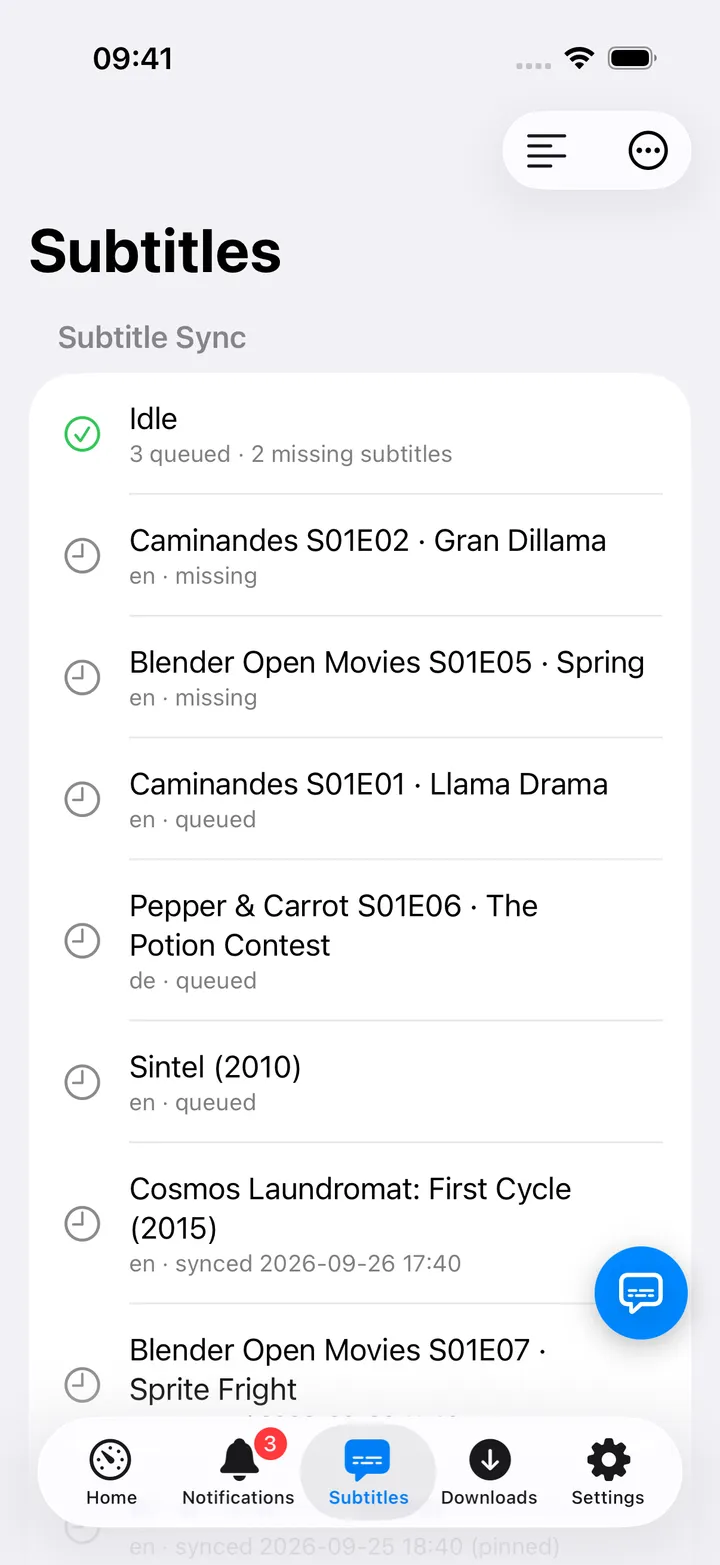
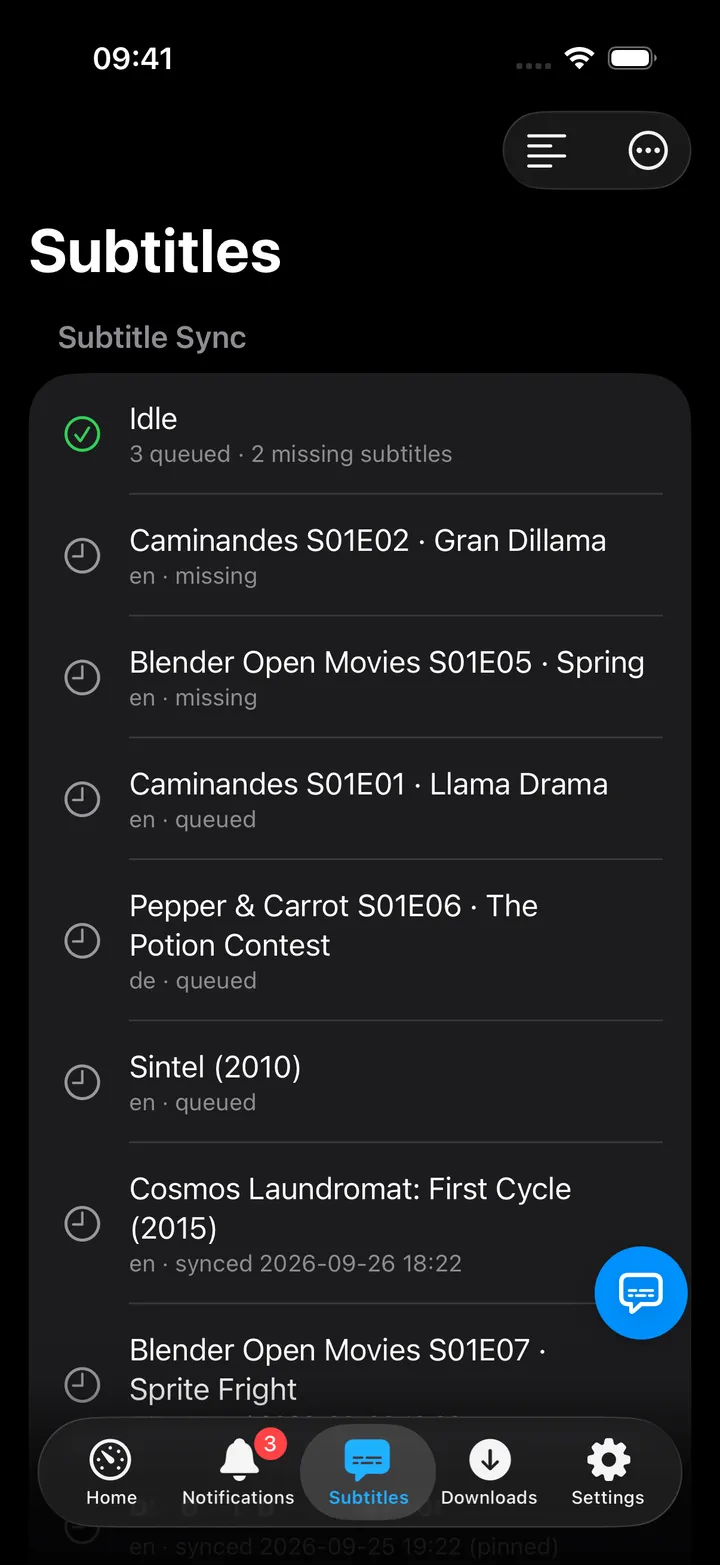
- Row wording: Idle with
<n> queued · <n> missing subtitles, or<status>: <detail>while a sync runs. - Toolbar Nudge a Subtitle… opens the Nudge screen; search a file (e.g. “walking dead s05e01 sr”), or switch on
Pinned only, then apply a quick nudge preset or a custom millisecond shift, Undo Last Nudge, or Unpin
to hand a file back to the nightly sync. Open Nudge Page in the Nudge screen’s toolbar opens
<SUBSYNC_URL>/nudge, the server’s own web UI. - Open sync server is in the Subtitles toolbar’s ⋯ menu. The screen action button (the round button beside the +) holds Nudge a Subtitle…, Refresh, Open Bazarr (with Bazarr set) and Open sync server; turn it off in Settings → Screen action buttons.
- After a successful nudge, the notice reads “restart playback in Jellyfin to pick it up”, the running player will not reload the shifted file on its own.
On Mac
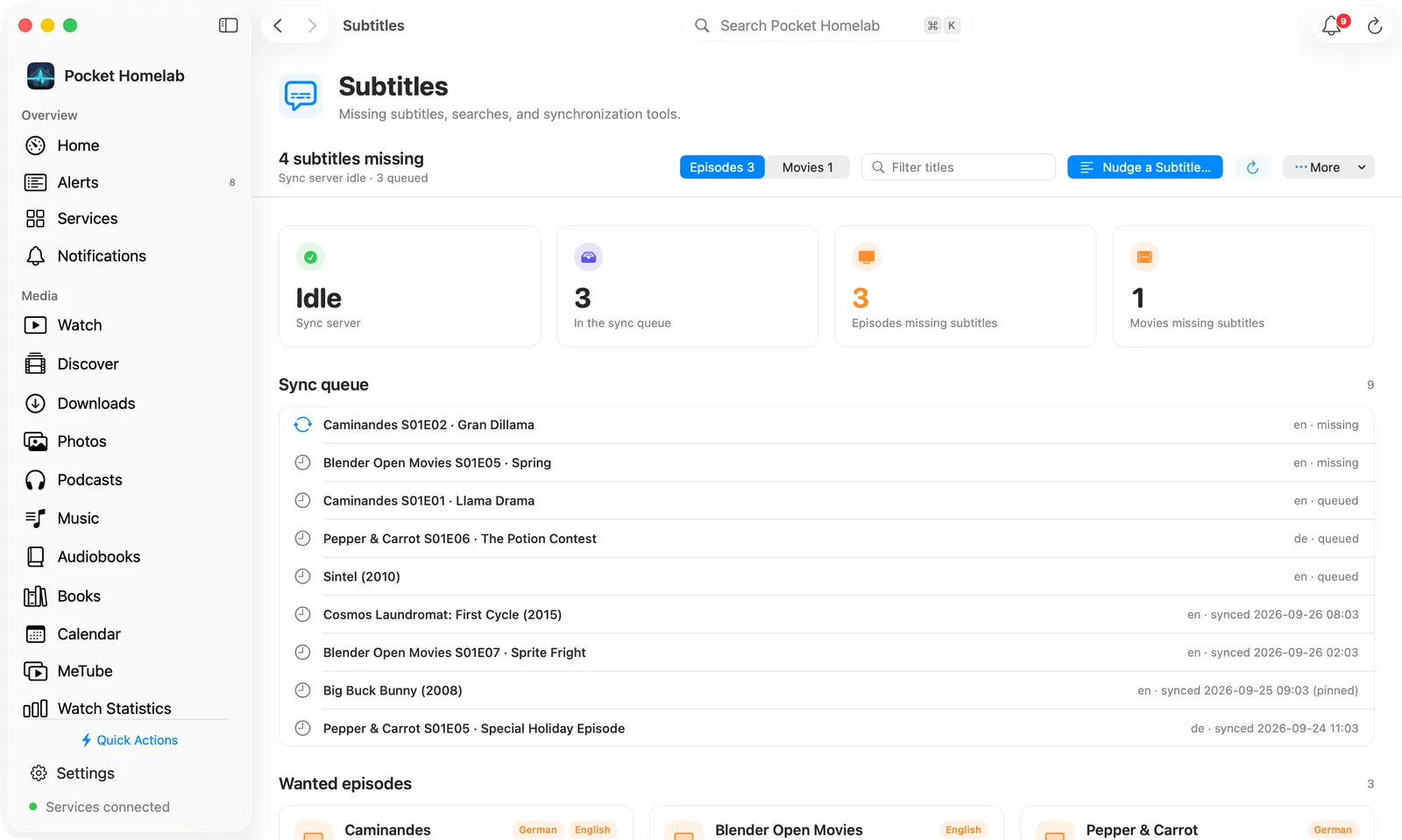
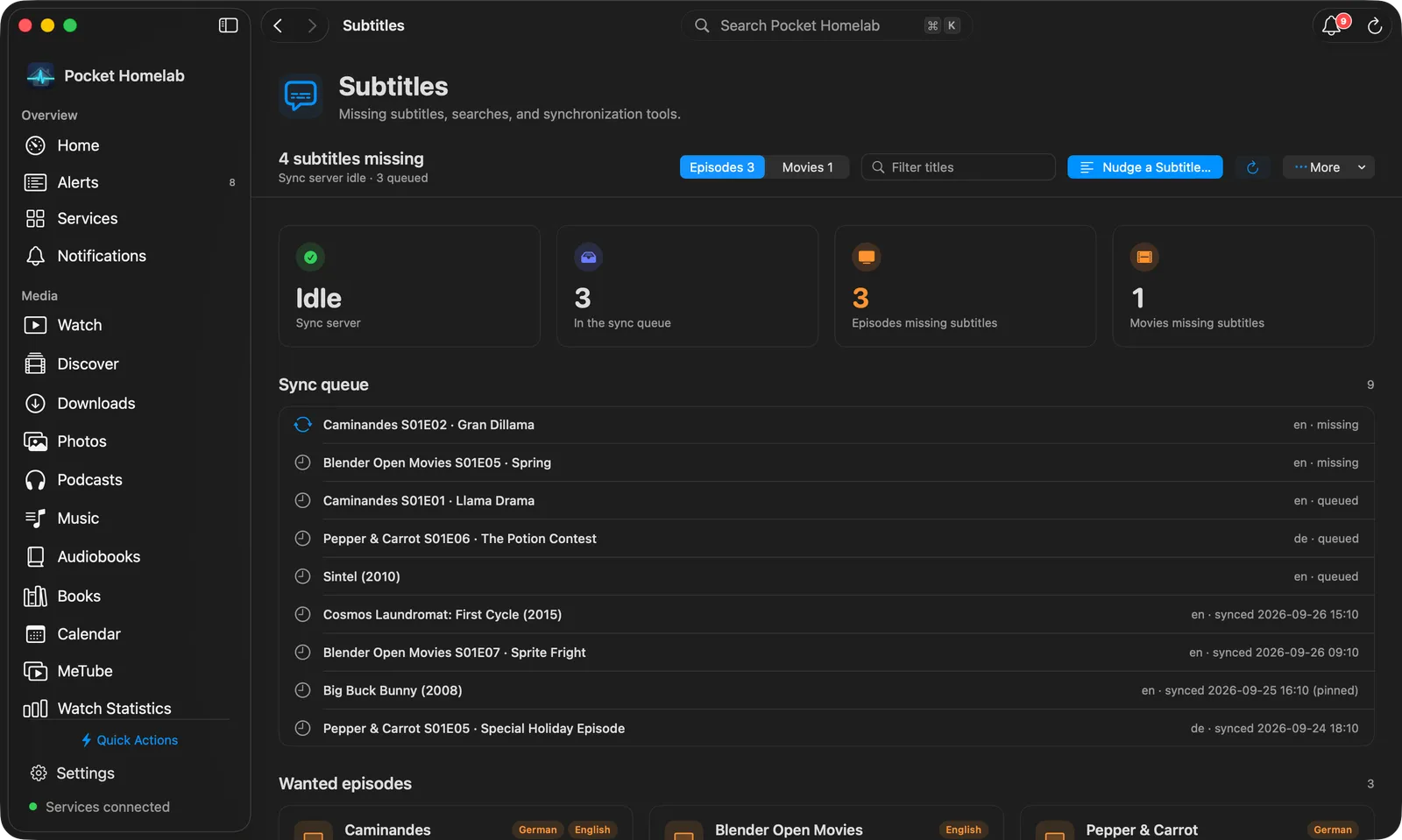
Subtitles sits under Infrastructure in the sidebar. The bar at the top carries the sync line (Sync server idle · N queued, or what is syncing now), Nudge a Subtitle…, Refresh and a More menu whose Open sync
server opens the server in your default browser. Tiles show the sync server’s state (Idle or what it is
doing) and how many files are In the sync queue; the Sync queue card lists them with their detail. Without
Bazarr, a third tile counts the Missing subtitles the sync server reports.
⇧⌘U opens the Nudge screen directly as a sheet.
Actions
- Apply a nudge (preset or custom ms), shifts every cue of one subtitle file by that amount and pins it so the nightly sync stops re-timing it.
- Undo Last Nudge: restores the file to its pre-nudge state.
- Unpin: hands the file back to the nightly sync (confirmation: “The nightly sync will manage this file again and may re-time it.”).
- Nothing here mutates Bazarr, Bazarr’s Wanted lists stay read-only regardless of which half is configured.
Works with
- Bazarr: shares the Subtitles tab and screen; see that page for the Wanted-lists half.
- Jellyfin: purely textual: the nudge-success notice tells you to restart playback in Jellyfin, but nothing calls the Jellyfin API.
- ntfy alerts mentioning “subtitle” get the “Subtitles” category with a deep link back to this screen, only when the Subtitle Sync Server is configured.
Tips & troubleshooting
- With an empty search, the Nudge screen only lists pinned files (up to 50), type to search the wider library, capped at the first 10 matches.
- A custom shift of exactly 0 ms is rejected, enter a non-zero number.
- After Undo, the file may still show as “pinned” until you refresh, the server’s undo response does not report the pin state.
- Test connection in Settings → Services → Subtitles checks the Subtitle Sync Server whenever its URL is set; Bazarr is only tested when there is no sync server URL.