
slskd
See your Soulseek transfers on the shared Downloads screen; read-only except for cancelling a transfer.
iPhoneMacOn this page
slskd is a Soulseek client. Pocket Homelab lists its transfers on the shared Downloads screen alongside qBittorrent, SABnzbd and MeTube, and also powers Soulseek search inside the Music tab.
What you get
- Live summary row:
↓ <speed>withqueue emptyor<n> transfers. - Downloading / Queued sections, one row per file (not per folder) that is not yet complete.
- slskd transfers do not feed the iPhone Home tile’s speed or active-count numbers; the Mac menu bar and Overview row do include them, so the two can occasionally disagree.
- Row detail:
from <user> · <size>; context menu offers Copy user. - Music (separate feature): “Search Soulseek” and the Activity screen’s folder-grouped Soulseek transfers. Search results are grouped into album folders (ranked by free upload slot, lossless files and size), with Lossless only and Free upload slot only filters; download a whole folder or selected files, and send a finished folder to Lidarr with Import into Lidarr from the Activity screen.
Set up
- In slskd, go to Options → Web → Authentication → API keys and create a key.
- In the app, go to Settings → Services → slskd, paste the URL and key, then press Test connection.
| Key | Field | Required | Secret | Where to get it |
|---|---|---|---|---|
SLSKD_URL | slskd URL | Required | — | Base URL of your instance. Leave empty to hide slskd features. |
SLSKD_API_KEY | API key | Required | Secret | Options → Web → Authentication → API keys. |
On iPhone
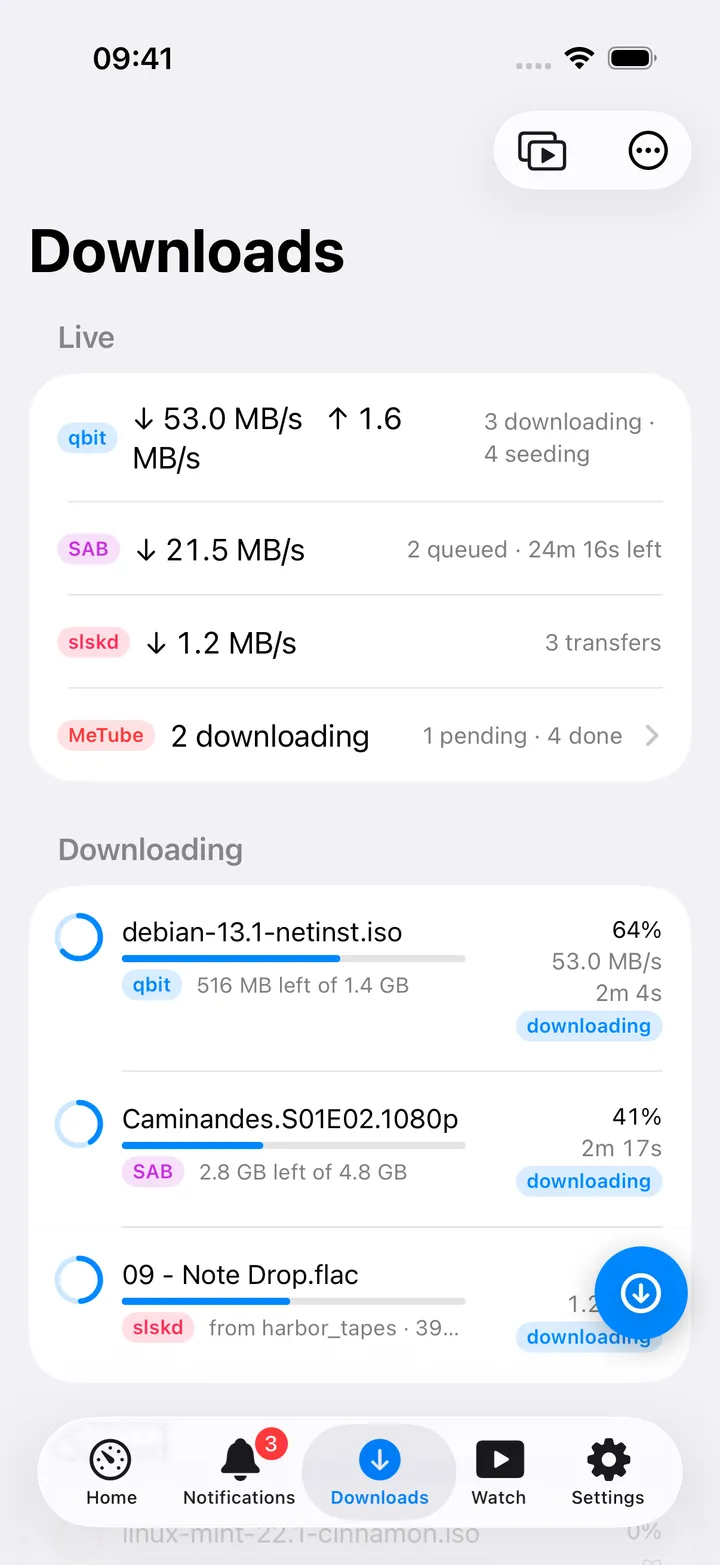
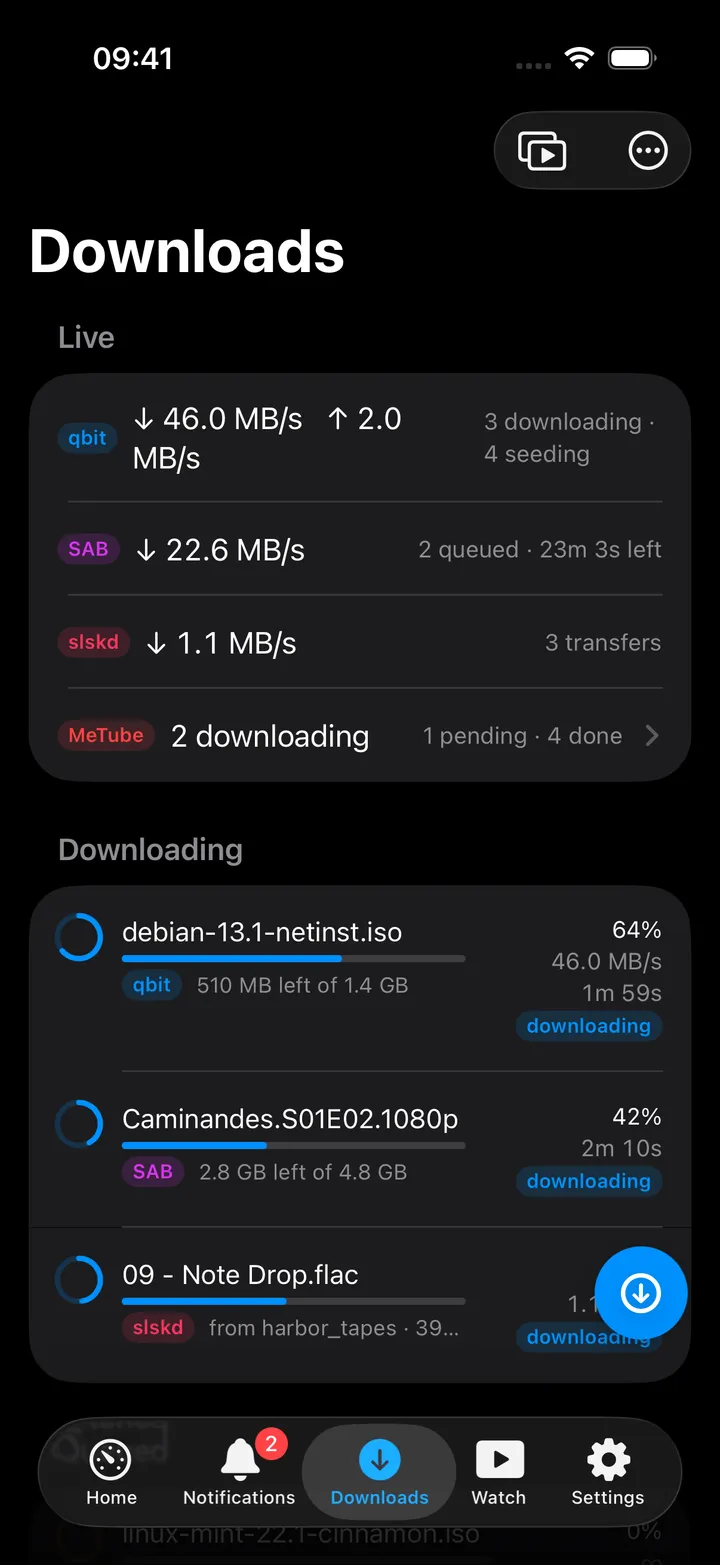
- Trailing swipe Cancel → a confirmation asking Cancel, keep partial file or Cancel and remove.
- There is no pause, resume or retry for slskd here; it is read-only except for cancelling.
- The Downloads round button beside the + includes Open slskd; the Music round button has Search Soulseek and Activity.
On Mac
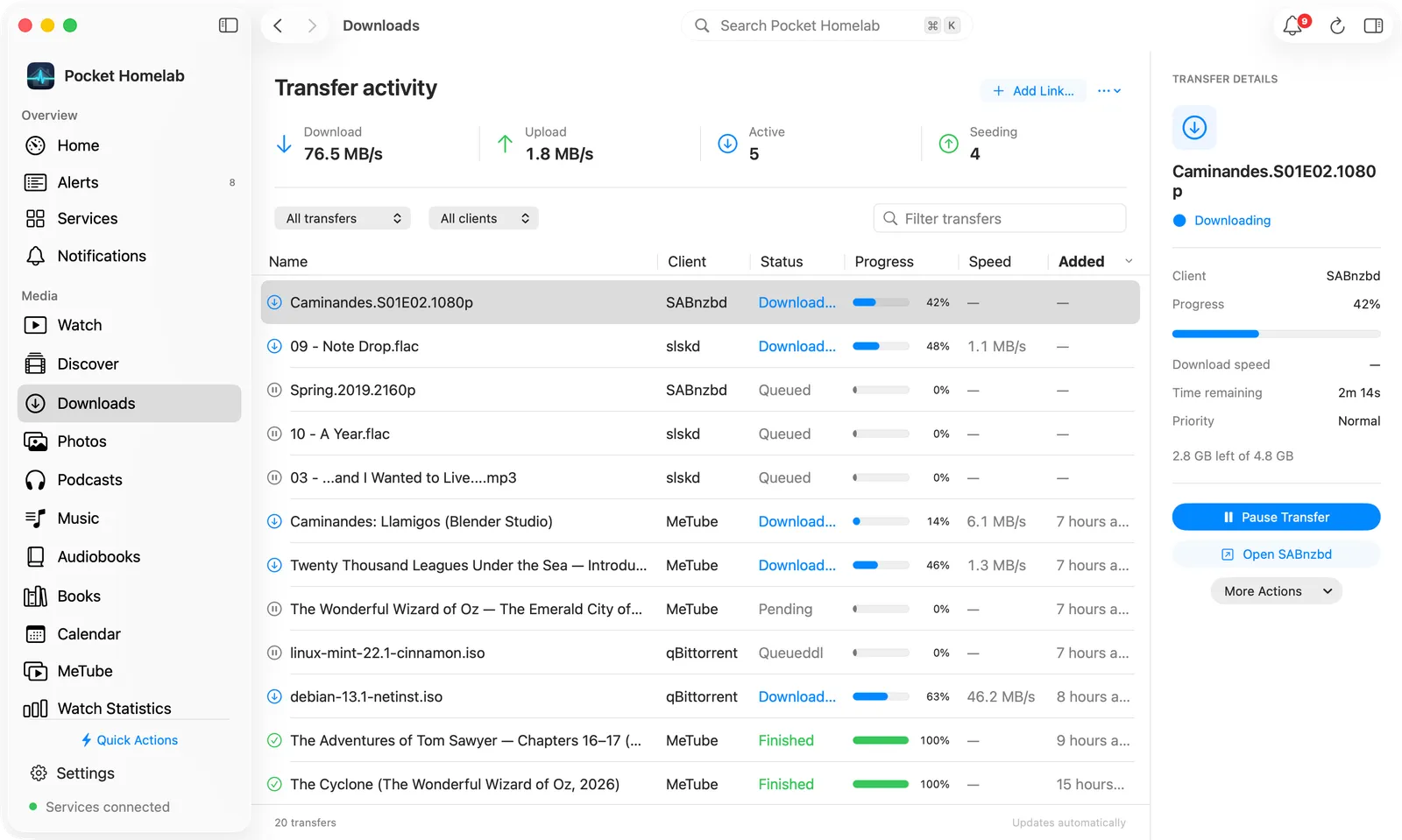
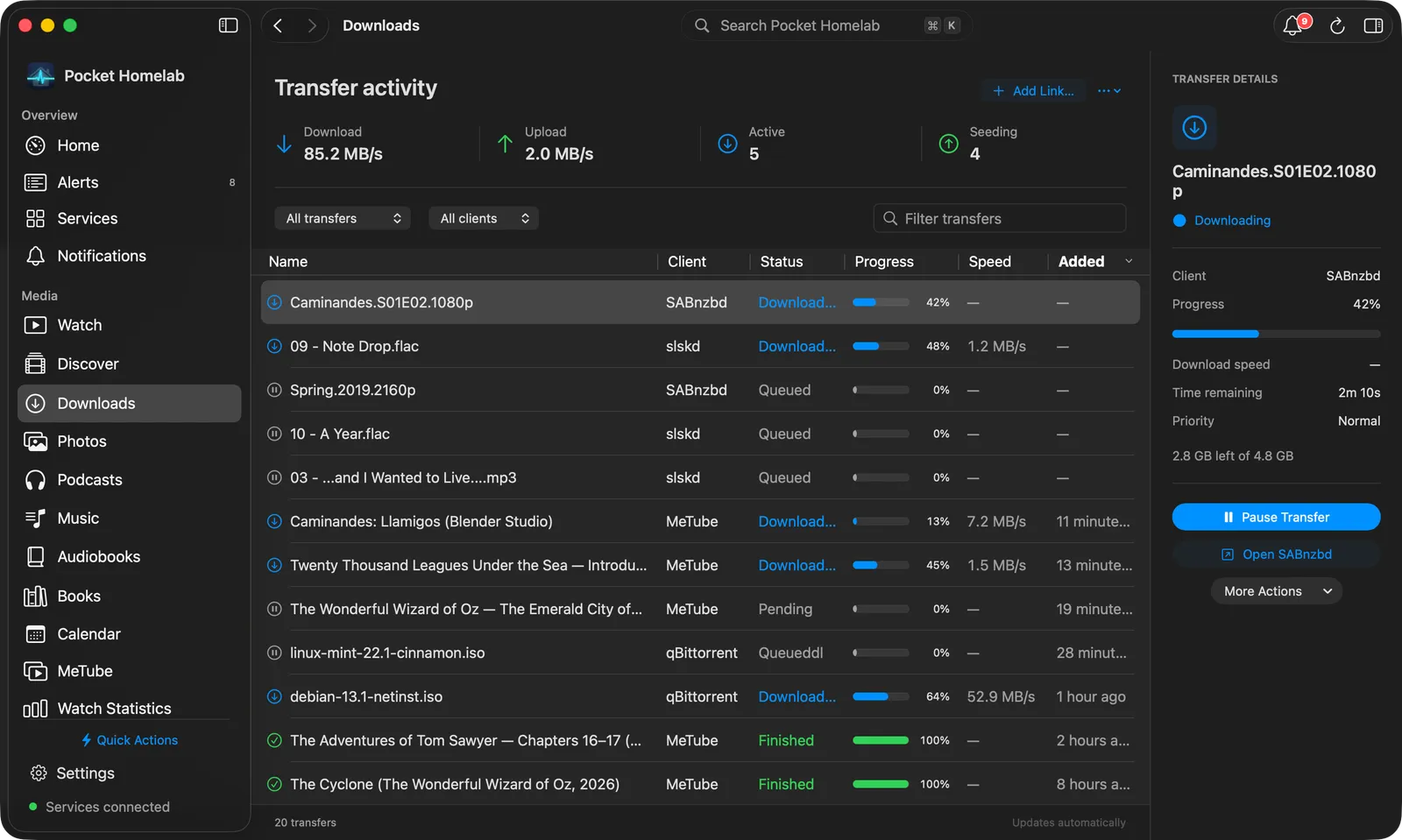
The Downloads workspace (⌘4) lists slskd files in the same table, filtered by client. The table is sorted newest first; slskd gives no date, so its live transfers stay at the top. The Mac menu bar’s “Transfers” row and the Overview “Downloads” row include slskd’s speed and count, unlike the iPhone Home tile.
In the Music workspace, Soulseek has desktop pages of its own:
- Search Soulseek… is in the arrow menu of the bar’s Request button and takes whatever is typed in the search field; without Lidarr the button itself is Soulseek.
- The search page has the field, Search, and the Lossless only and Free upload slot only checkboxes; album folders form a sortable table (Folder, User, Tracks, Size, Quality, Speed, Slot) with a download button per row. Right-click a folder for Open folder, Download whole folder and Copy username.
- A folder page lists its tracks and other files; select tracks and choose Download N selected, or use Select all tracks. Watch progress in Activity appears once something is queued.
- Activity shows the Lidarr queue, Soulseek and speed totals in its bar, with cancel for running transfers and Import into Lidarr or Clear for finished folders.
Actions
- Cancel a transfer, optionally removing the partial file.
- No pause, resume or retry; re-enqueuing a Soulseek download only happens from the Music tab’s search/request flow, not from the Downloads screen.
Works with
- Music (Navidrome / Lidarr): “Search Soulseek” in the Music tab uses the same
SLSKD_URL/key; files enqueued there show up as slskd rows here, capped at the 15 fastest-uploading, with completed files hidden. - qBittorrent / SABnzbd / MeTube: share the same Downloads screen and table.
Tips & troubleshooting
- Completed slskd files are hidden from the list entirely; only in-progress ones show, capped at the 15 shown.
- The iPhone Home tile’s speed and active-count figures exclude slskd on purpose; if the tile and the Mac menu bar disagree on “how many active transfers”, this is why.
- A wrong key surfaces on the Downloads screen as an HTTP 401 error naming slskd; in the Music tab it reads “API key rejected. Check slskd → Options → Web → Authentication → API keys.”