
Bazarr
See which episodes and movies are still missing subtitles, read-only, on the shared Subtitles screen.
iPhoneMacOn this page
Bazarr tracks which subtitles your library is still missing. Pocket Homelab shows its Wanted lists, episodes and movies without subtitles, on the shared Subtitles screen. Either Bazarr or the Subtitle Sync Server alone is enough to unlock that screen; configuring both fills in every section.
What you get
- Two Wanted lists, episodes and movies, each headed with Bazarr’s total: the title (plus the episode code and name,
2x05 · Title, for episodes) and one orange tag per missing language. - On the Mac, the wanted episodes are grouped into one card per show.
- Bazarr contributes no Home tile, no header widget, and no Spotlight entry, those only appear once the Subtitle Sync Server half is configured (see the Subtitle Sync Server page). Bazarr alone still unlocks the Subtitles tab itself.
- The Wanted lists are strictly read-only: there is no search, download or “get subtitle” action here, and no action on a row beyond Copy title.
Set up
- In Bazarr, open Settings → General and copy the API key.
- In the app, go to Settings → Services → Subtitles, paste the Bazarr URL and key, then press Test connection.
| Key | Field | Required | Secret | Where to get it |
|---|---|---|---|---|
BAZARR_URL | Bazarr URL | Optional | — | Base URL of your instance. Leave empty to hide Bazarr features. |
BAZARR_API_KEY | API key | Optional | Secret | Settings → General. |
SUBSYNC_URL | Subtitle Sync Server URL | Optional | — | Base URL of your Subtitle Sync Server instance. Leave empty to hide those features. |
On iPhone
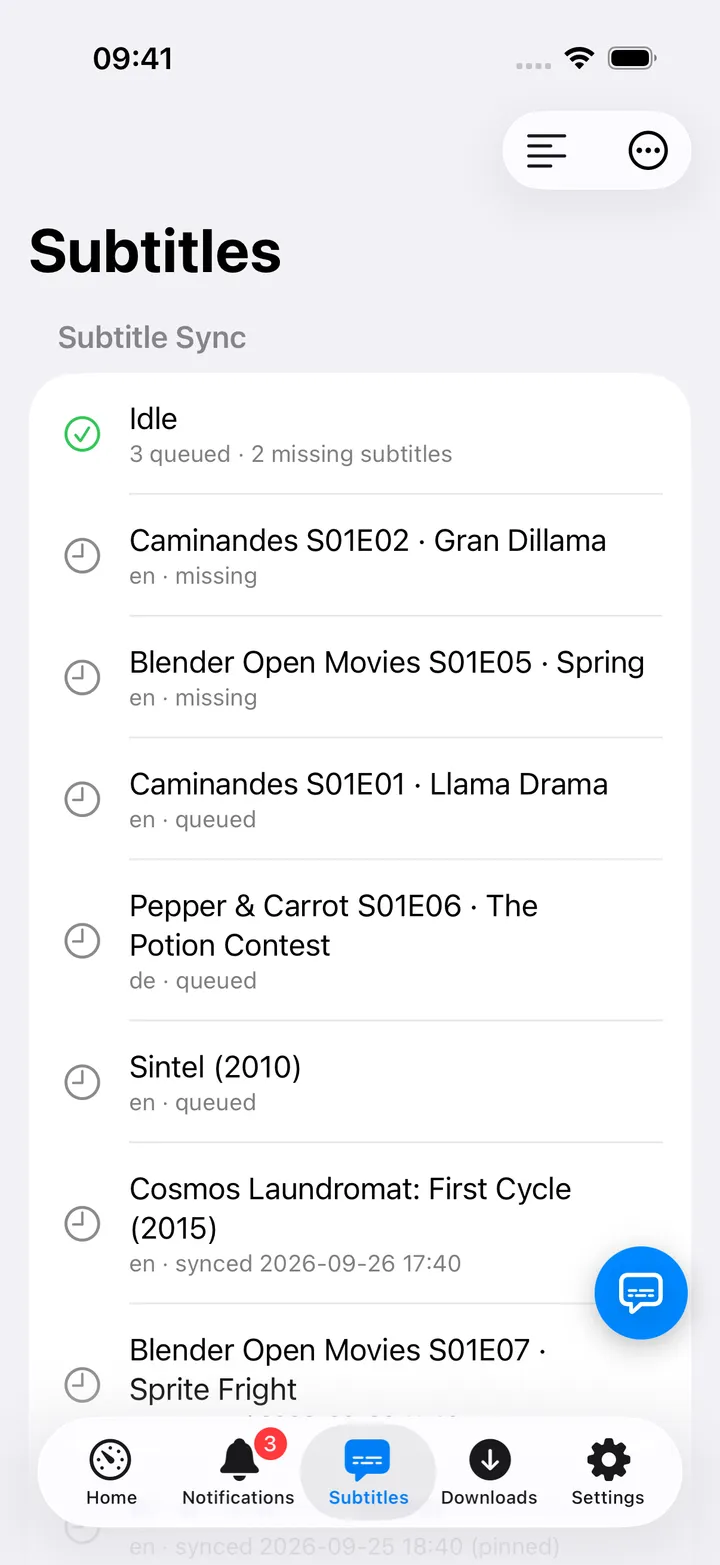
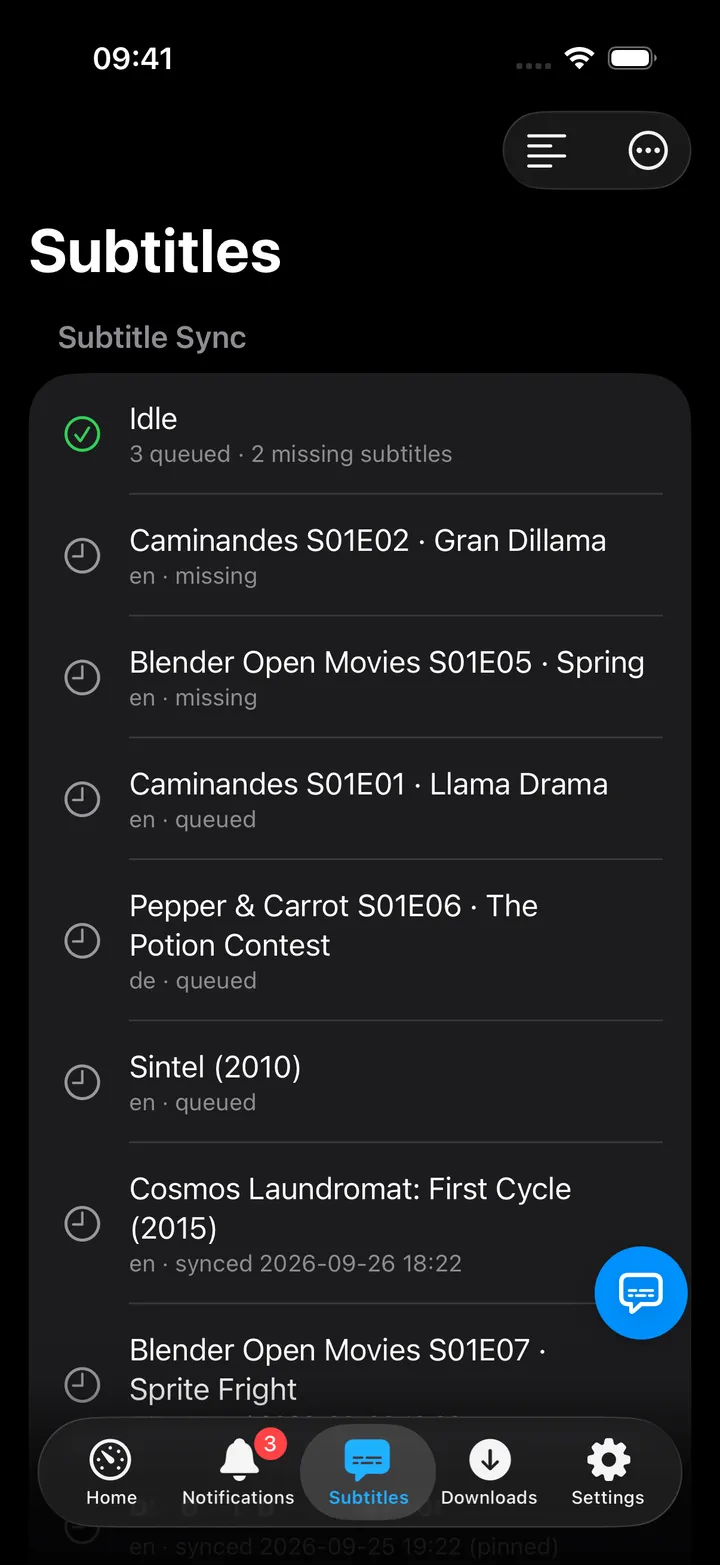
- With a Bazarr URL but no key, the section reads “Bazarr API key not set, add it to list wanted subtitles” instead of the lists.
- Up to 100 rows are listed per section; the header count is Bazarr’s own total, which can be higher than what is shown.
- Context menu on a row: Copy title only.
- Open Bazarr is in the toolbar’s ⋯ menu. The screen action button (the round button beside the +) holds Nudge a Subtitle…, Refresh, Open Bazarr and, with the sync server set, Open sync server; turn it off in Settings → Screen action buttons.
On Mac
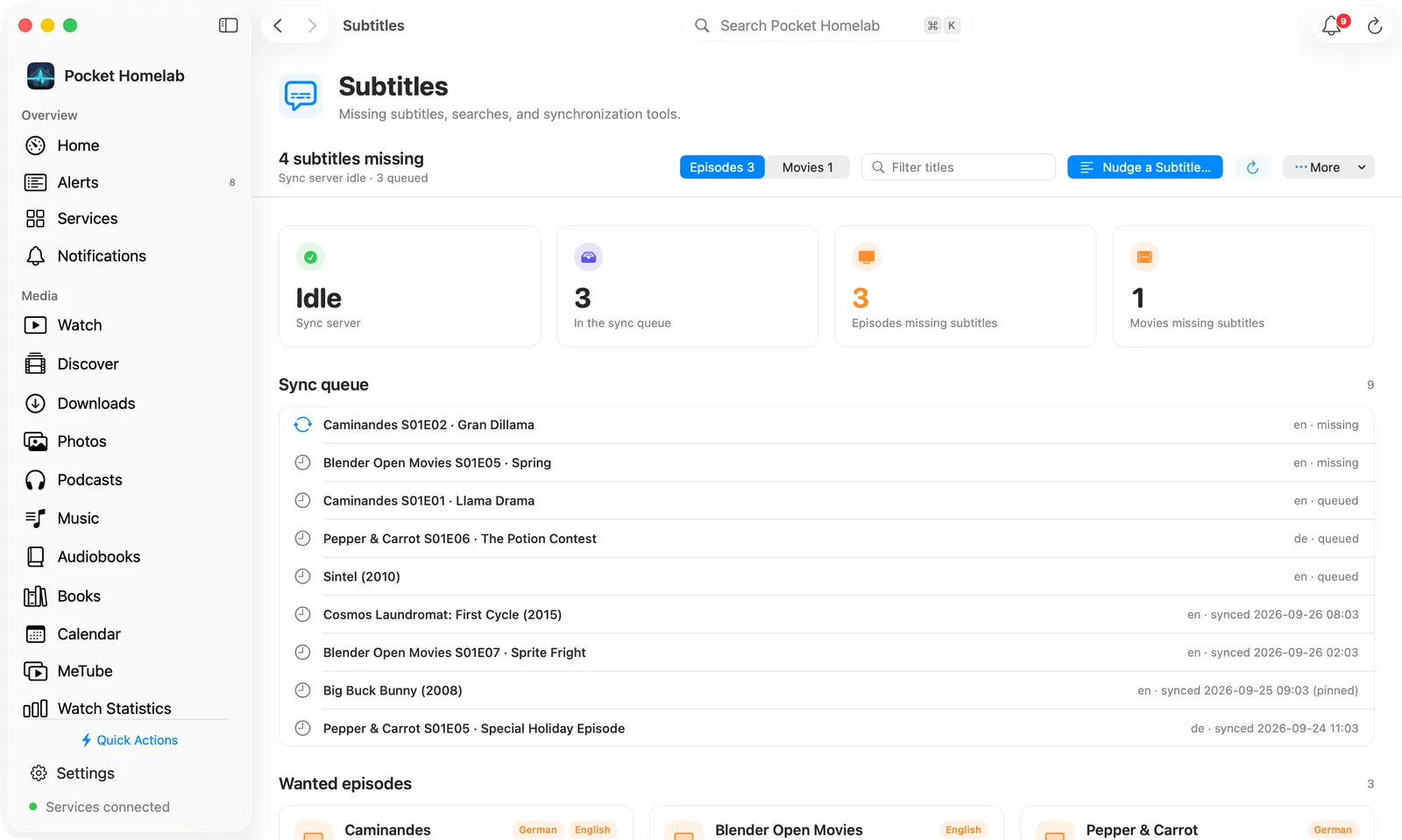
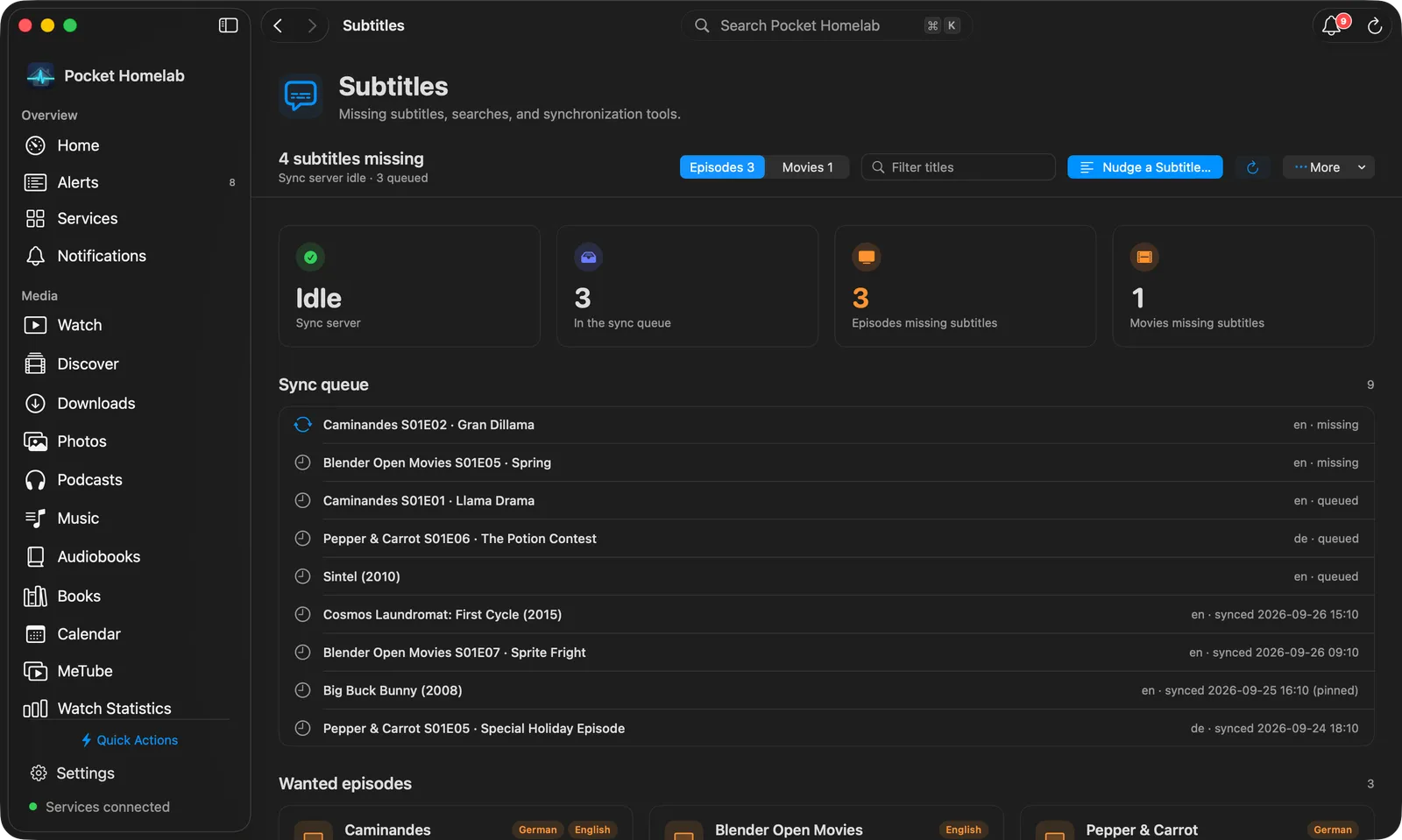
Subtitles sits under Infrastructure in the sidebar. The bar at the top says how many subtitles are missing
(N subtitles missing, or No subtitles missing), with an Episodes N / Movies N switch, a Filter
titles field, Nudge a Subtitle…, Refresh and a More menu with Open Bazarr, which opens it in your
default browser.
With Bazarr’s key set, two tiles count the Episodes missing subtitles and Movies missing subtitles. Wanted
episodes shows one card per show: the show, how many episodes are without subtitles and the missing languages,
then each episode by code and name (with its own languages when they differ). Wanted movies is a grid of
cards. Languages show by name in your Mac’s language, with the code on hover. The header says showing N of M
when Bazarr has more than the 100 the app lists. Right-click an episode or movie to Copy title.
With a Bazarr URL but no key, the page says Add the Bazarr API key in Settings to list the wanted subtitles.
Actions
None, every Bazarr call from the app is a read. Fetching or fixing a missing subtitle happens in Bazarr’s own UI.
Works with
- Subtitle Sync Server: shares the same Subtitles tab and screen; see that page for the sync/nudge half.
- Sonarr / Radarr: the Wanted rows carry the underlying Sonarr episode id / Radarr movie id, but the app does not link across into the Media calendar from here.
- Both halves load independently: if Bazarr fails, the Subtitle Sync section (when configured) still renders, and vice versa.
Tips & troubleshooting
- Bazarr alone (URL + key, no Subtitle Sync Server) is enough to show the Subtitles tab, but you will not get a Home tile, header widget or Spotlight entry until the Subtitle Sync Server is also configured.
- Settings → Services → Subtitles only tests Bazarr when the Subtitle Sync Server is not also configured, with both set, “Test connection” checks the sync server instead.
- The whole
subtitlesgroup (Bazarr + Subtitle Sync Server together) counts as one Pro/free service slot.