Free and Pro
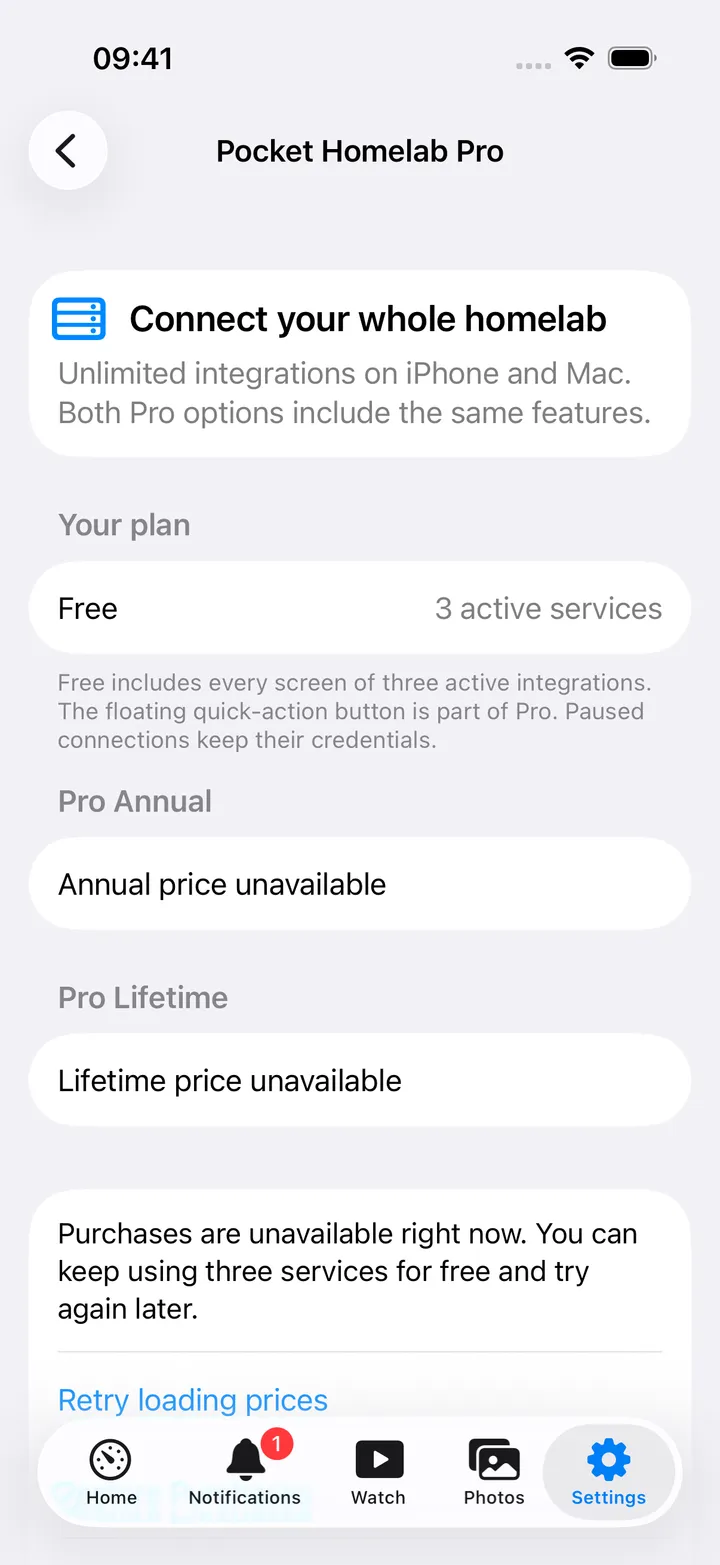
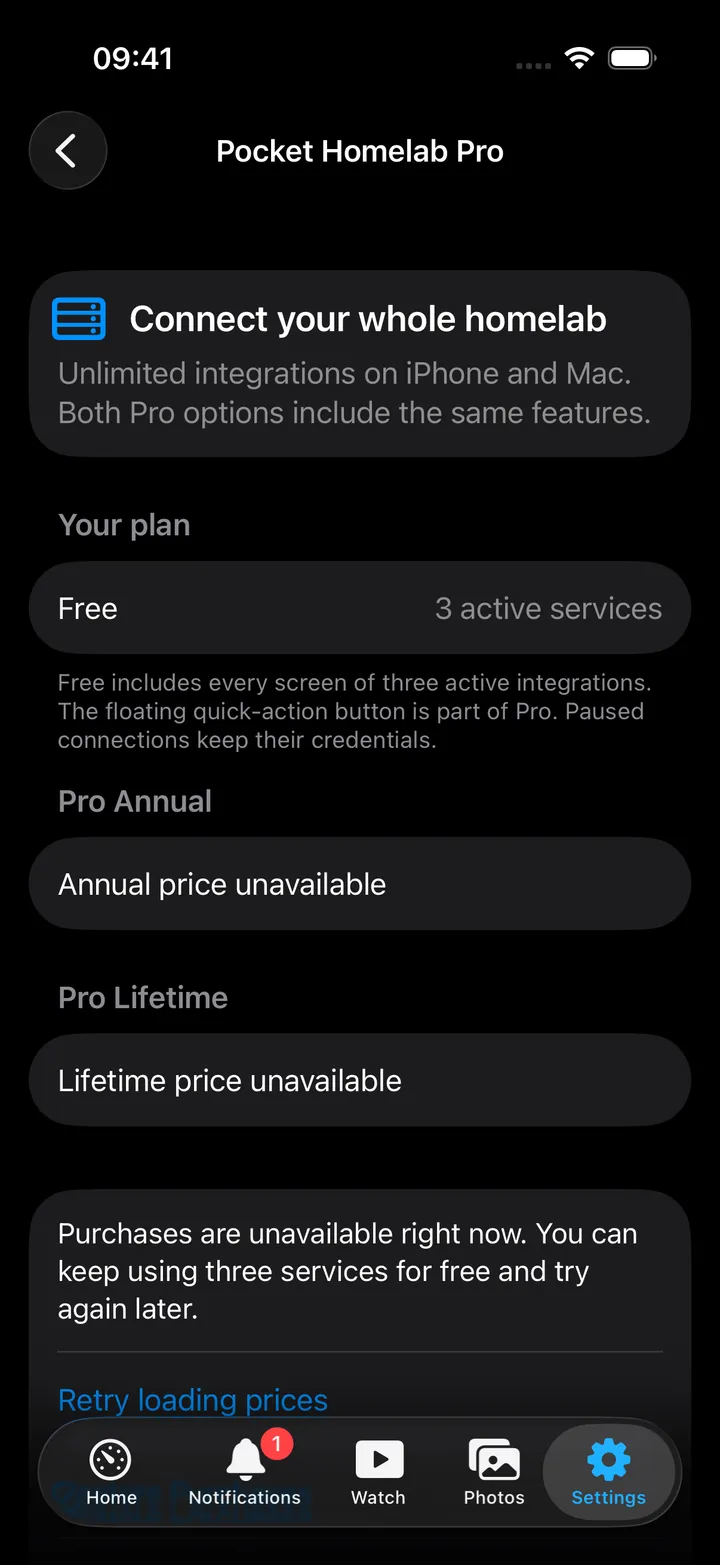
Three active integrations are free with every feature. Pro Annual and Pro Lifetime unlock the rest on both iPhone and Mac with one purchase.
iPhoneMacAndroidOn this page
Pocket Homelab is free to install and free to use with up to three active integrations. Those three are not crippled in any way, you get the whole app for them.
What counts as an integration
One slot per service group in Settings → Services, no matter how many screens that group supplies.
- Nextcloud (Files, Notes, Tasks, Contacts, Deck) = 1 slot.
- Server (Glances + temperatures) = 1 slot.
- Money (Firefly III + Firefly Pico + subscriptions) = 1 slot.
- Subtitles (Bazarr + subtitle sync) = 1 slot.
- Dashboard links (
HOMEPAGE_URL) = free, they never consume a slot. - Disabled services do not count.
Choosing your three
If you configure more than three, the app never picks for you, an import or an expiring subscription must not silently choose which of your services keep working. Instead Settings shows Choose free services.
- Open Settings → Upgrade to Pro (or Choose free services). On the Mac: Settings → Your Plan → Choose free services…
- On iPhone, press Choose your three free services.
- Toggle up to three. The counter reads “2 of 3 selected”; the rest become unavailable once three are picked.
- Save selection.
Everything not selected shows Paused · Free limit in the services list. Its URL and credentials stay exactly where they are; the keys are simply blanked from the effective settings so the service disappears from tabs, tiles, search and links.
Pro
| Plan | Price | Notes |
|---|---|---|
| Pro Annual | Coming soon | Renews automatically unless cancelled. |
| Pro Lifetime | Coming soon | Permanent unlock, no renewal, includes future updates to these Pro features. |
Both options unlock exactly the same thing: unlimited integrations on iPhone and Mac, plus the floating + quick-action button on iPhone. The round screen action buttons beside it are free; see Floating buttons.
- One purchase covers both platforms. It is a universal purchase tied to your Apple Account.
- Restore Purchases on the Pro screen brings it back on a new device or after a reinstall.
- Manage Subscriptions opens your App Store account to cancel or change plan.
- Buying Lifetime does not cancel an active annual subscription, cancel that separately.
- For a free trial, cancel at least 24 hours before it ends to avoid being charged.
On Android
The free plan is the same on Android: three services with every feature. Pro is bought through Google Play, in More → Settings → Pocket Homelab Pro.
- Pro on Android covers that phone and any other signed in to the same Google account. It is a separate purchase from the App Store one.
- With more than three services set up and no Pro, all of them are paused until you choose three on the Pro screen and press Keep these 3. The others stay set up, marked Paused.
- Restore purchases brings Pro back after a reinstall. Subscriptions are managed in Google Play → Payments & subscriptions.
- Tips are there too. A tip unlocks nothing; it says thank you.
If a subscription lapses
Extra services are paused, not deleted. Choose three to keep active, or renew. Erasing app settings does not cancel a subscription.