
Search everything
One sheet that reaches screens, quick actions, your Jellyfin library, alerts, tasks, contacts, Deck cards, notes, documents, files, money, ebooks, music, podcasts, vehicles, photos, indexers and the web.
iPhoneMacOn this page
Search is the escape hatch for everything you did not give a tab to, and a fast way into your libraries.
Opening it
- iPhone: the magnifying glass in the Home top row, a short pull down on any root tab (“Release to search”), the Search everything quick action, or the Search Homelab shortcut in Siri and the Shortcuts app.
- Mac: ⌘K, the toolbar capsule, Actions → Search Everything…, or the menu bar magnifier.
With an empty query
Two sections: Quick actions as horizontal chips, then Screens as a three-column grid of every screen your configured services provide. This is how you reach a screen whose tab you turned off.
With a query
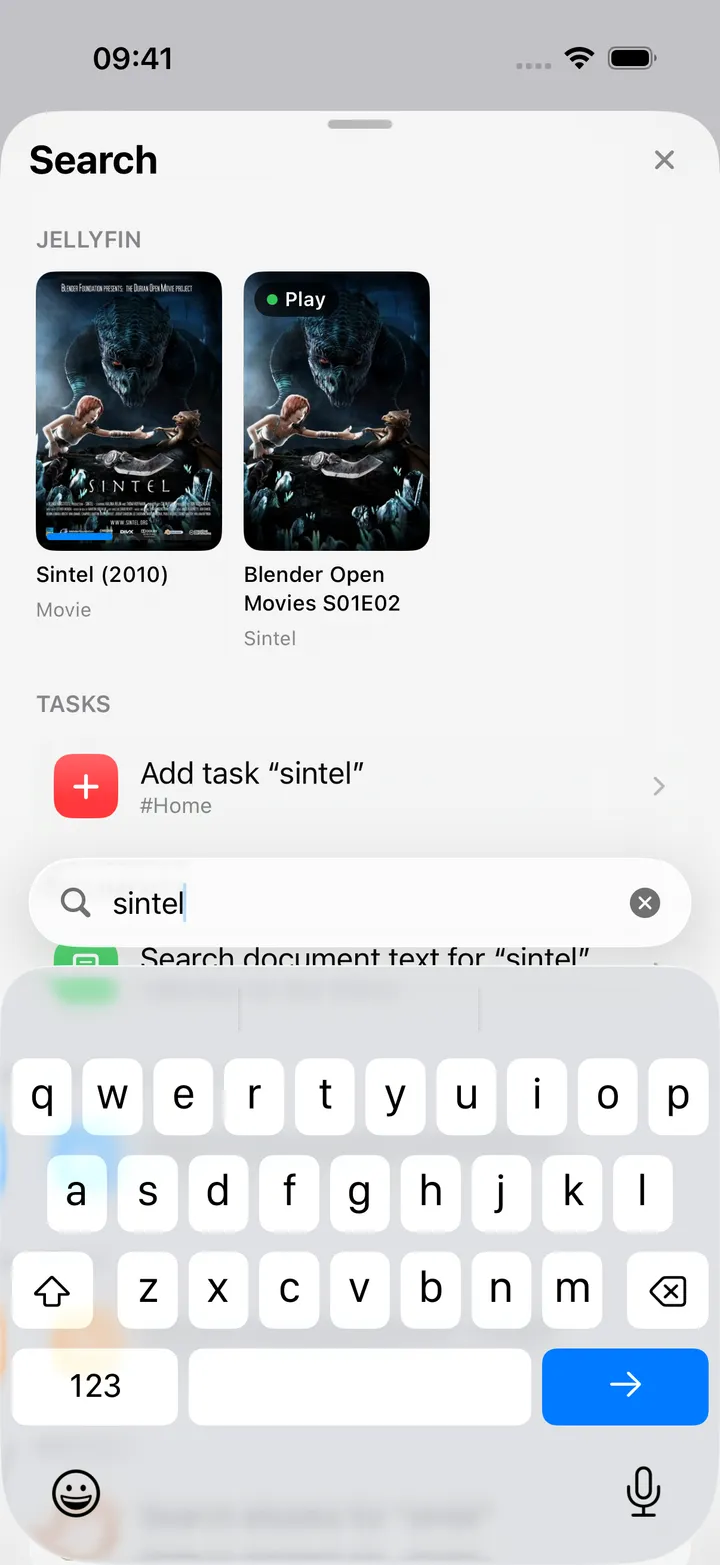
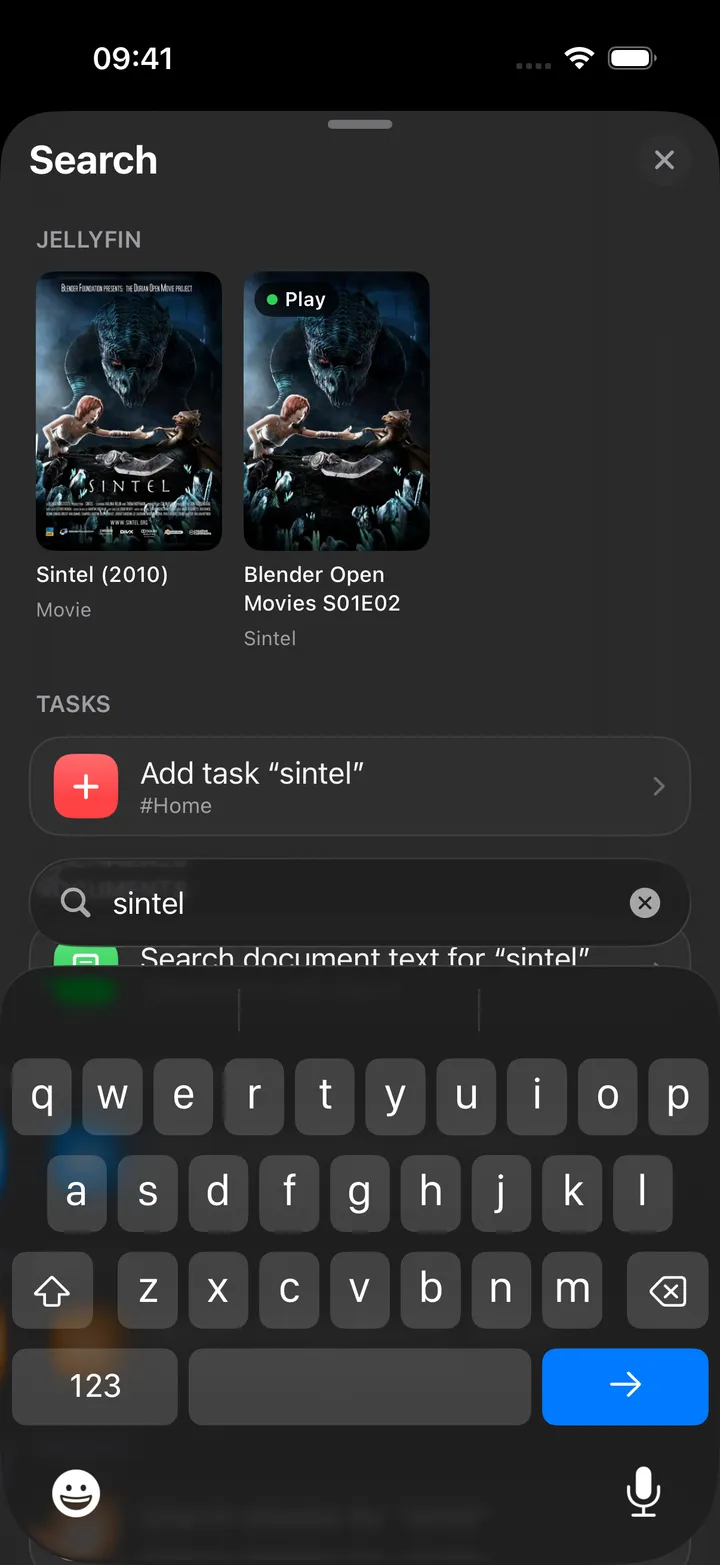
Sections appear in a fixed order as they find something:
Jellyfin · Screens · Actions · Alerts · Repositories · Tasks · Contacts · Deck cards · Notes · Documents · Nextcloud files · Money · Ebooks · Music · Audiobooks · Podcasts · Vehicles · Photos · Indexers · Web
The matched part of a title is drawn in bold. Pressing Go opens the first ranked result.
| Section | Source | Notes |
|---|---|---|
| Jellyfin | Live library search | Poster strip; needs an API key |
| Screens / Actions | Local index | Ranked by title prefix, then word prefix, then substring, then keywords |
| Alerts | Cached ntfy messages | In memory, no request |
| Repositories | Cached Forgejo overview | In memory, no request |
| Tasks | Local task store (3+ characters) | Offers Add task “…” with parsed due date, p1, #List and @label |
| Contacts | Nextcloud Contacts | Up to four address books, fetched once per search, then filtered on the device |
| Deck cards | Nextcloud Deck | Open cards on up to eight boards, with the board and list they sit in |
| Notes | Nextcloud Notes (2+ characters) | Notes whose title, text or folder match, inside your notes root folder, with a line of the text; a hit opens the note |
| Documents | Paperless full-text | Plus Search document text for “…” |
| Nextcloud files | WebDAV name search | Plus Search documents and OCR for “…” |
| Money | Firefly III search (3+ characters) | Search transactions for “…”, then matching transactions and up to two accounts |
| Ebooks | Calibre-Web | Title, author, series, tag |
| Music | Navidrome | Artists and albums, plus Request “…” in Lidarr and Search Soulseek |
| Audiobooks | Audiobookshelf | Books, podcasts, series and authors |
| Podcasts | Your PinePods library and this device’s feeds | Shows, episodes newest first, and podcast notes; a note opens its episode |
| Vehicles | LubeLogger | Up to four vehicles by name or plate, and their records |
| Photos | Immich smart search (3+ characters) | Search photos for “…”, then up to eight photos; describe what is in the picture, such as “beach at sunset” |
| Indexers | Prowlarr (3+ characters) | A single row that runs the search on the Indexers screen |
| Web | SearXNG | Top five results, plus Search the web for “…” |
Firefly III and Immich are asked for one small page of results. Contacts, Deck and LubeLogger have no search of their own, so what they list is fetched once per search session (bounded as above) and every keystroke after that is filtered in memory. The podcast section makes no request at all unless the PinePods library was never loaded on this device.
Live sources are debounced (200–600 ms; Immich waits longest, because the server works on the text for every request) and capped at a handful of rows each, so the sheet stays responsive while your slower services catch up. A section that errors shows the error inline in orange, or simply stays out, and the rest keep working.
On the Mac
⌘K opens a 700-point overlay instead of a sheet, with the field placeholder “Search services, actions, media, files…”. ↑ and ↓ move the selection, Return opens it and Esc closes. An empty query lists quick actions with their shortcut glyphs, then screens and settings, then Service websites: one Open … row per configured URL, which is how a URL-only service stays reachable.
The Mac overlay does not have the Contacts, Deck cards, Notes, Money, Podcasts, Vehicles and Photos sections yet.