
Dashboard links
An optional link to your homelab dashboard, shown first in the Open in Browser strip on the iPhone Home and on its card in the Mac Services directory.
iPhoneMacOn this page
If you already run a homepage dashboard, Homepage, Dashy or
similar, HOMEPAGE_URL puts a one-tap link to it on the iPhone Home screen, next to browser links for many of
the other services you’ve configured. This group has no screens or features of its own; it is purely a link.
What you get
- Home block “Open in Browser” (full width, only shown once at least one link is available): a row of
capsules, “Dashboard” (your
HOMEPAGE_URL) first, then Jellyfin, Jellyseerr, SearXNG, Jellystat, Nextcloud, ntfy, Glances, TrueNAS, qBittorrent, SABnzbd, Paperless and Forgejo, in that fixed order, one capsule per configured URL. Tapping one opens it in an in-app browser sheet; long-press for “Copy URL”. - The Homelab Stats screen’s toolbar menu adds an “Open Homepage” entry alongside Glances and TrueNAS; on the Mac, the Server workspace’s Open in browser menu has the same entry.
- A Links card in the Mac Services directory.
- Services hidden by the free-plan limit or disabled do not appear in the strip, and the sample workspace does not show the strip at all (its addresses lead nowhere).
Set up
There is nothing to configure on the dashboard’s side, just have it running at a stable URL.
- In Pocket Homelab: Settings → Services → Links, paste your dashboard’s URL. There is no key, account or test for this one, just a URL field.
| Key | Field | Required | Secret | Where to get it |
|---|---|---|---|---|
HOMEPAGE_URL | Dashboard URL | Optional | — | Optional link to your dashboard (Homepage, Dashy…), shown with the other browser links on Home and in the Open in browser menu of the Mac Server page. |
On iPhone
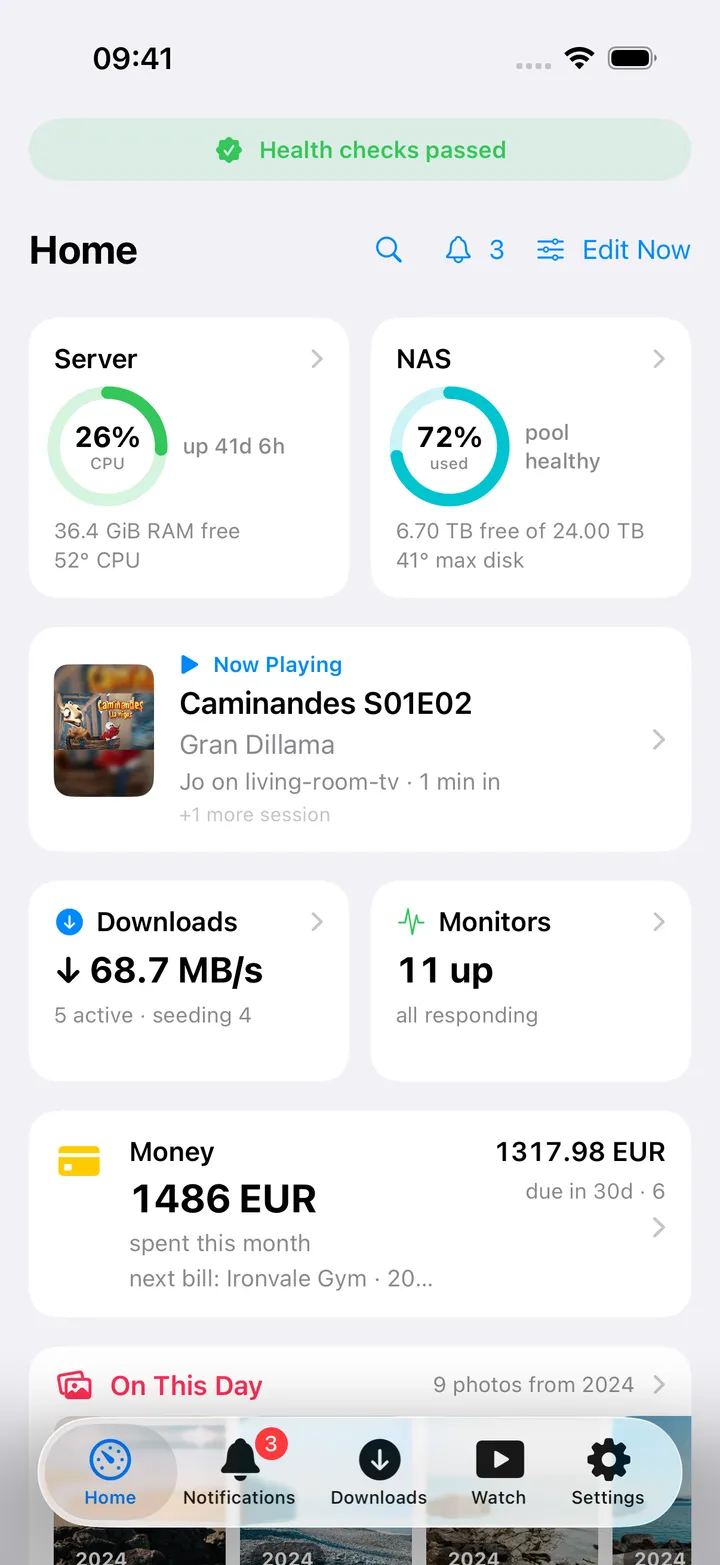
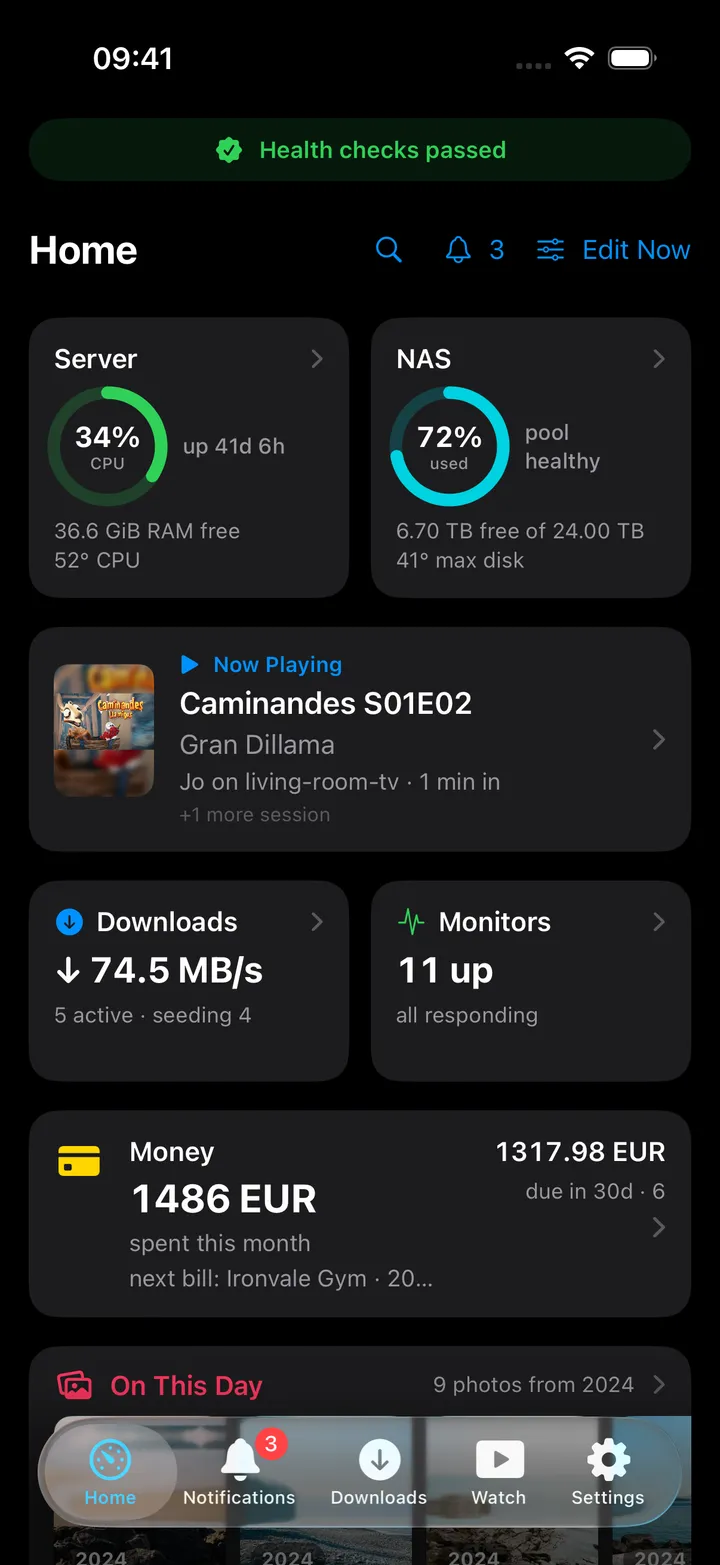
The strip only appears once you have at least one link configured, with nothing set, it is not shown at all rather than showing an empty row.
On Mac
The Open in Browser strip is not one of the Mac Home widgets. Instead, the Services directory (sidebar → Services), which has a card for every integration, shows Links (“Shortcuts to your dashboard and other web pages” once the URL is set). Click the card, or its arrow button (“Open Links in browser”), to open your dashboard in your default browser; the sliders button opens the Links settings. The Server workspace’s Open in browser menu also lists Open Homepage.
Actions
None. This is a bookmark, not a control.
Works with
- Every other service group listed above contributes its own capsule to the same Open in Browser strip when its URL is set; see each service’s own page for exactly which URL is used.
Tips & troubleshooting
- If you hide the Open in Browser card from your Home layout, it has to be re-added from the card library later: it does not reappear automatically just because a new link becomes available.
- Only the services named above get a capsule. Komodo, for one, does not (see the Komodo page); on the Mac its link is on its card in the Services directory.
- The setting’s own description mentions the menu bar, but the Mac menu bar has no dashboard link in this version.