
SABnzbd
Watch and control your Usenet queue from the shared Downloads screen, with pause, resume and priority actions.
iPhoneMacOn this page
SABnzbd is one of up to four clients on the shared Downloads screen, alongside qBittorrent, slskd and MeTube. Pocket Homelab shows the live queue, and lets you pause, resume, reprioritize and delete jobs.
What you get
- Live summary row:
PAUSEDor↓ <speed>, withqueue emptyor<n> queued · <time left> left. - Jobs in the Downloading and Queued sections, in SABnzbd’s own queue order, each with a purple SAB tag.
- Home card on iPhone (“Downloads”): shares the card with qBittorrent, showing download speed or
<n> active. - Context menu per job: pause/resume, Move to top, a Priority picker (Force, High, Normal, Low), copy name, open in web UI, delete.
Set up
- In SABnzbd, open Config → General and copy the API Key.
- In the app, go to Settings → Services → SABnzbd, paste the URL and key, then press Test connection. A valid key answers “SABnzbd queue OK”.
| Key | Field | Required | Secret | Where to get it |
|---|---|---|---|---|
SABNZBD_URL | SABnzbd URL | Required | — | Base URL of your instance. Leave empty to hide SABnzbd features. |
SABNZBD_API_KEY | API key | Required | Secret | Config → General → API Key. |
On iPhone
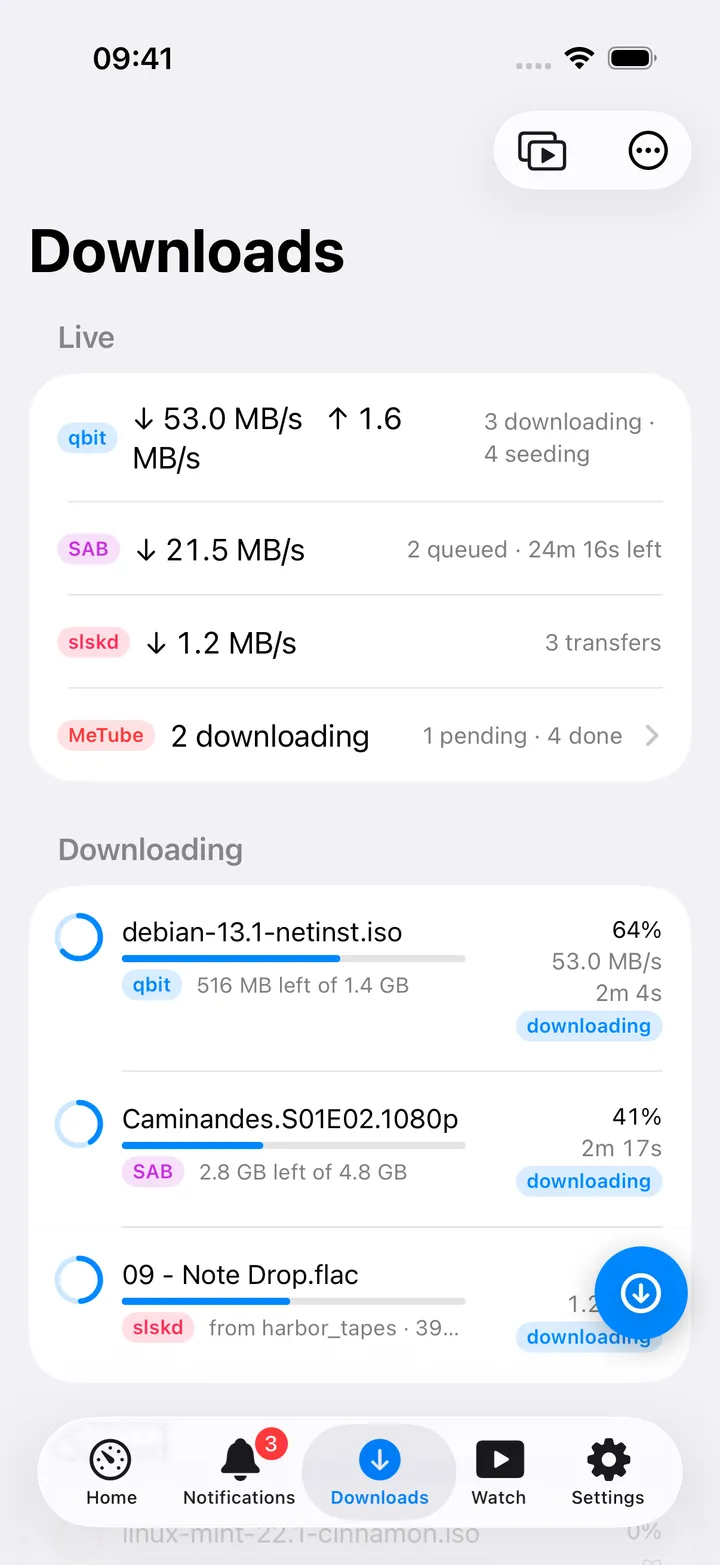
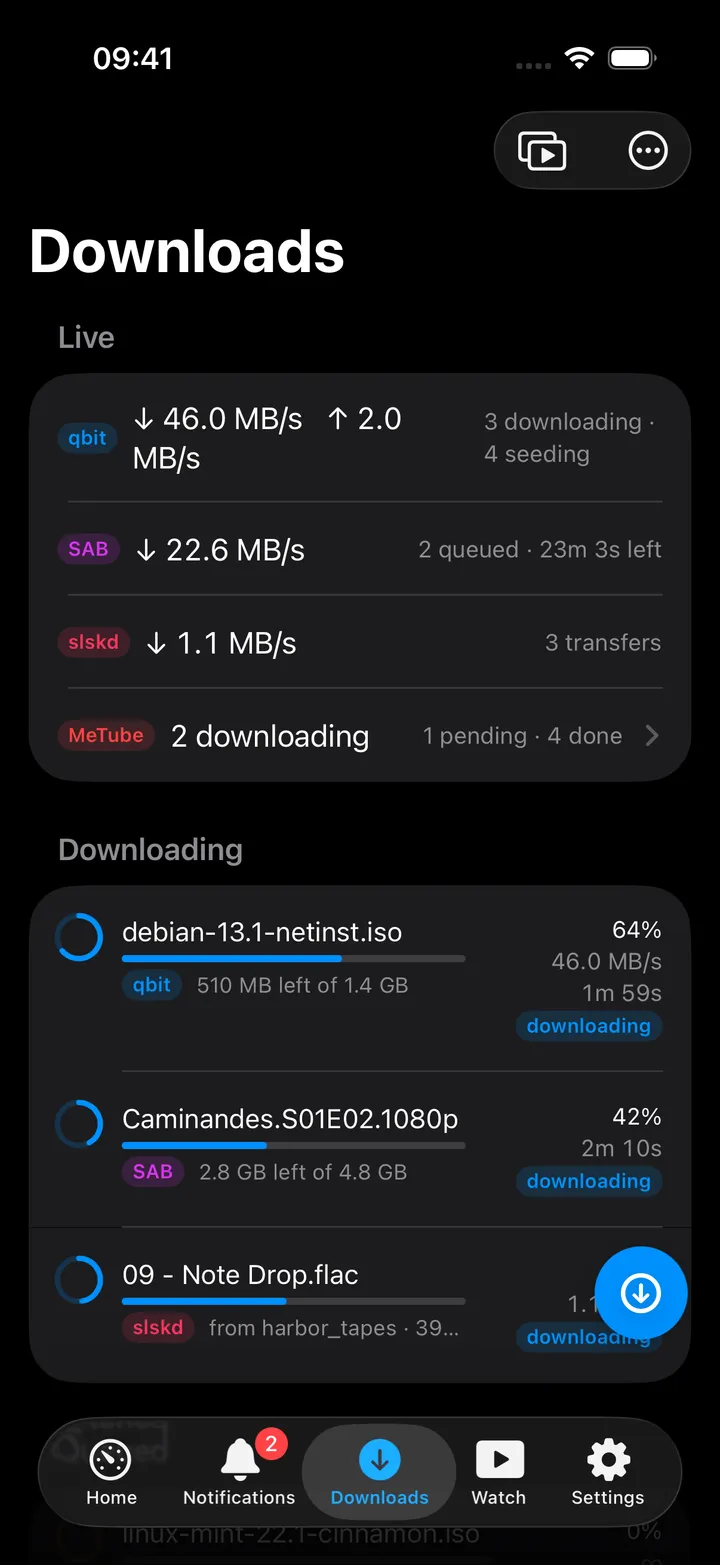
Open Downloads from its tab, or tap the Downloads card on Home, which opens the same page on Home’s own stack.
- Leading swipe Pause/Resume; trailing swipe Delete → a confirmation asking Delete, keep downloaded data or Delete and downloaded data.
- Long-press menu adds Move to top, the Priority picker, Copy name and Open in web UI.
- SABnzbd rows never show a per-item speed, only the queue’s total speed appears in the summary row.
- Open SABnzbd in the ⋯ menu at the top opens its web UI inside the app. It is also one of the actions you can put in the round button beside the + (turn that button off in Settings → Screen action buttons).
On Mac
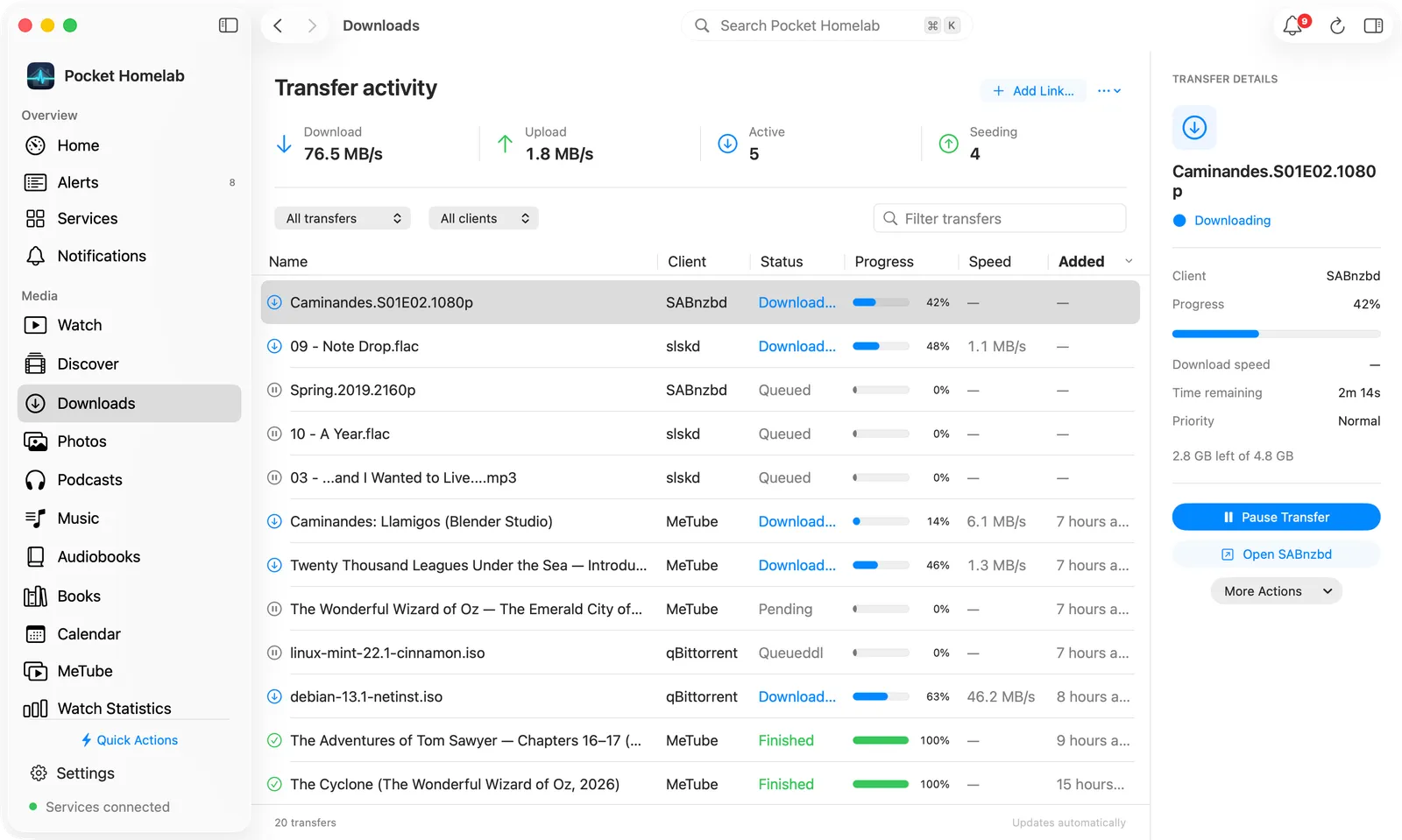
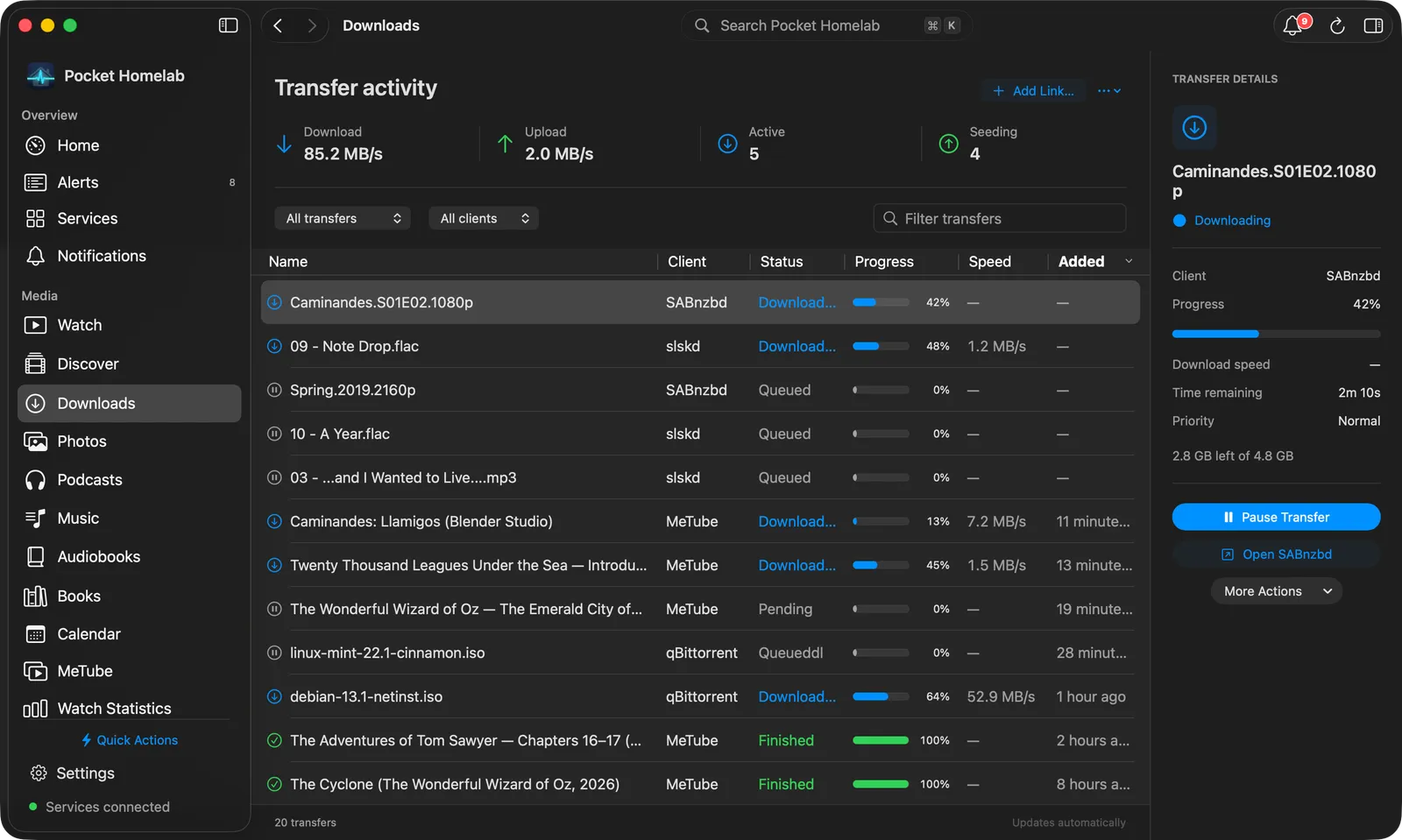
The Downloads workspace (⌘4 by default) lists SABnzbd jobs in the same Transfer activity table as the other clients, with Name, Client, Status, Progress, Speed and Added columns.
- The table is sorted newest first by Added. SABnzbd gives no date for a queued job, so its rows show a dash there and stay at the top of that order; Speed stays empty for the same reason as on iPhone.
- Narrow the list with the status picker, the client picker (SABnzbd) and Filter transfers.
- Transfer details shows progress, time remaining, priority and the size left, with Pause Transfer / Resume Transfer, Open SABnzbd (in your browser) and More Actions, the same menu you get by right-clicking the row.
Actions
- Pause / Resume a job.
- Delete: always asks whether to keep or remove the downloaded data.
- Move to top, Priority (Force / High / Normal / Low).
- There is no add-NZB flow anywhere in the app, jobs arrive here only via Prowlarr grabs or SABnzbd’s own UI.
Works with
- Prowlarr: a grabbed release lands here because Prowlarr sent it to SABnzbd, not because the app tracked the grab itself.
- qBittorrent / slskd / MeTube: share the same Downloads screen and Home card.
Tips & troubleshooting
- SABnzbd answers HTTP 200 even for a rejected key, with
{"error": "API Key Incorrect"}in the body, the app surfaces that text directly as “SABnzbd: API Key Incorrect”. - With a URL but no key, SABnzbd is skipped silently on iPhone, check Settings if a client you expect is missing from the list. The Mac says “SABnzbd API key is missing. Add it in Settings.”
- The iPhone Home card’s speed and active-count figures include SABnzbd and qBittorrent only. The Mac Home Downloads widget lists Usenet on its own line (queue size and time left, or Paused).