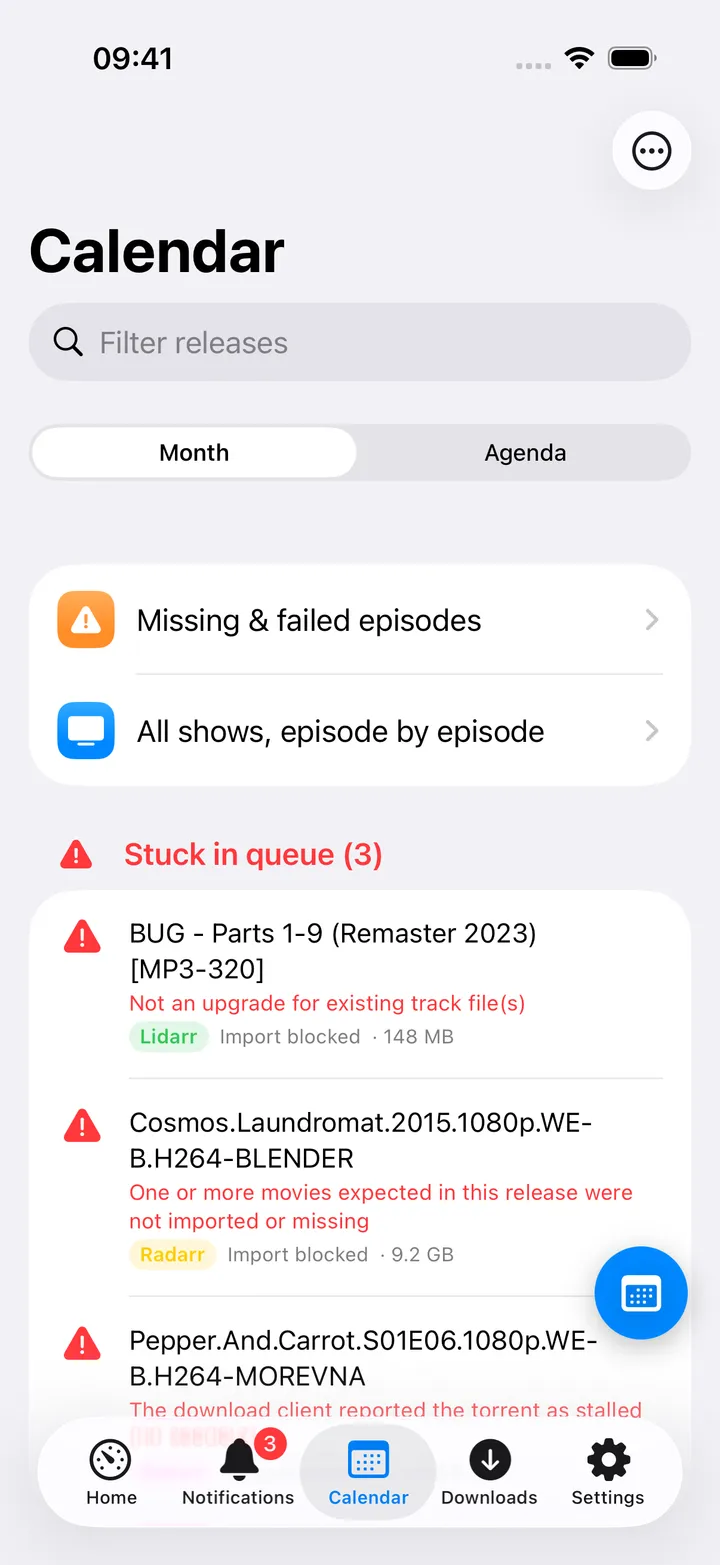
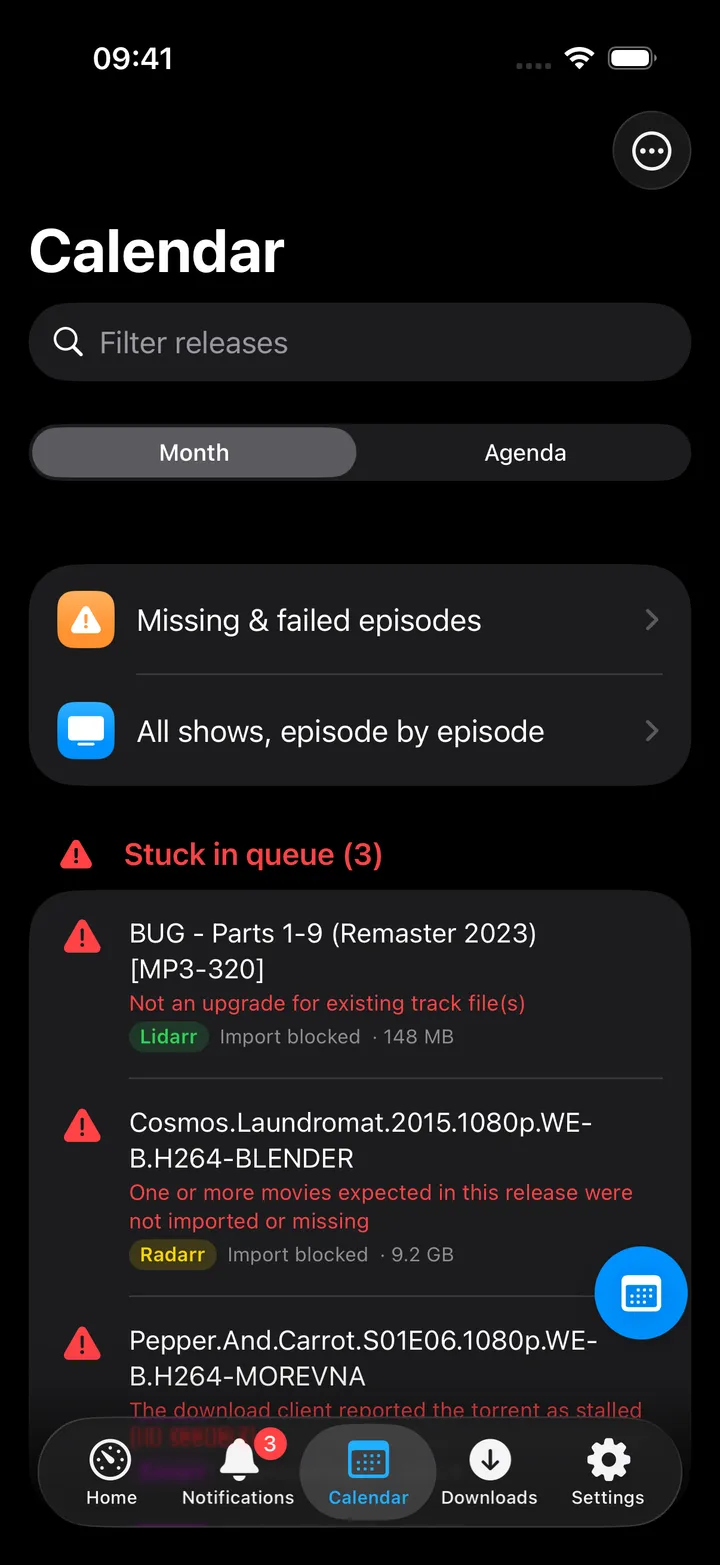
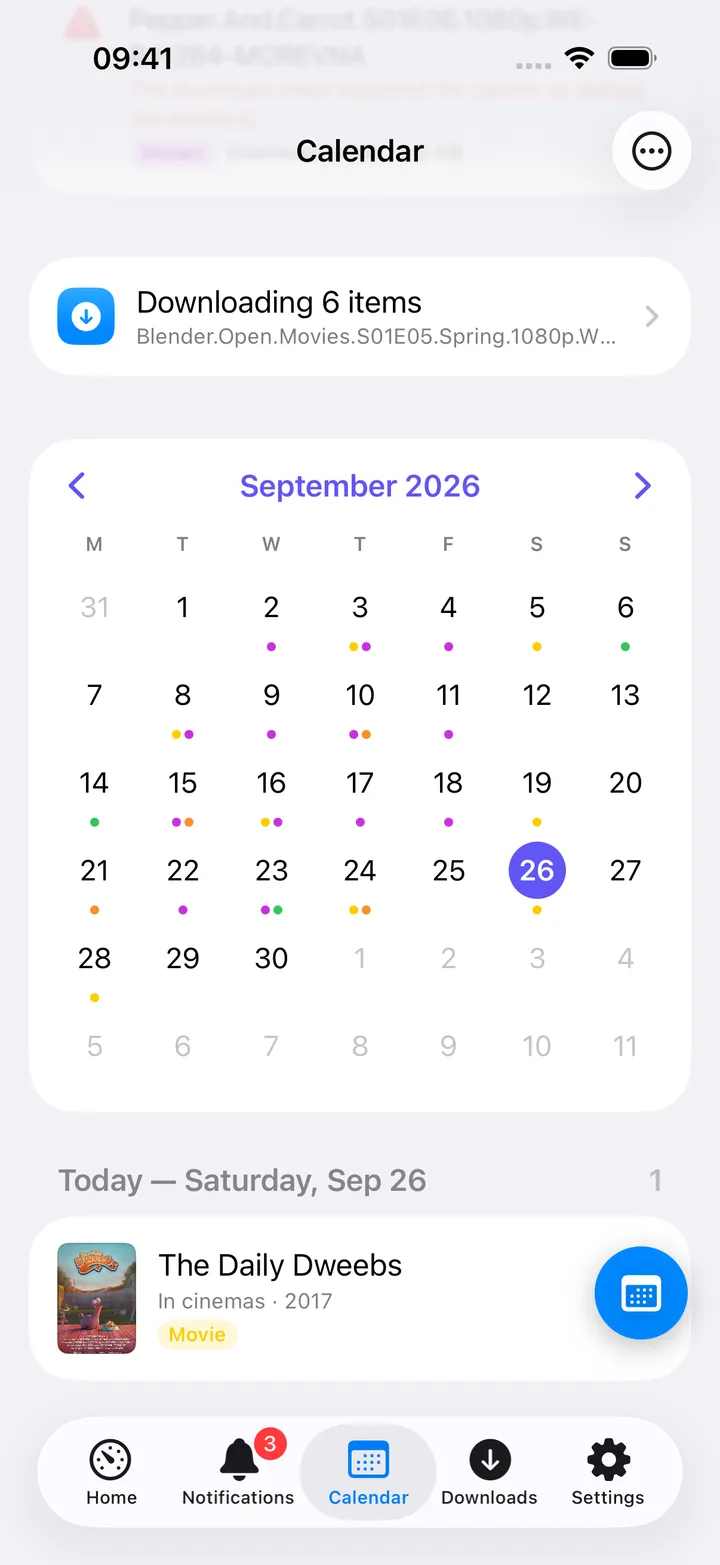
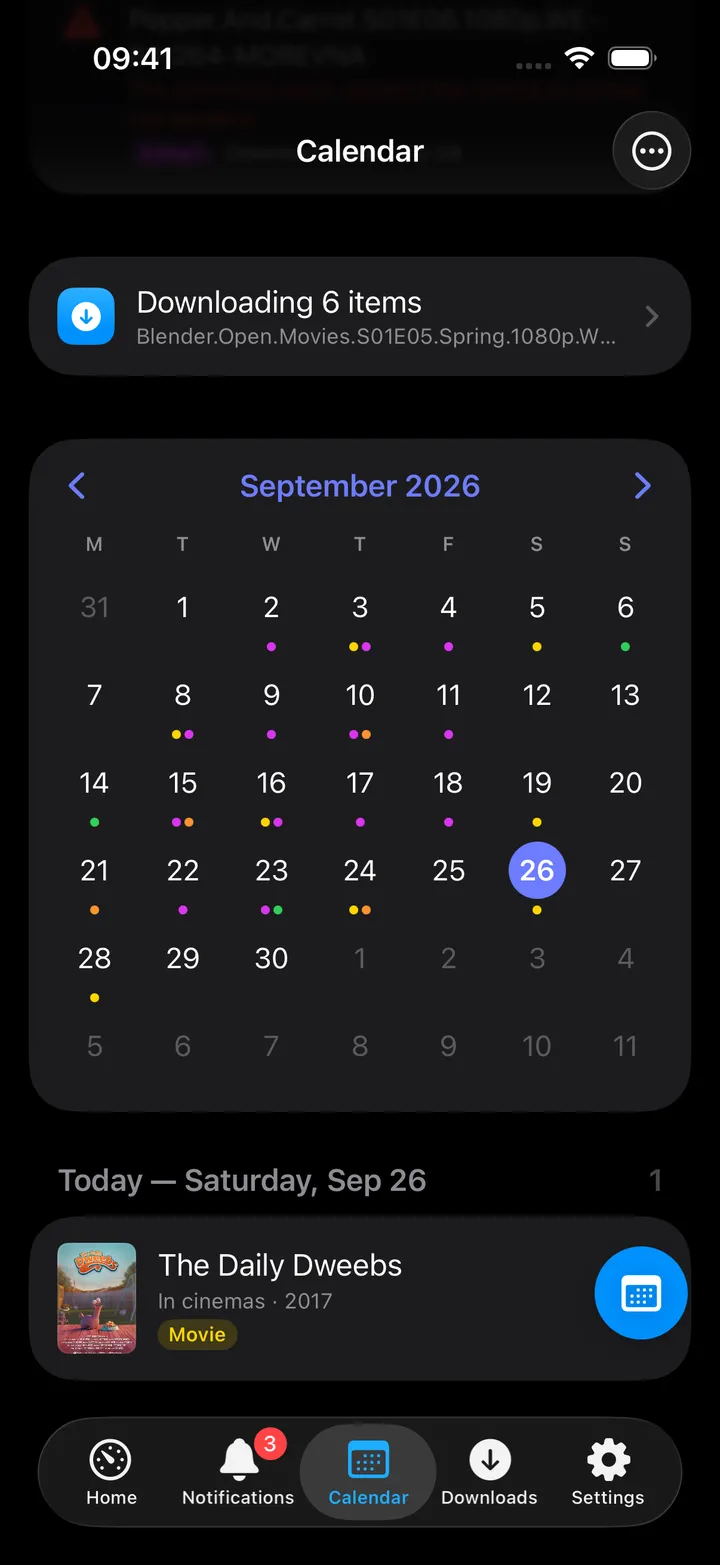
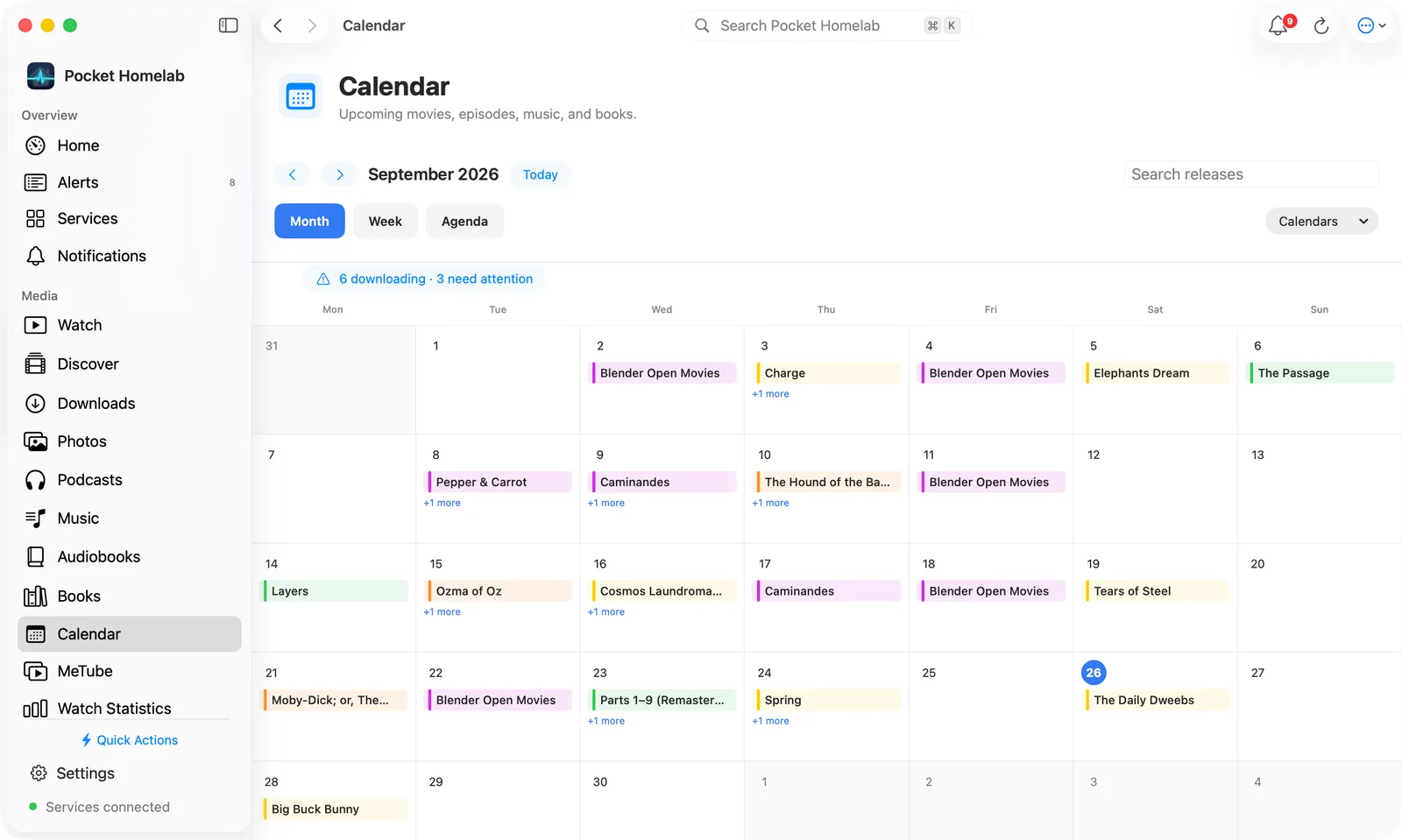
See upcoming album releases in the media calendar, plus a full Music hub for requesting artists and albums.
iPhoneMacOn this page
Lidarr manages your music collection. It feeds the shared Media calendar with upcoming album releases, and
separately powers the Music tab’s request, library-match and activity features alongside Navidrome and slskd.
What you get
Media calendar entries: one per album, titled with the album name and subtitle <artist> · Album (or
whatever albumType Lidarr reports). Lidarr’s colour is green, symbol music.note, kind tag from albumType.
Home tile (“Calendar”): shares the same tile as Radarr/Sonarr/Chaptarr, value N today / N stuck / next
release date.
Download queue: Lidarr’s queue rows appear in the shared Queue screen.
Music hub (separate from the calendar): “Request music” (MusicBrainz lookup listing every match, add
artist/album with root folder/profile/monitor choices), “Wanted” (monitored albums still missing), “Lidarr
artists” library, and “Activity” (Lidarr queue + Soulseek transfers + history).
Any one of Radarr, Sonarr, Lidarr or Chaptarr configured is enough to show the Calendar tab; Lidarr on its own
additionally unlocks the Music hub’s request features.
Set up
In Lidarr, open Settings → General and copy the API Key.
In the app, go to Settings → Services → Lidarr, paste the URL and key, then press Test connection.
Both the URL and key are required; a URL alone does not count as configured for Lidarr.
Key
Field
Required
Secret
Where to get it
LIDARR_URL
Lidarr URL
Required
—
Base URL of your instance. Leave empty to hide Lidarr features.
LIDARR_API_KEY
API key
Required
Secret
Settings → General.
Both the URL and key are required; a URL alone does not count as configured for Lidarr.
On iPhone
Month view: green dots for Lidarr albums, ringed today.
Agenda: album entries with artist and album-type subtitle. Detail screen title is Album; the “Release”
section labels Lidarr’s own status row “Series” for the artist status (a wording quirk shared with Chaptarr).
Search now in Lidarr and, with Prowlarr configured, Search indexers pre-filled with <artist> <title> in
the Music category.
The Calendar’s round button beside the + holds its controls: Today, Month, Agenda, Download
queue, Refresh, the previous and next month, Next 7/14/30/90 days, Add to iOS Calendar, Show
Lidarr (when more than one arr app is set up) and Open Lidarr. The first five show until you pick your own
with Customise.
The Music tab has its own “Request music”, “Wanted”, “Lidarr artists” and “Activity” screens, also in the Music
round button; see the Navidrome page for the shared Music surface.
Request music searches MusicBrainz through Lidarr: type an artist, or “artist album”, and every match is
listed with whether it is already in your library. Adding an artist or album monitors it; Search now asks
Lidarr’s indexers straight away, and Search Soulseek (with slskd configured) lets you pick a folder yourself.
On Mac
Calendar workspace (earlier layout): releases by day, with the stuck queue beside them.
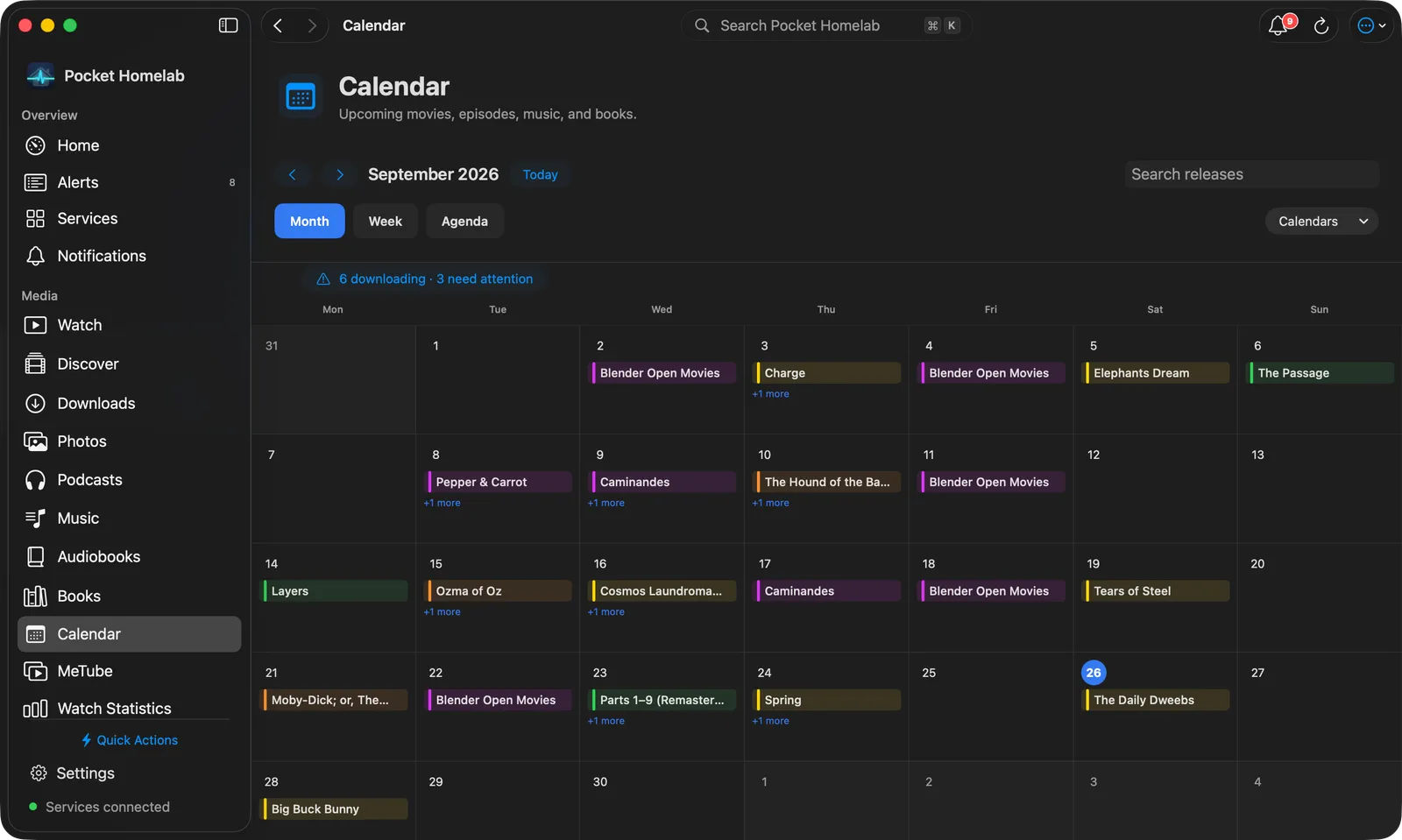
The Calendar workspace has Month, Week and Agenda views, as rounded tabs, with a Search releases
field and a Calendars menu to show or hide each arr app. Month is a full-width grid with release titles, Week a
seven-day planner with artwork, and Agenda a date-grouped list covering the next 7, 14, 30 or 90 days, with a small
month navigator beside it. Clicking a release opens its details in a sheet. Lidarr is filed under the Music
section in the Services directory, not Calendar.
Requesting music happens in the Music workspace (⇧⌘J for Music, ⌥⌘J for Request
music), where every Lidarr page is laid out for the desktop:
Request music: an Artists / Albums switch beside the search field; MusicBrainz matches show as cards,
with Search Soulseek for “…” instead in the bar when slskd is set up. Right-click a card for Open, Add to
Lidarr…, Search Soulseek and Copy MusicBrainz id.
An artist is one scrolling page: a hero with the picture, status, Albums, Tracks on disk, Complete
and Size, then Search for missing albums, a Monitored switch, Search Soulseek and ⋯ (Refresh
from MusicBrainz, Find in the library, Open in Lidarr, Remove from Lidarr…, Copy MusicBrainz
id). The albums follow as a cover grid with a sort (Newest, Oldest, Title, Missing first) and
Monitor all; each cover has its status, a bookmark to monitor or unmonitor it, and a search button while it
is monitored and incomplete. An artist not yet in Lidarr shows Add to Lidarr instead.
An album is one scrolling page too: the hero has Search now (while tracks are missing), Monitored,
Search Soulseek and ⋯ (Go to artist, Find in the library, Open in Lidarr, Copy MusicBrainz
id, Remove from Lidarr…). Below it, the tracks are a list card with an on-disk mark per track, beside
About and History.
Lidarr artists is a sortable table (Artist, Albums, Tracks, On disk, Size, Status) with a Show filter
(All, Incomplete, Unmonitored); Wanted is a table with Search all and per-album search and unmonitor
buttons; Activity has a bar with the Lidarr queue, Soulseek, speed and finished totals over the queue,
transfers and history.
Actions
Search now in Lidarr: POST /api/v1/command (AlbumSearch); Lidarr grabs automatically. Always behind a
confirmation dialog.
Remove from queue: with an option to also blocklist the release.
Add to iOS Calendar / Add to Calendar: writes an all-day event into a “Homelab media” device calendar.
Add, monitor and remove for artists and albums exist, but only inside the Music tab, not from the calendar.
Removing asks Remove, keep files or Remove and delete files.
Works with
Prowlarr: an album’s detail screen gains “Search indexers” pre-filled with the artist and title in the Music
category.
Navidrome / slskd (Music hub): the same LIDARR_URL/key power requests, wanted-album lists, and the
Lidarr-match rows shown on artist and album screens.
Jellyfin (Watch) and Jellyseerr (Discover): both gain a “Media calendar” button (in the toolbar and in their
round buttons) once Lidarr (or any arr app) is configured.
Tips & troubleshooting
A calendar album counts as “downloaded” only once 100% of its tracks are on disk; the Music hub’s own
completeness check uses 99.5%, so an album can occasionally show downloaded there but not here.
A queue row whose artist is unknown to Lidarr still counts as “stuck”.
A wrong key shows “API key rejected. Copy it from Lidarr → Settings → General.”