
Nextcloud
Browse, search and share Nextcloud files, with a full-text and OCR index, plus a dedicated Mac file browser.
iPhoneMacOn this page
Nextcloud is a self-hosted file, calendar and groupware server. Pocket Homelab connects to its Files app over WebDAV: browsing, full-text and OCR search (via the Full Text Search app, if you have it), a storage-quota card on Home, and public share links. The same one set of credentials also powers four companion features, Notes, Contacts, Deck and Tasks, covered on their own pages below.
What you get
- Home row: quota used (e.g. “12 GB”), percent used and the name of the most recently modified file.
- Home header option: “Nextcloud storage”, a pinned capsule with used space and the latest file.
- “Cloud” tab (optional, off by default): browse, or search names, document text and OCR excerpts.
- Screen action button (iPhone): a round button beside the + on the Cloud screen with its browse, search and filter controls.
- Quick action: Search Nextcloud (⌥⌘N on Mac).
- Spotlight/palette: a live full-text section once you type 2+ characters.
- Notes about a file: with Nextcloud Notes on the server, a file’s page lists the notes that link to it and offers Write a note about this.
- Mac: a dedicated Files page in the sidebar’s Workspace section (⌃⌘3), with icon and list views and breadcrumbs, separate from the iPhone screens.
- No push notifications and no app-badge contribution.
Set up
- In Nextcloud, open Personal settings → Security and create an app password (not your account password).
- In Pocket Homelab, go to Settings → Services → Nextcloud, fill in the URL, your user ID and the app password, then press Test connection. You should see “Signed in as <display name> · <used> used”, followed by your task-list count when Nextcloud Tasks answers.
| Key | Field | Required | Secret | Where to get it |
|---|---|---|---|---|
NEXTCLOUD_URL | Nextcloud URL | Required | — | Base URL of Nextcloud, including its subpath if any. |
NEXTCLOUD_USERNAME | Nextcloud Username | Required | — | Your Nextcloud user ID (not display name). |
NEXTCLOUD_APP_PASSWORD | Nextcloud App Password | Required | Secret | Create an app password in Nextcloud → Personal settings → Security. |
On iPhone
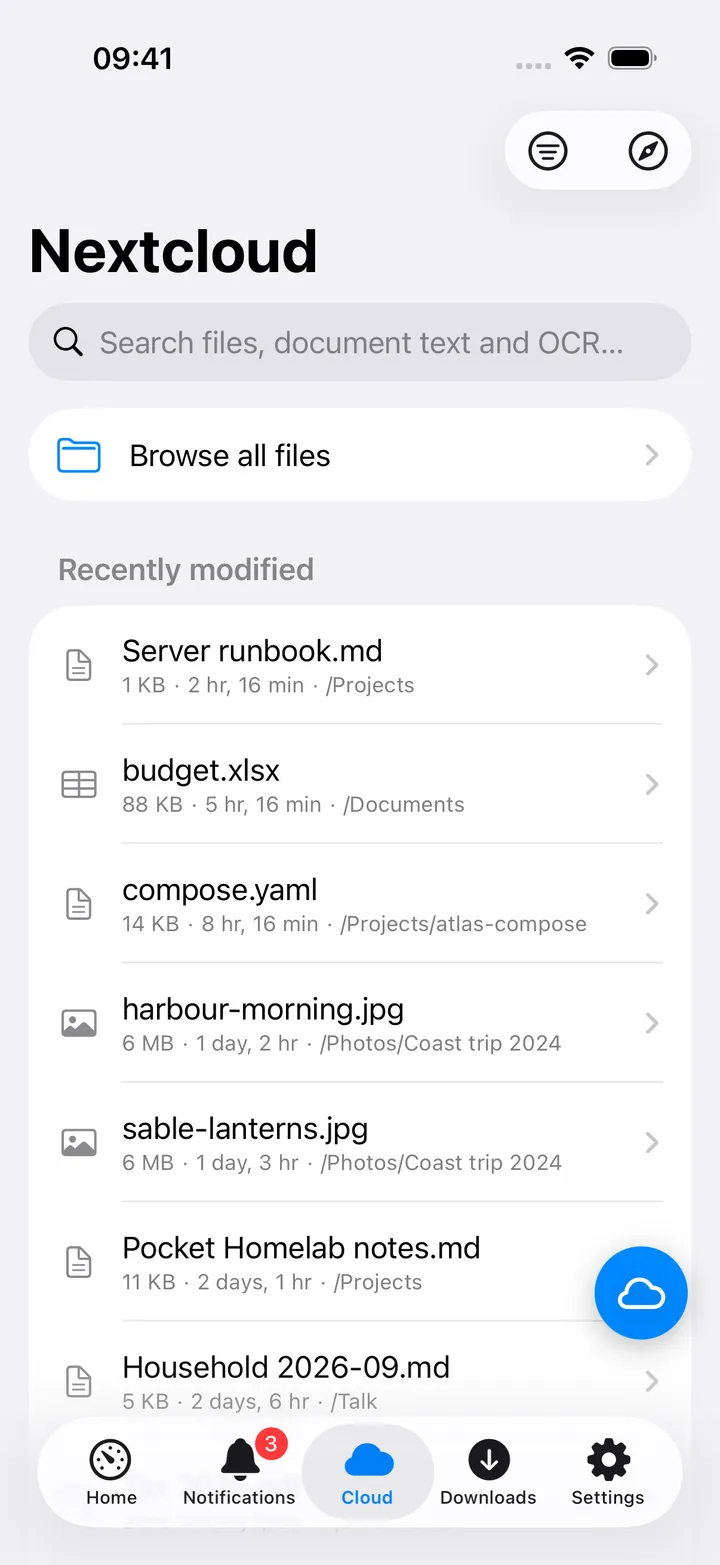
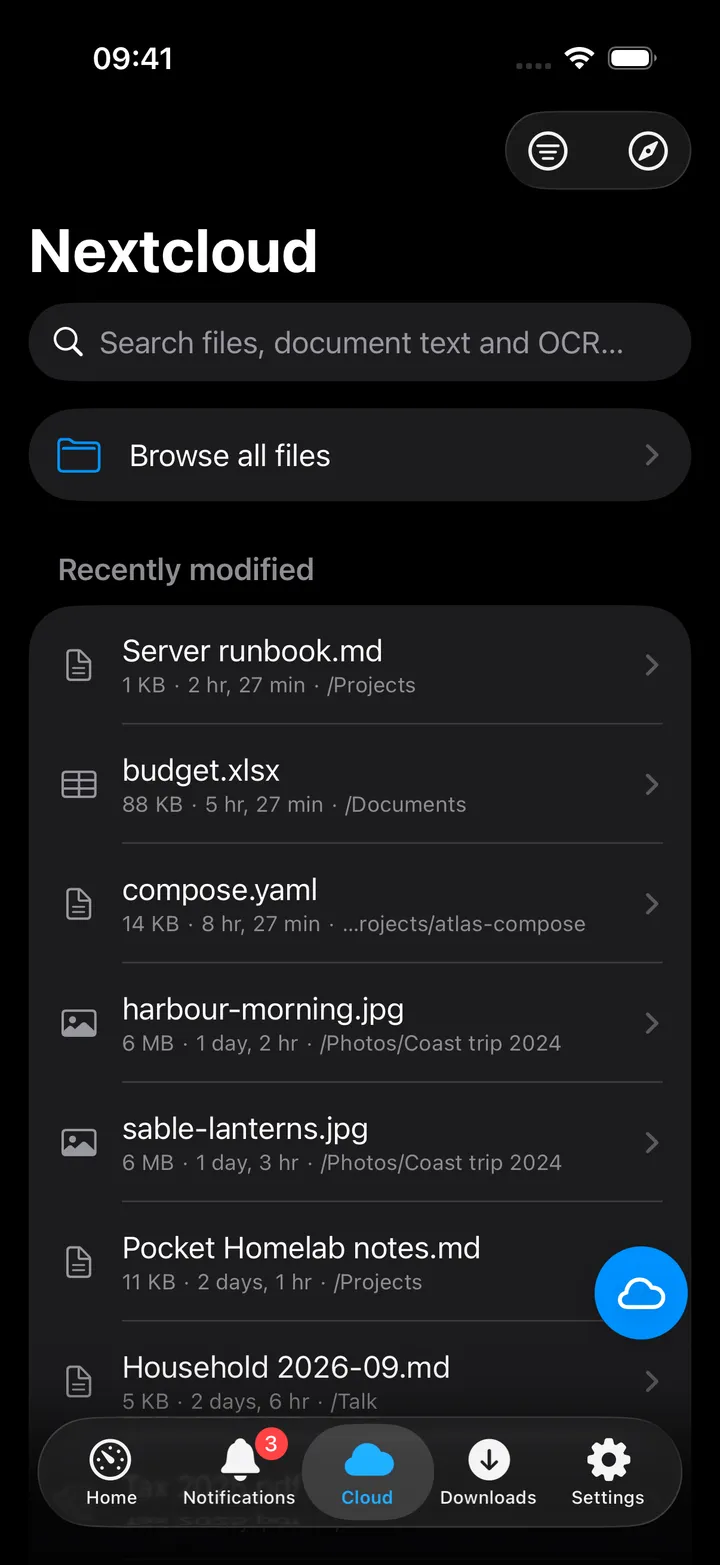
With the search field empty, the Cloud tab shows Browse all files and your Recently modified files. Type to
search; results show the folder each file is in, and a text or OCR excerpt when the index found one. The Search
options menu at the top holds Deck boards, the search mode (All indexed text (includes OCR), Document
text (includes image OCR), Indexed file names and File names (WebDAV, no index); the last one works even
without the Full Text Search app), OCR highlights only, a file-type filter (for example pdf) and Browse all
files. The safari button opens Nextcloud’s web app.
The round button beside the + carries the same controls: Browse all files, Deck boards, the file type, Refresh, Open Nextcloud, the four search modes (the current one marked) and OCR highlights only. It shows five of them until you choose your own with Customise, and you can turn it off in Settings → Screen action buttons.
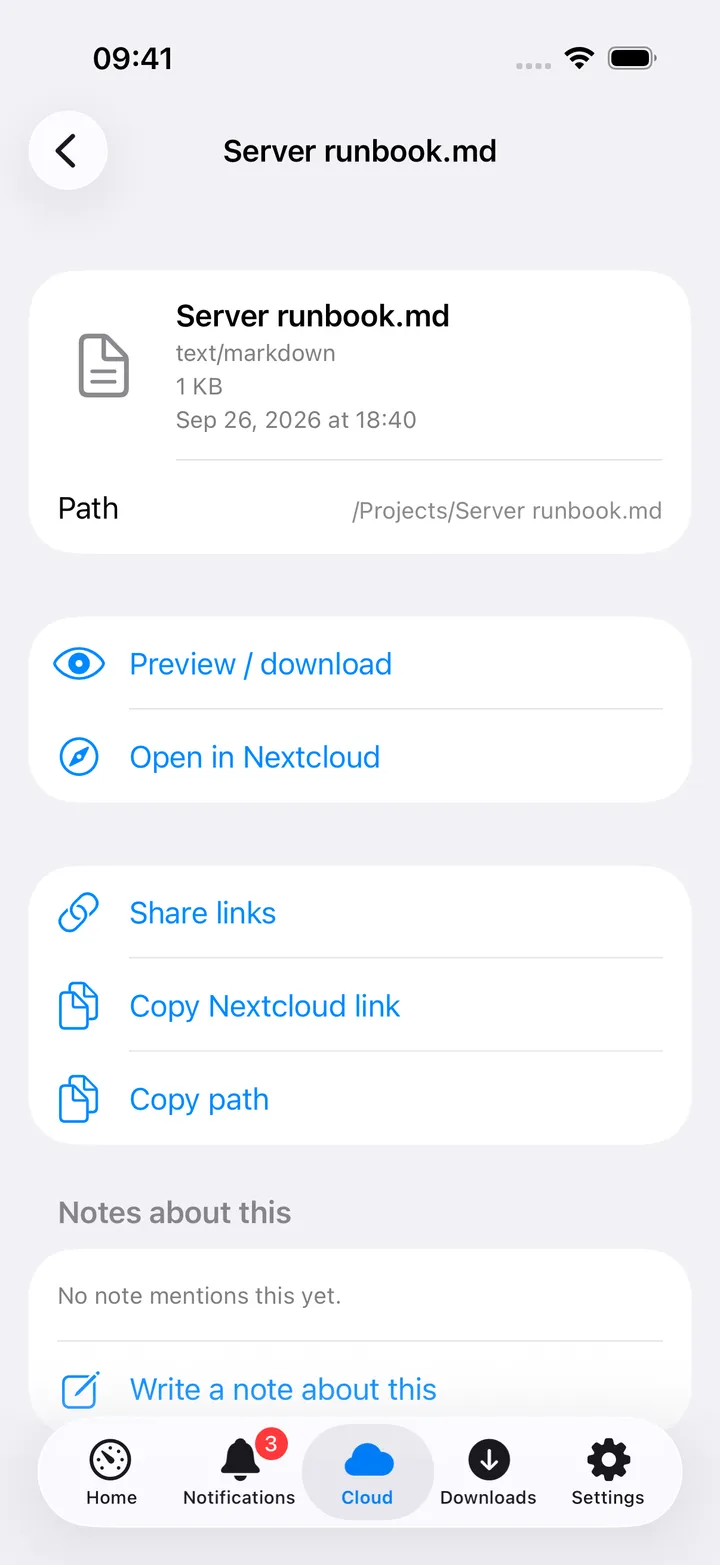
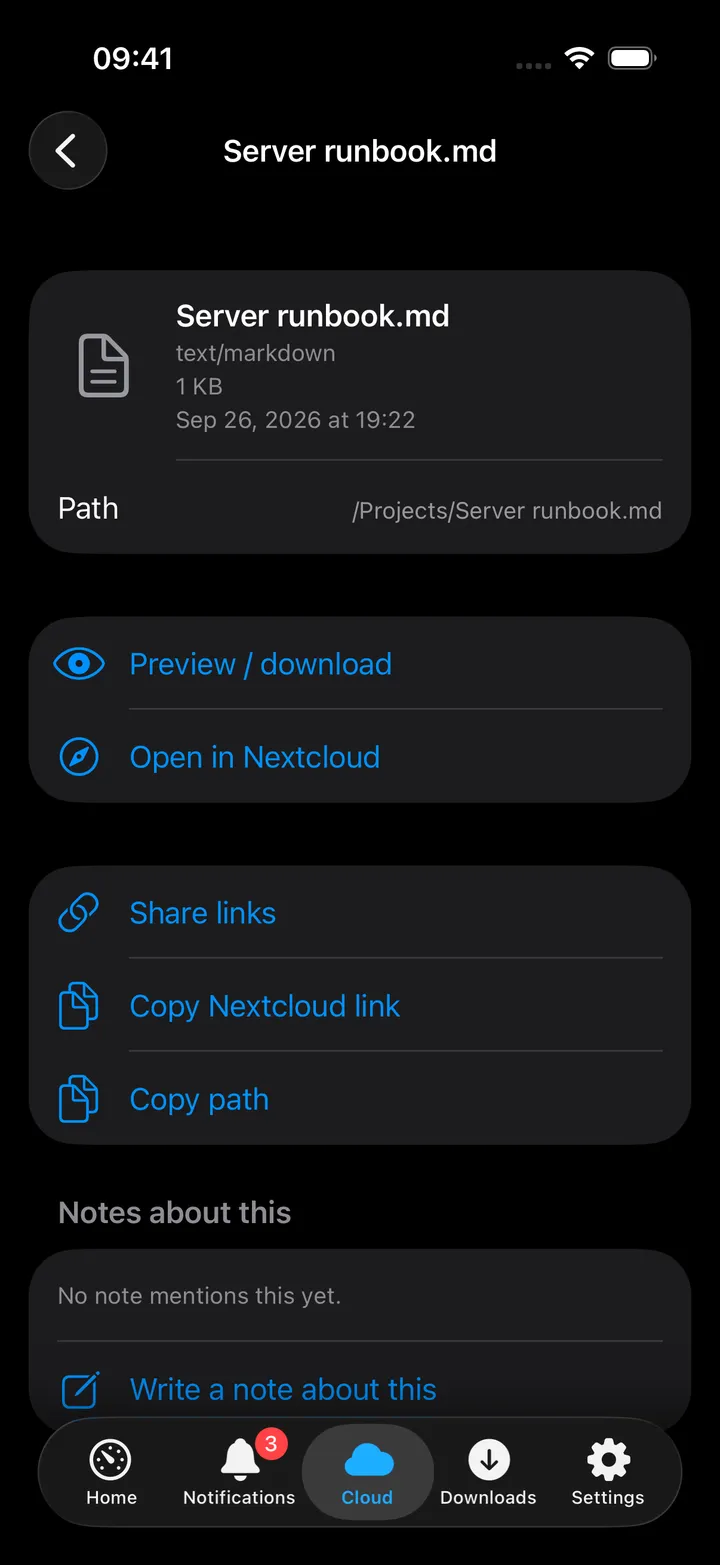
A file’s page shows its type, size, date and path, then Preview / download (Quick Look, then Save or share downloaded file), Open in Nextcloud, Share links, Copy Nextcloud link and Copy path, the Notes about this section, and up to eight text and OCR Matches. Share links creates a read-only public link, optionally with a password and expiry.
On Mac
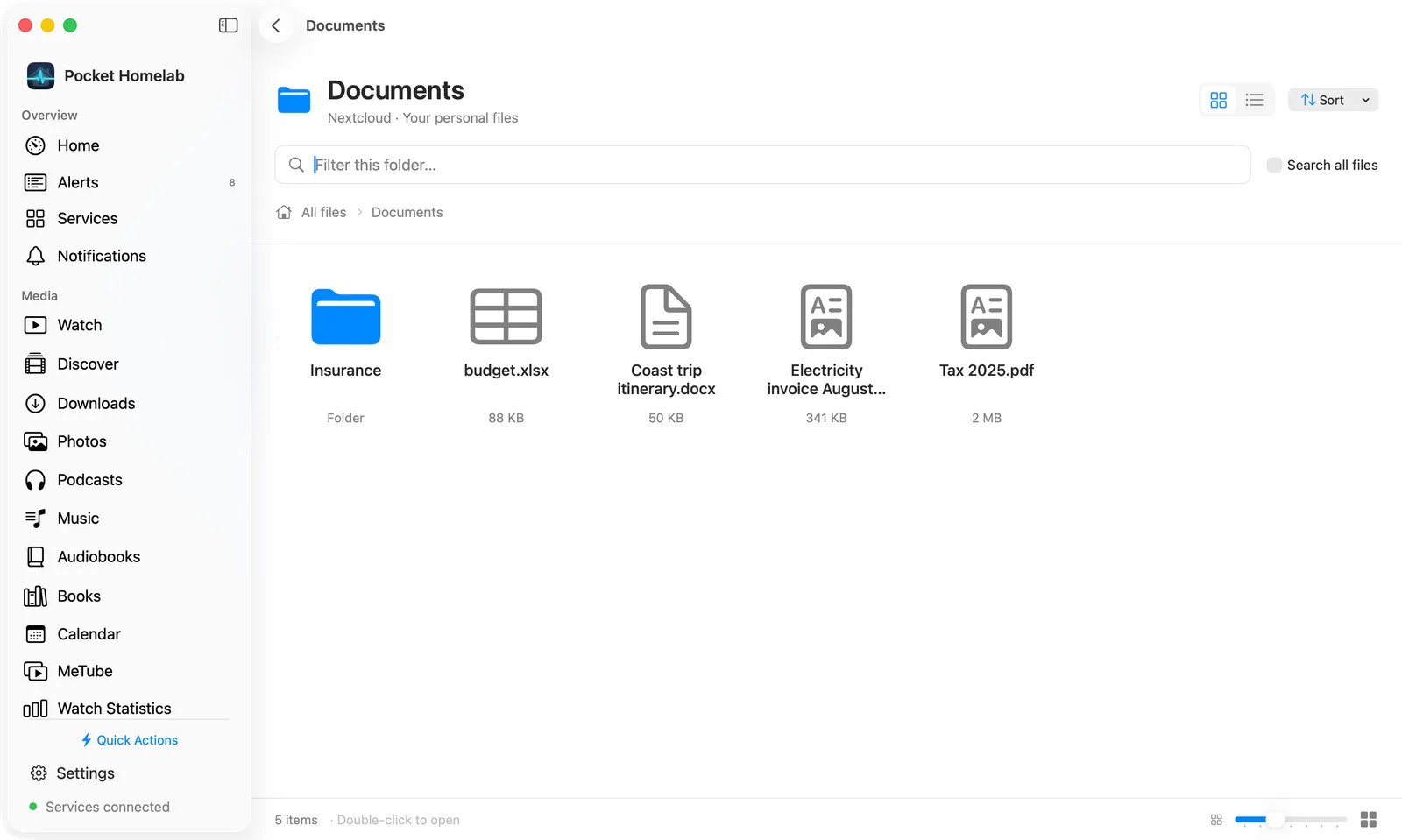
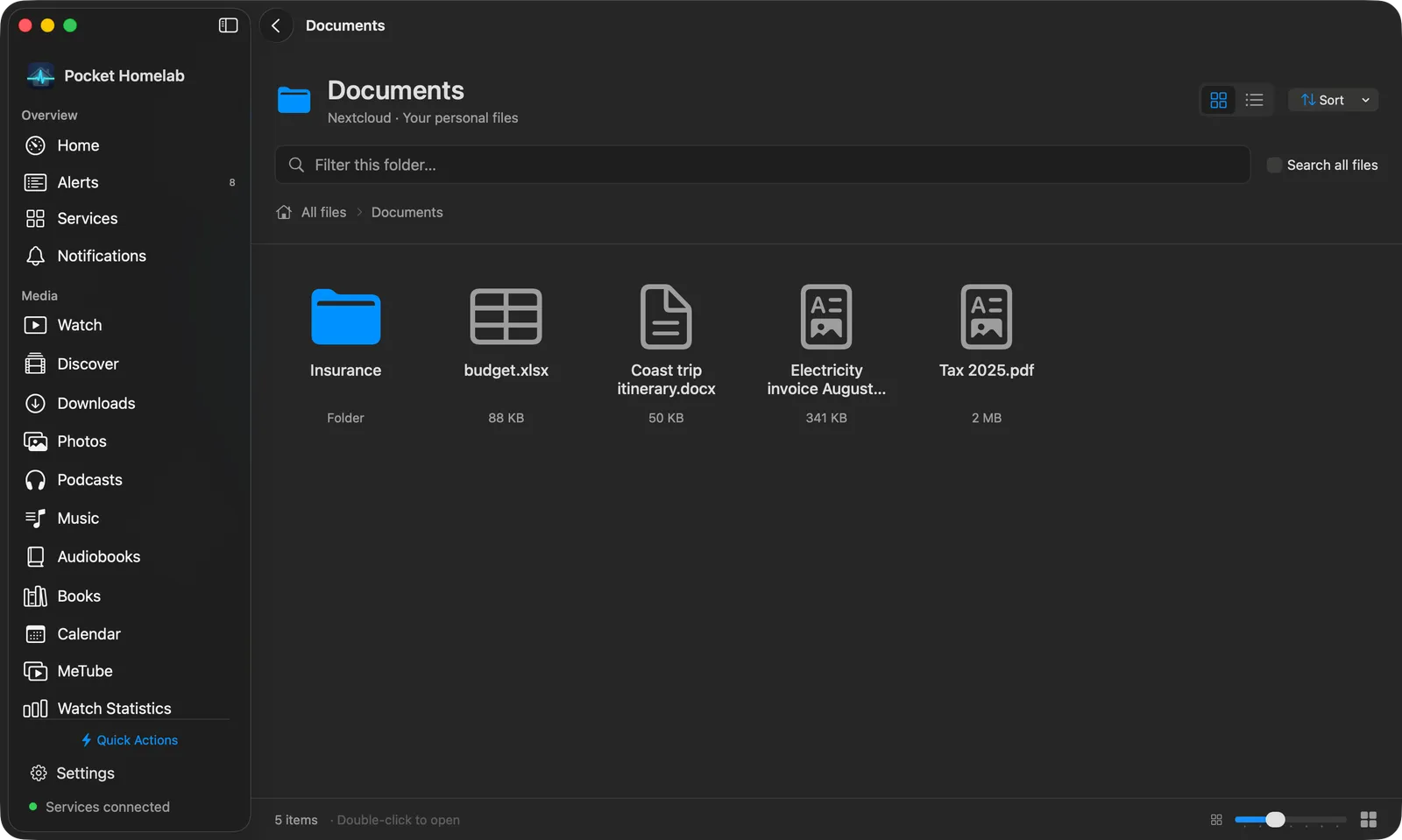
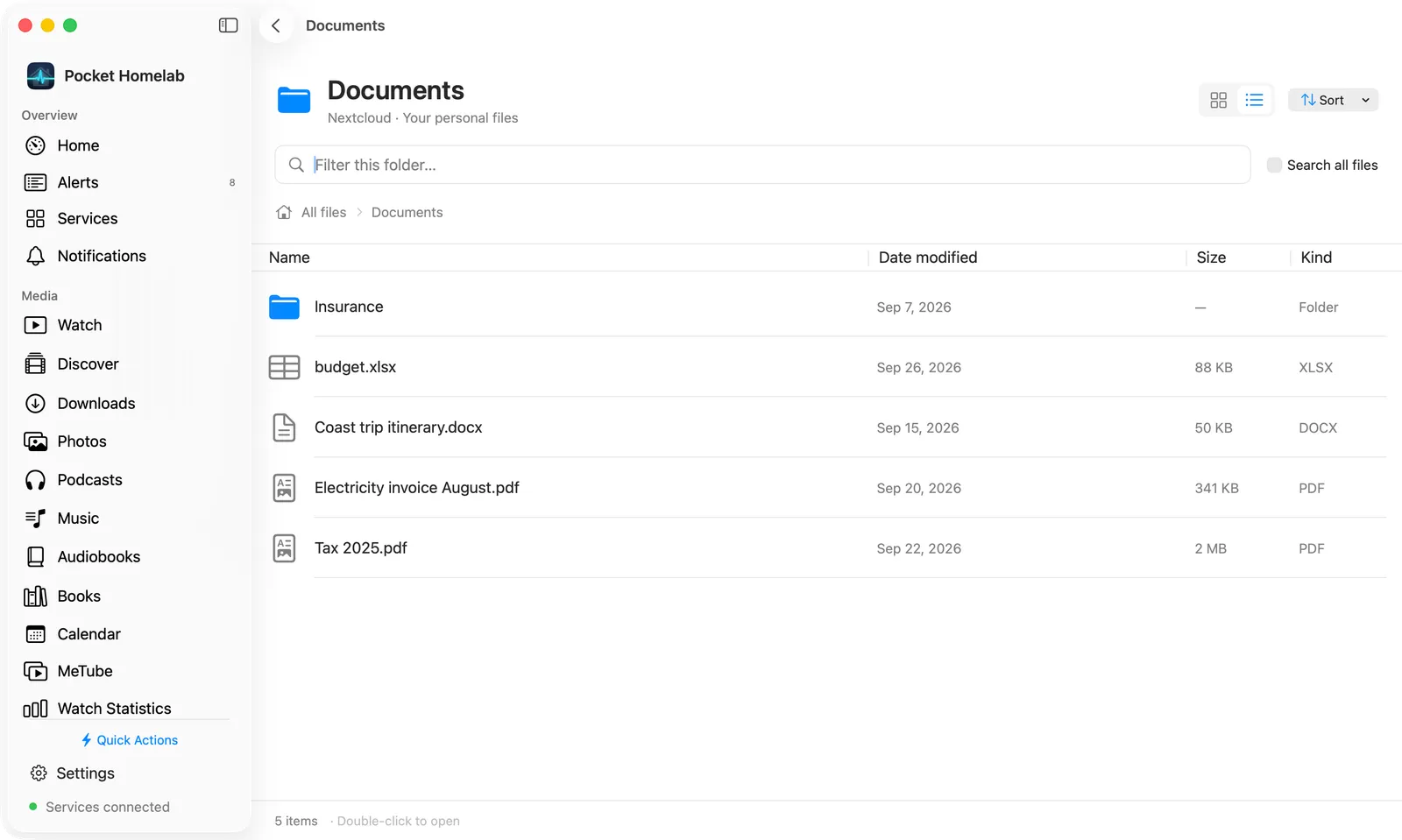
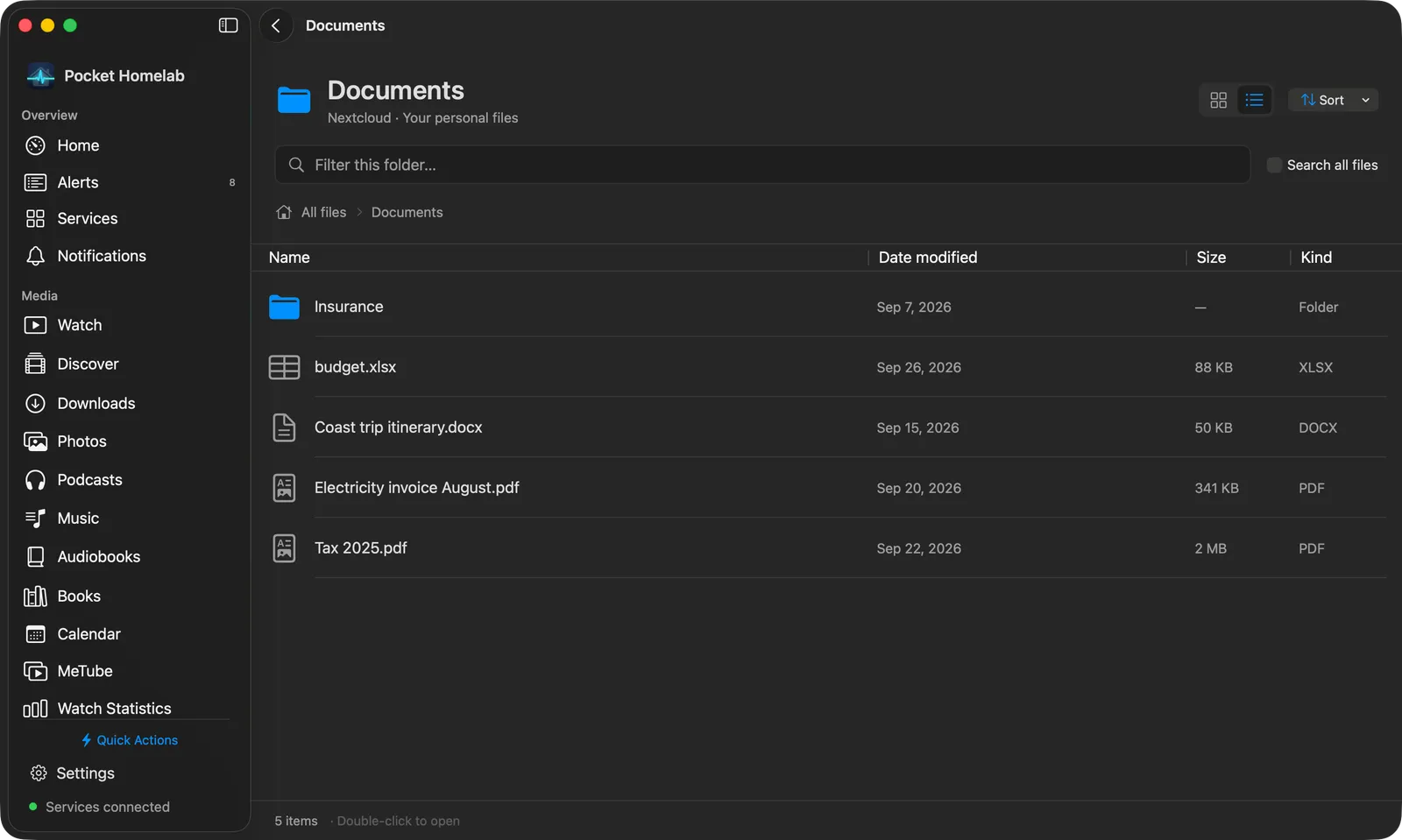
The header names the folder, with icon view (⇧⌘1) and list view (⇧⌘2) buttons and a Sort menu (name, date modified, size or kind, ascending or not; folders always come first). Below it, the search field filters the current folder; tick Search all files to search everything instead, which adds a Search in mode picker, a file-extension field and OCR highlights only. The breadcrumb row starts at All files and, at the top level, has a Recent files switch. List view has Name, Date modified, Size and Kind columns; the footer counts the items and holds the icon-size slider in icon view.
Double-click a folder (or select it and press Return) to open it. A file opens the same file page as on iPhone; there, Preview / download hands the downloaded file to your default app instead of Quick Look. Right-click an item for Open file (or Open folder) and Copy path.
Actions
- Create a read-only public share link (optional password and expiry).
- Revoke a share link.
Nothing else writes back: no upload, rename, move, delete, or favorites/tags from the app. Downloads only ever write to your device.
Works with
- Notes, Contacts, Deck and Tasks: same credentials, same free-tier slot; pausing or disabling Nextcloud hides all five at once. See their pages: Notes, Contacts, Deck, Tasks.
- Notes attachments: pictures and files added to a note are stored in your Nextcloud files, in the attachments folder chosen under Settings → Notes.
- Settings → Downloads: previewed and downloaded files are listed under “Nextcloud” and can be deleted from there.
- Home’s Open in Browser links row shows Nextcloud as soon as the URL is set, even without an app password.
Tips & troubleshooting
Nextcloud returned a page instead of JSONusually means a sign-in proxy is intercepting the request: check the URL opens Nextcloud directly, without an extra login page.- Full-text and OCR search need the Full Text Search app (Elasticsearch) installed on the server; without it, use File names (WebDAV, no index) instead.
- The WebDAV “recent files” and name search are capped at 200 results with no paging: narrow the query or browse folders directly for anything larger.