
LubeLogger
Vehicles, fuel-ups, expenses and reminders from LubeLogger, with cost by kind, adding vehicles, linked Firefly payments and an offline queue.
iPhoneMacOn this page
LubeLogger tracks vehicle fuel-ups, service, repairs and other costs. Pocket Homelab gives you a Vehicles screen for browsing and logging records, with an optional link to a matching payment in Firefly III using a Firefly Pico template, and every record you log works offline first. You can also add a vehicle to LubeLogger from the app.
What you get
- Home row (“Vehicles”): vehicle count and the first vehicle’s name (e.g. “2022 Volvo XC60”).
- Home header option: “Vehicles”.
- “Vehicles” tab (optional, off by default).
- Quick actions: Add fuel (⇧⌘F on Mac) and Add vehicle expense (⇧⌘V on Mac).
- Spotlight/palette: a Vehicles entry; on iPhone, the search sheet also finds vehicles and their records (up to four vehicles) from 2 characters. The Mac palette has no record search.
- Shortcuts (iPhone): Add Fuel opens a new fuel-up, from Shortcuts, Siri or the Action Button; see Widgets and Shortcuts.
- Mac: sidebar Vehicles under Workspace (⌃⌥⌘3).
- No push notifications and no app-badge contribution.
Set up
- LubeLogger only needs a login if you’ve set one up yourself in LubeLogger, leave the username/password empty otherwise.
- In Pocket Homelab, go to Settings → Services → LubeLogger, fill in the URL and (if needed) the login, then press Test connection. You should see “LubeLogger OK · N vehicles”.
- Optional: set your currency, distance and volume unit labels, and a default vehicle for the Home row.
| Key | Field | Required | Secret | Where to get it |
|---|---|---|---|---|
LUBELOGGER_URL | LubeLogger URL | Required | — | Base URL of your LubeLogger instance, e.g. https://lubelogger.example.org |
LUBELOGGER_USERNAME | LubeLogger Username | Optional | — | Only needed if your LubeLogger requires a login (basic auth) |
LUBELOGGER_PASSWORD | LubeLogger Password | Optional | Secret | Only needed if your LubeLogger requires a login (basic auth) |
LUBELOGGER_CURRENCY | Vehicle Currency | Optional | — | Currency used for vehicle costs and linked payments. Defaults to BAM. Changing it does not convert existing amounts. |
LUBELOGGER_DISTANCE_UNIT | Distance Unit Label | Optional | — | Defaults to km |
LUBELOGGER_VOLUME_UNIT | Fuel Volume Unit Label | Optional | — | Defaults to L |
LUBELOGGER_VEHICLE_ID | Default Vehicle ID | Optional | — | Which vehicle the Home row summarises when you have several |
On iPhone
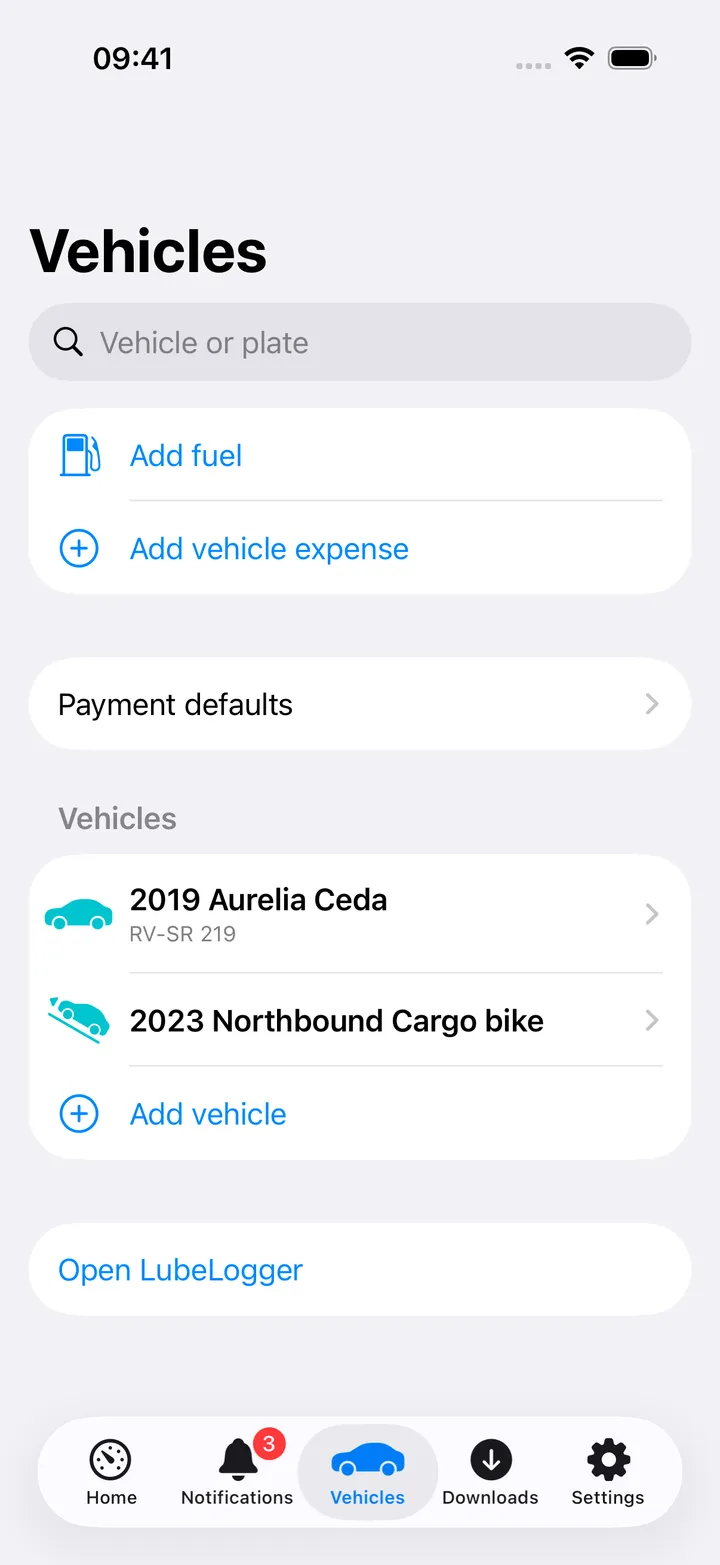
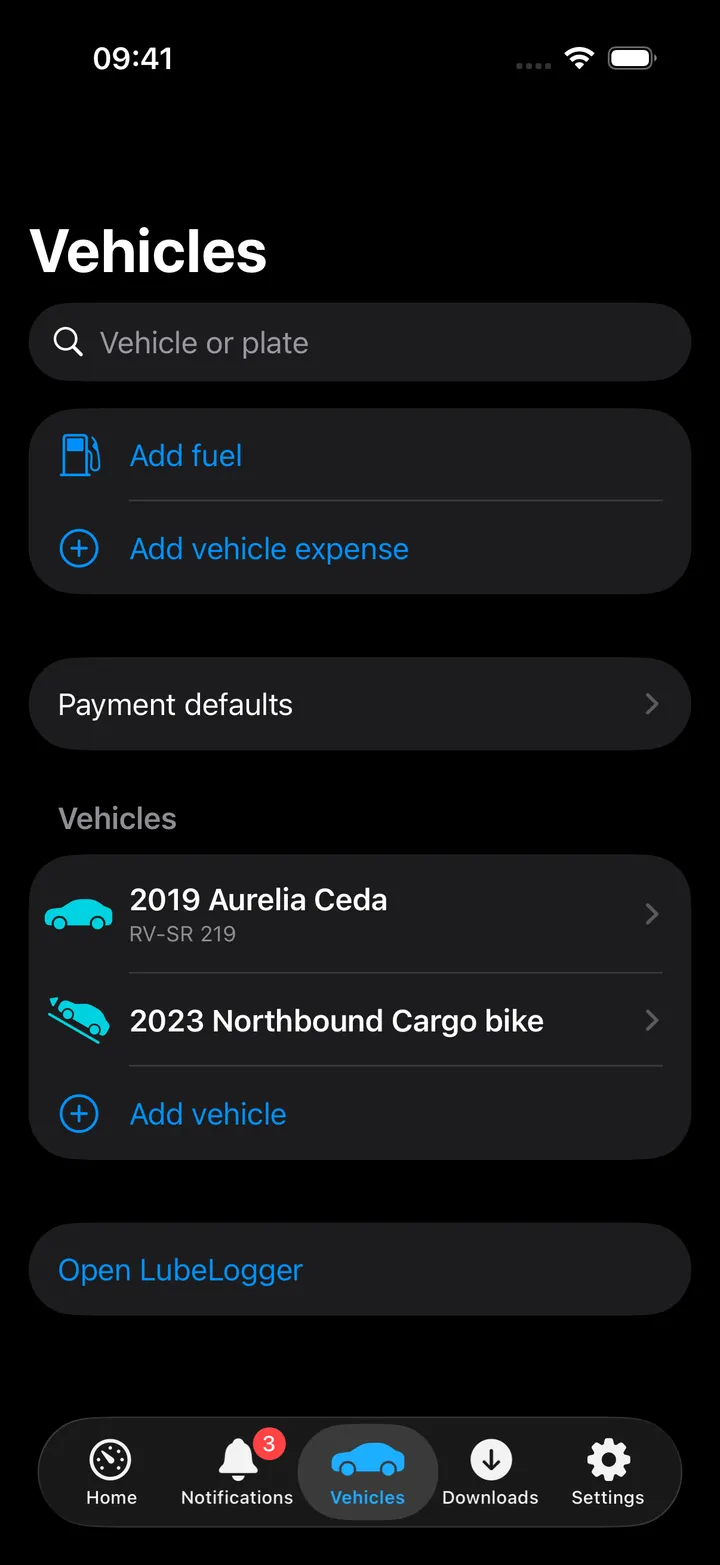
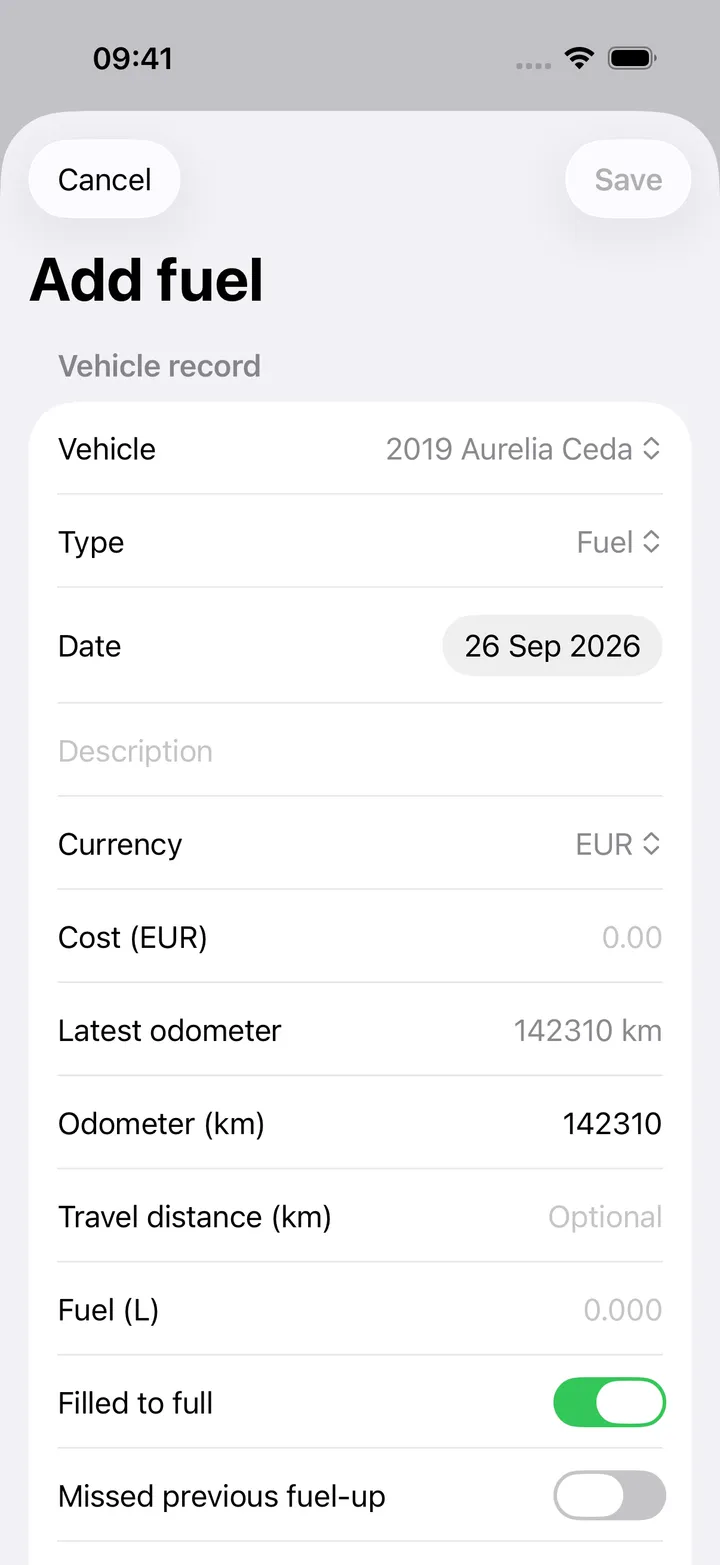
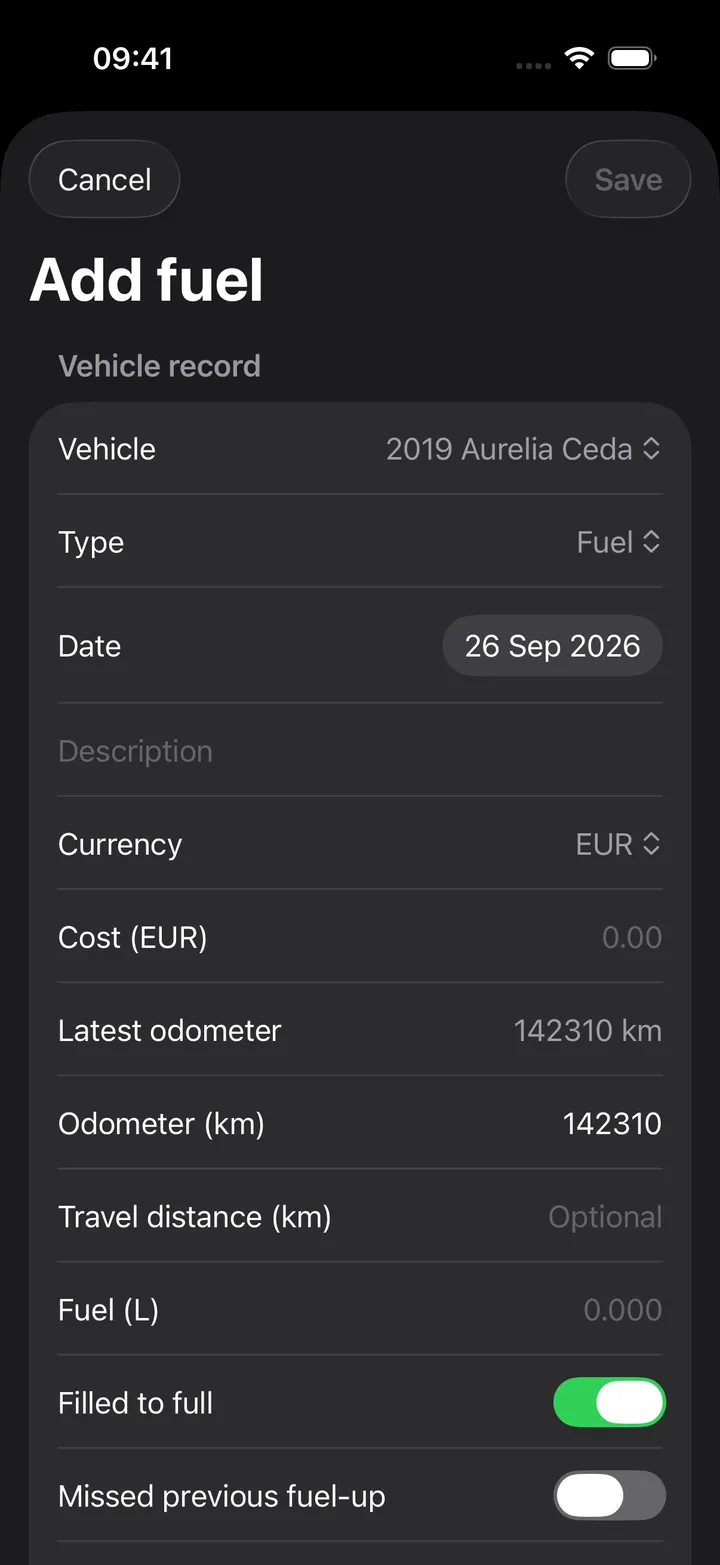
The Vehicles screen starts with Add fuel and Add vehicle expense, then Payment defaults, then your vehicles with their plates and an Add vehicle row, and Open LubeLogger at the bottom. The search field finds a vehicle by name or plate.
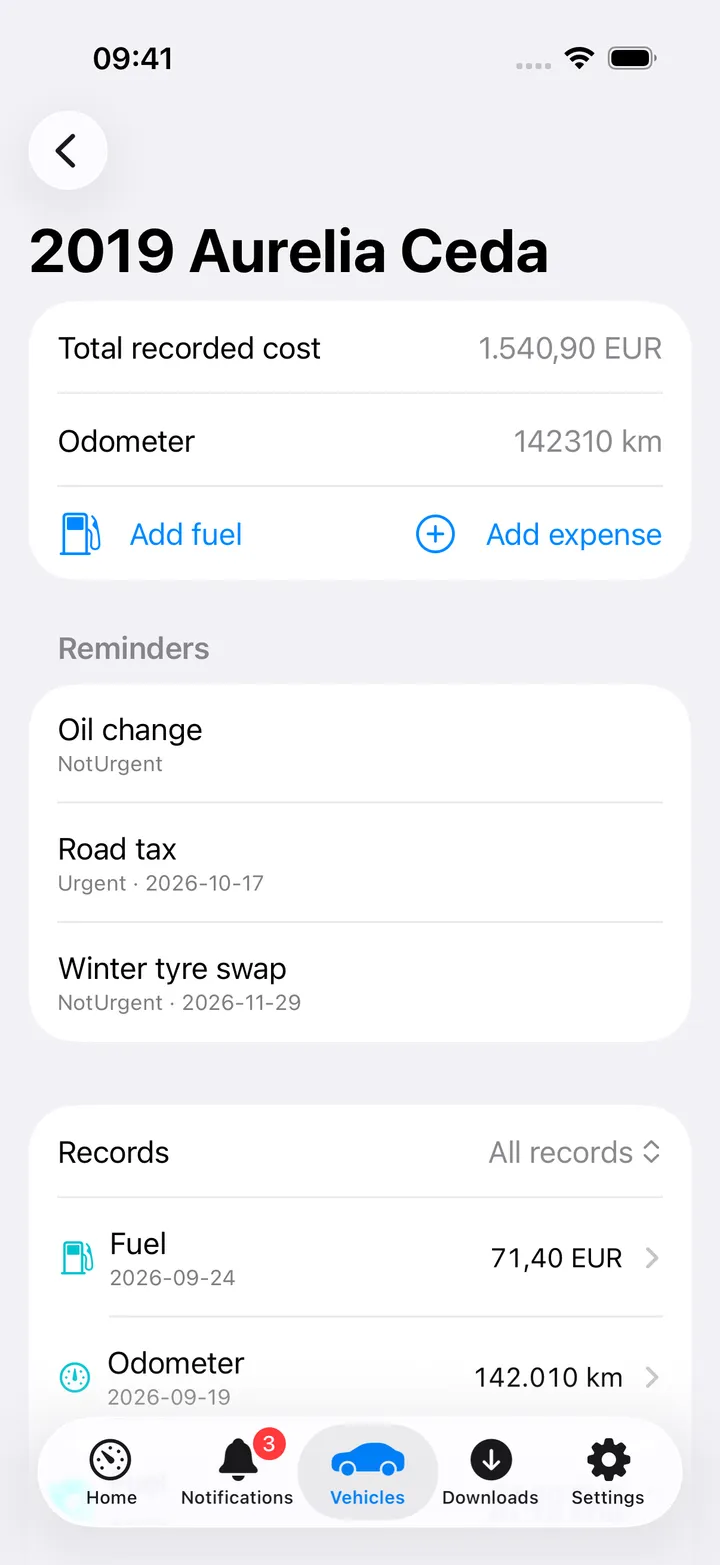
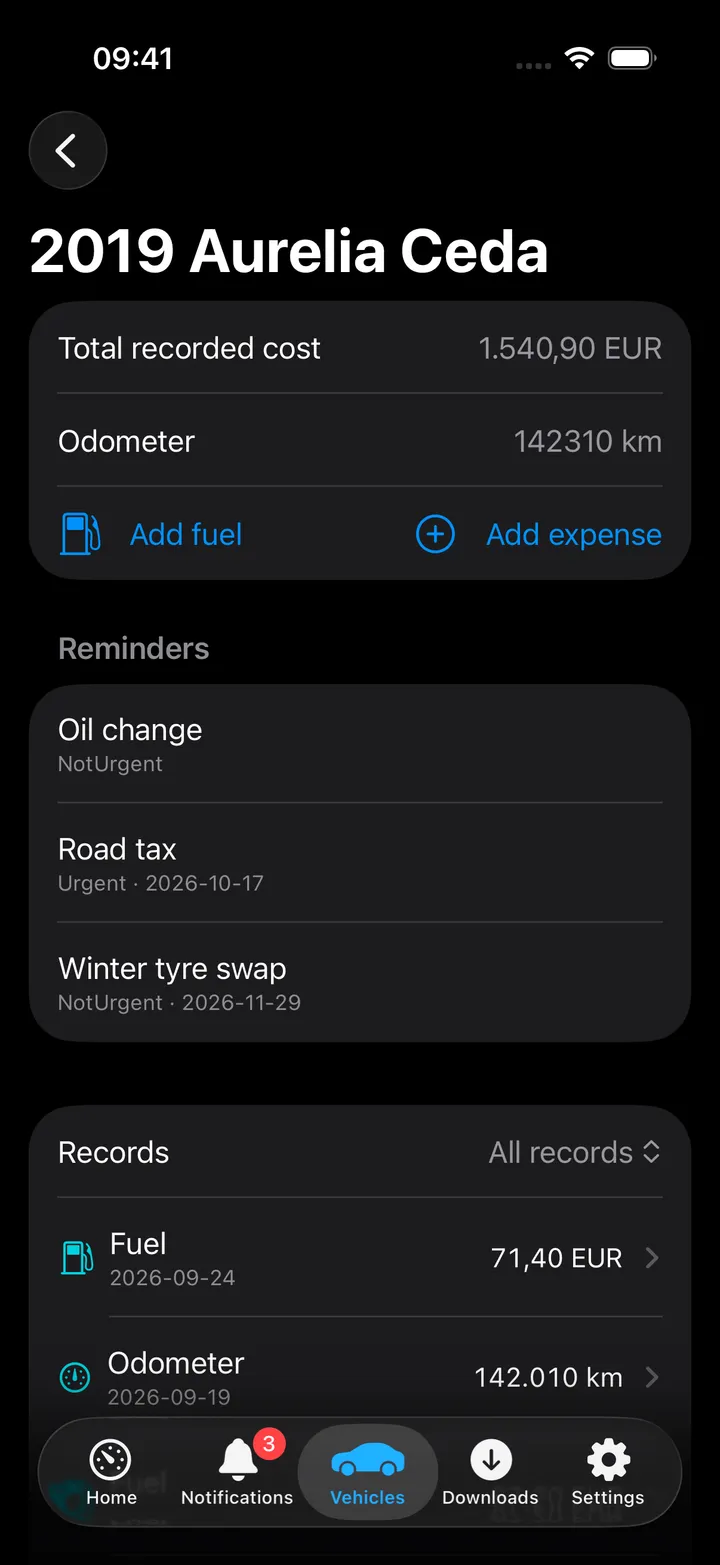
A vehicle’s page shows the total recorded cost per currency, the odometer (or hours), Add fuel and Add expense, LubeLogger’s Reminders, and the records with a picker for All records, Fuel, Service, Repair, Upgrade, Expense or Odometer and a Search records field. Tap a record for its details, its Payment transaction section, Edit record and Delete record.
Adding a record always goes through the offline outbox first, even with a connection, so a fuel-up is never lost to a dropped network. If Firefly is configured, the entry sheet’s Payment transaction section can create a matching Firefly expense from a Pico withdrawal template at the same time you save the record.
Payment defaults sets the vehicle currency, a default payment template per record kind and a default transaction title per kind, for all vehicles on this device. It needs Firefly III and Firefly Pico for the template and title parts.
On Mac
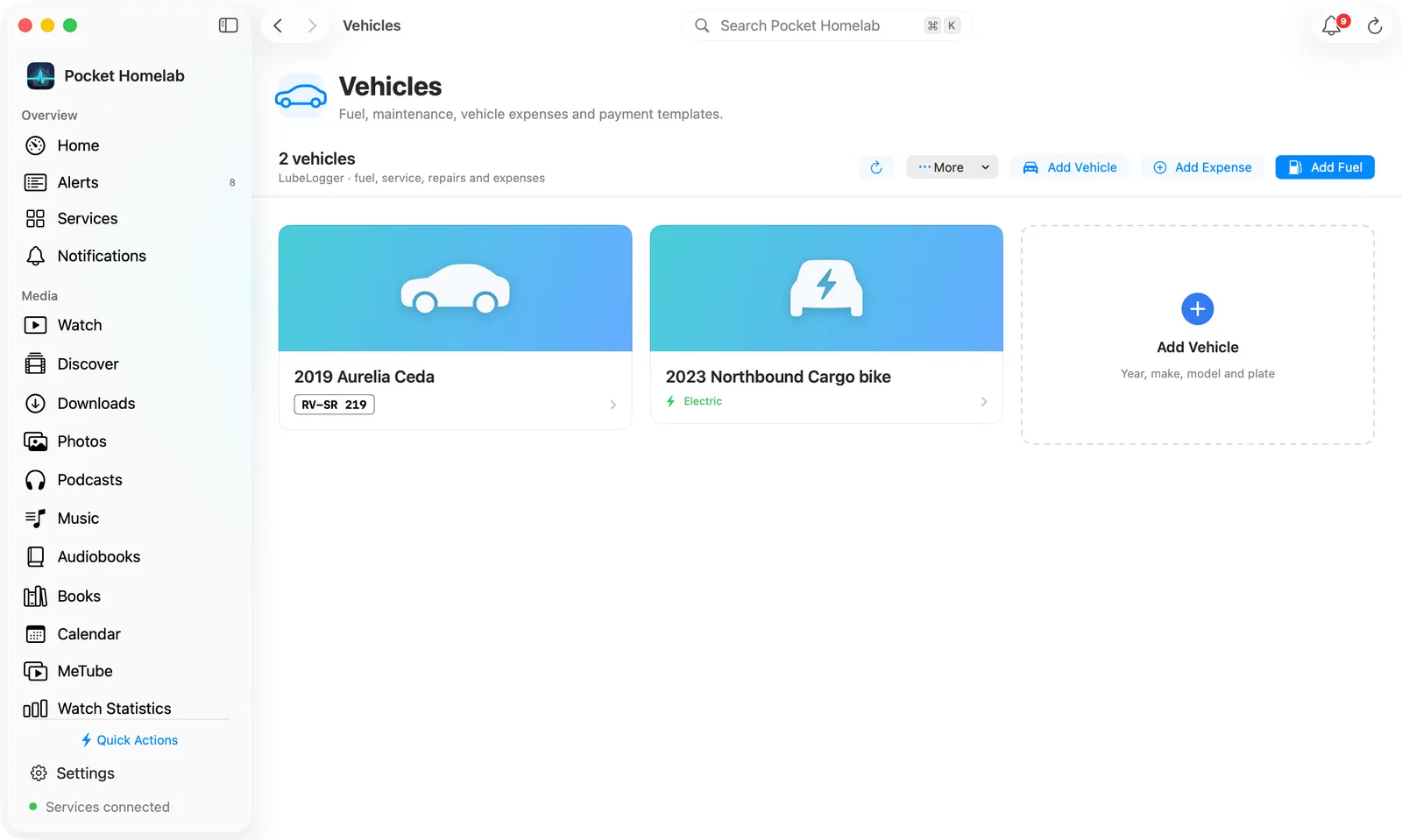
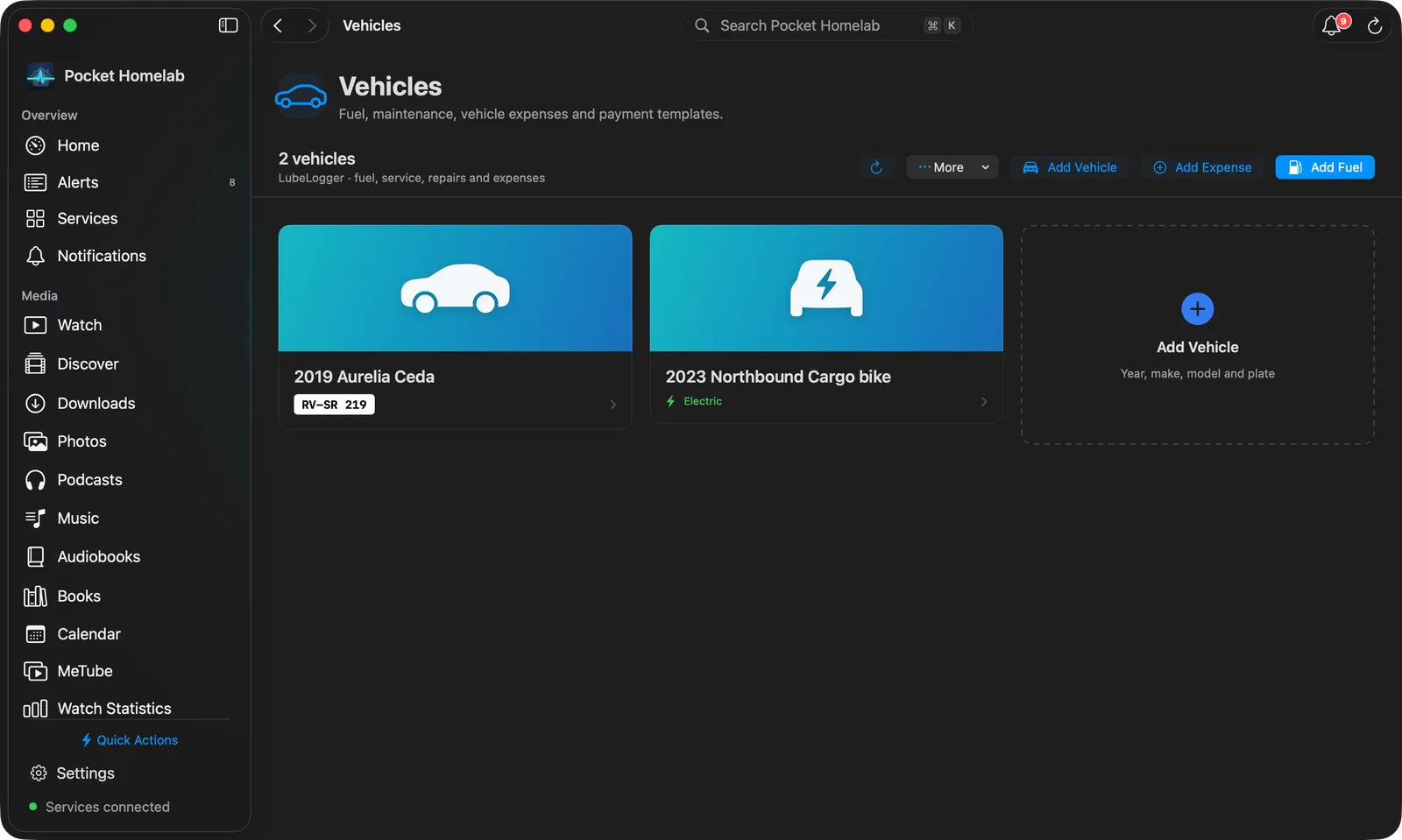
The Vehicles page has a bar with the vehicle count, refresh, More (Payment defaults…, Open LubeLogger), Add Vehicle, Add Expense and Add Fuel; a Vehicle or plate filter joins them once you have more than three vehicles. Each vehicle is a card with a large car picture, its name, the plate drawn as a number plate, and Electric or Hours where they apply. A dashed Add Vehicle card follows the last one.
Click a card for the vehicle’s page:
- A bar with the name, plate and record count, Search records, a record-kind menu, refresh, Add Expense and Add Fuel.
- Tiles for Total recorded cost, Odometer (or Hours), the number of Records and the Last fill with its date and cost.
- Cost by kind: what fuel, service, repairs, upgrades and expenses have cost in the vehicle currency, as bars. Click a kind to narrow the records table to it; Show all brings the rest back.
- Reminders from LubeLogger, coloured by urgency (past due red, very urgent orange, urgent yellow).
- Records as a table: date, the record with its kind, fuel and the first line of its notes, odometer and cost. Click a row for the record.
A record’s page has a bar with its kind, title, vehicle and date, refresh (⌘R), Delete and Edit Record; tiles for the cost, odometer, fuel (or energy), economy and whether it was a full fill; a Details card; and a Payment card. When a Firefly payment is connected it shows as a row you can click to open the transaction; otherwise the card offers to create one from a template.
Quick actions are ⇧⌘F for Add fuel and ⇧⌘V for Add vehicle expense.
Add a vehicle
Add vehicle (iPhone) or Add Vehicle (Mac) creates the vehicle in LubeLogger. The sheet asks for the Year, Make, Model and Licence plate (all four are required; LubeLogger identifies vehicles by the plate), the Fuel (Petrol, Diesel or Electric), Track engine hours instead of distance, Odometer optional on records and space-separated Tags. A photo and custom fields can be added in LubeLogger afterwards. Unlike records, a new vehicle is sent straight away and is not queued offline.
Actions
- Add a vehicle (needs a connection).
- Create a fuel, service, repair, upgrade, expense or odometer record, always via the offline outbox.
- Edit or delete a record (both conflict-checked against the server copy).
- Create a Firefly payment from a Pico withdrawal template, either together with a new record or afterward from the record’s detail screen.
Works with
- Firefly III / Firefly Pico: payment templates, accounts, categories, tags and exchange rates all come from Money; deleting or editing a Firefly transaction never touches its linked LubeLogger record, and vice versa.
- Nextcloud Notes: the Vehicle log block writes each vehicle’s fuel (litres and fill-ups), service and repair costs for this month and the last 12 months, followed by its recent fill-ups and services, into a note. See Nextcloud Notes.
- Offline & sync: queued vehicle actions appear under “Waiting to sync · LubeLogger” alongside Tasks and Firefly entries; vehicles and templates are cached and refreshed roughly every 15 minutes while the app is open.
Tips & troubleshooting
- “This record changed on the server. Close the editor and refresh before editing again” means another device (or LubeLogger’s own UI) edited the record first.
- A second queued edit, delete or payment for the same record is refused, “This record already has a pending action. Review it in Offline actions first.”
- LubeLogger costs have no built-in currency field; the app stores each record’s currency in a hidden notes suffix
so it survives reloads and other devices, don’t remove the
[Pocket Homelab currency: …]line from LubeLogger’s own notes editor.