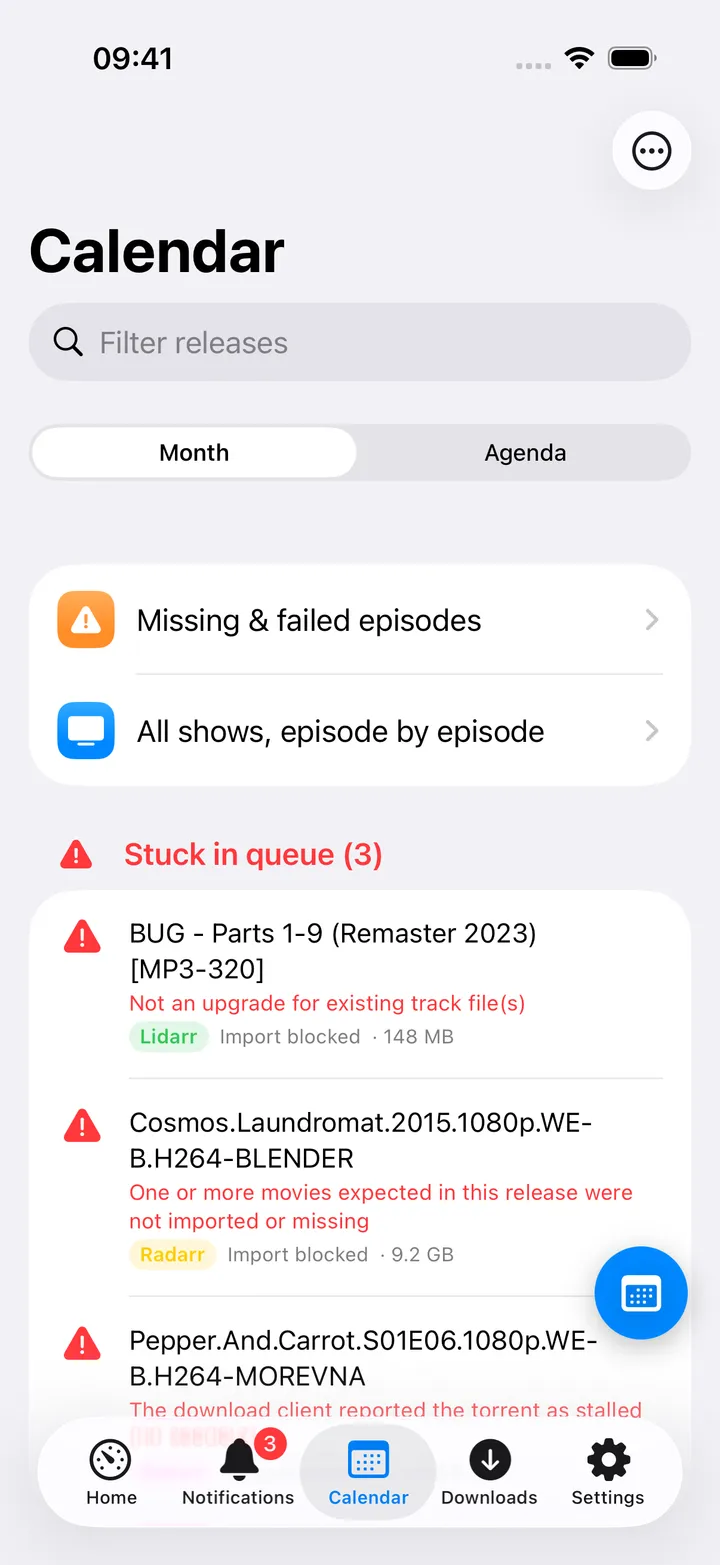
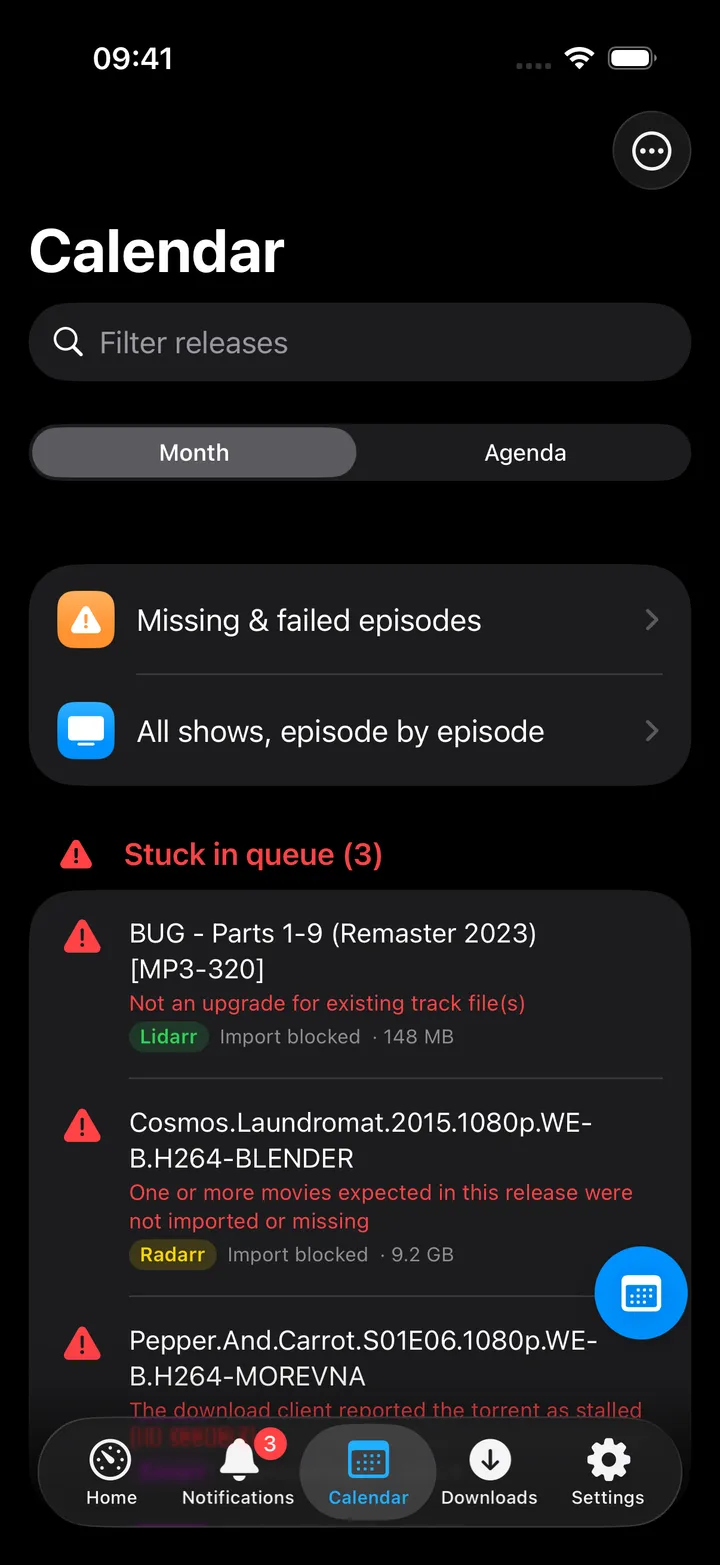
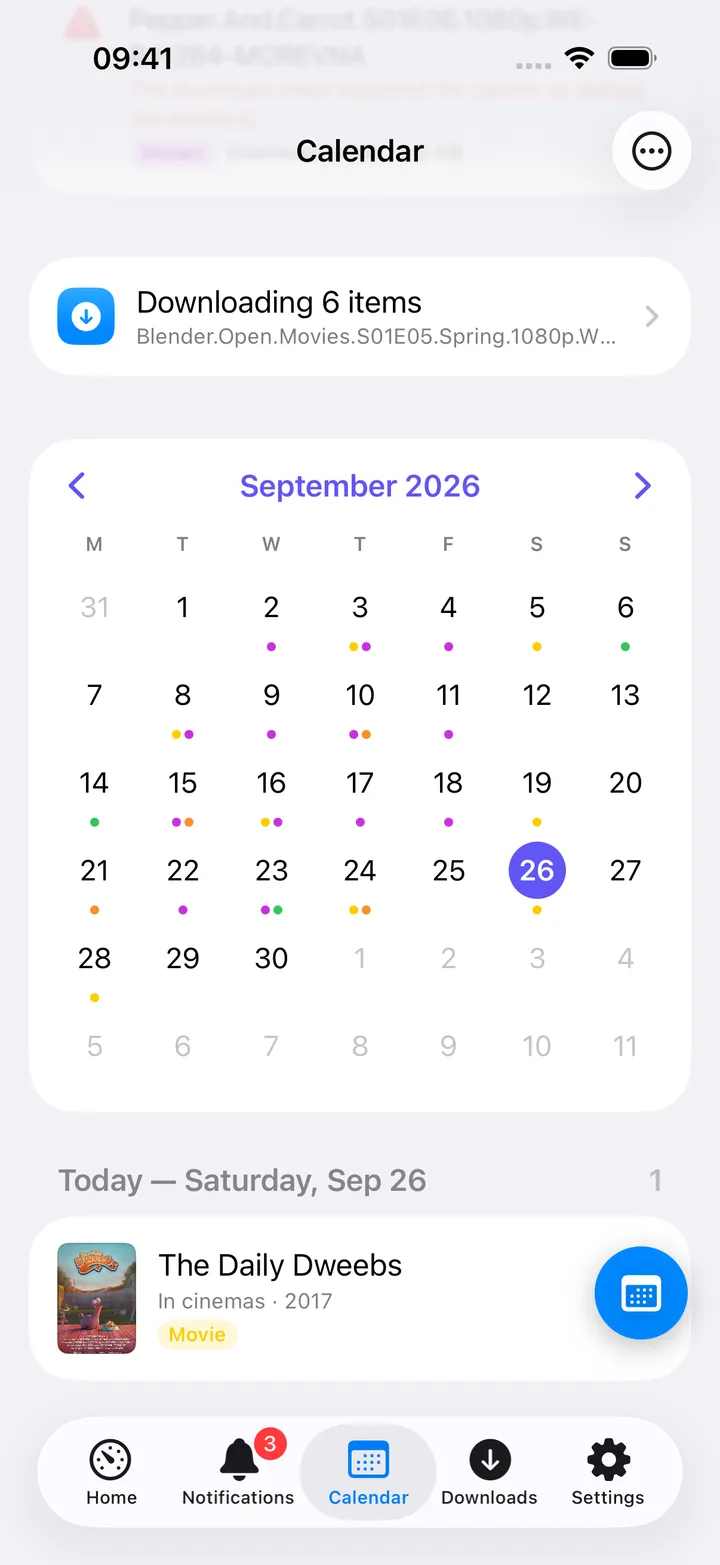
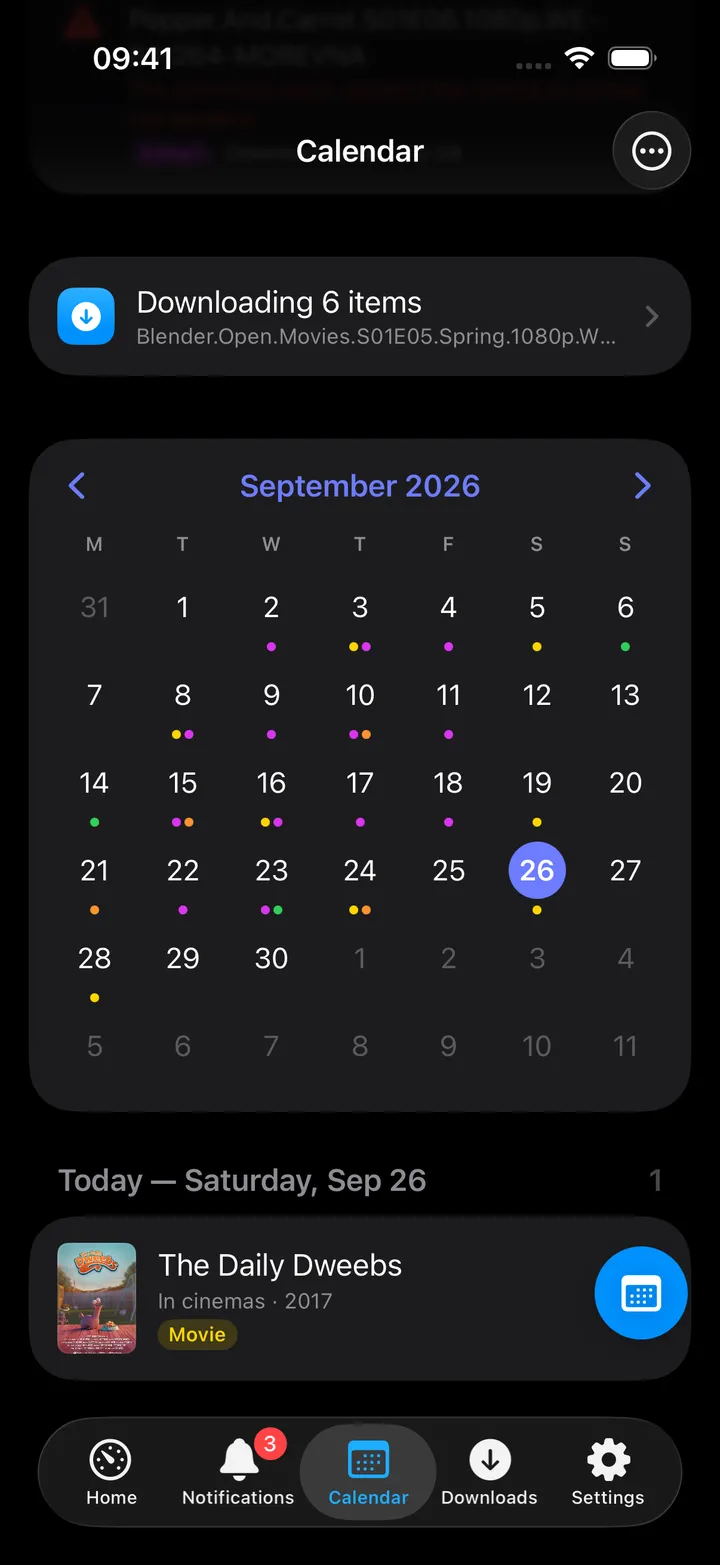
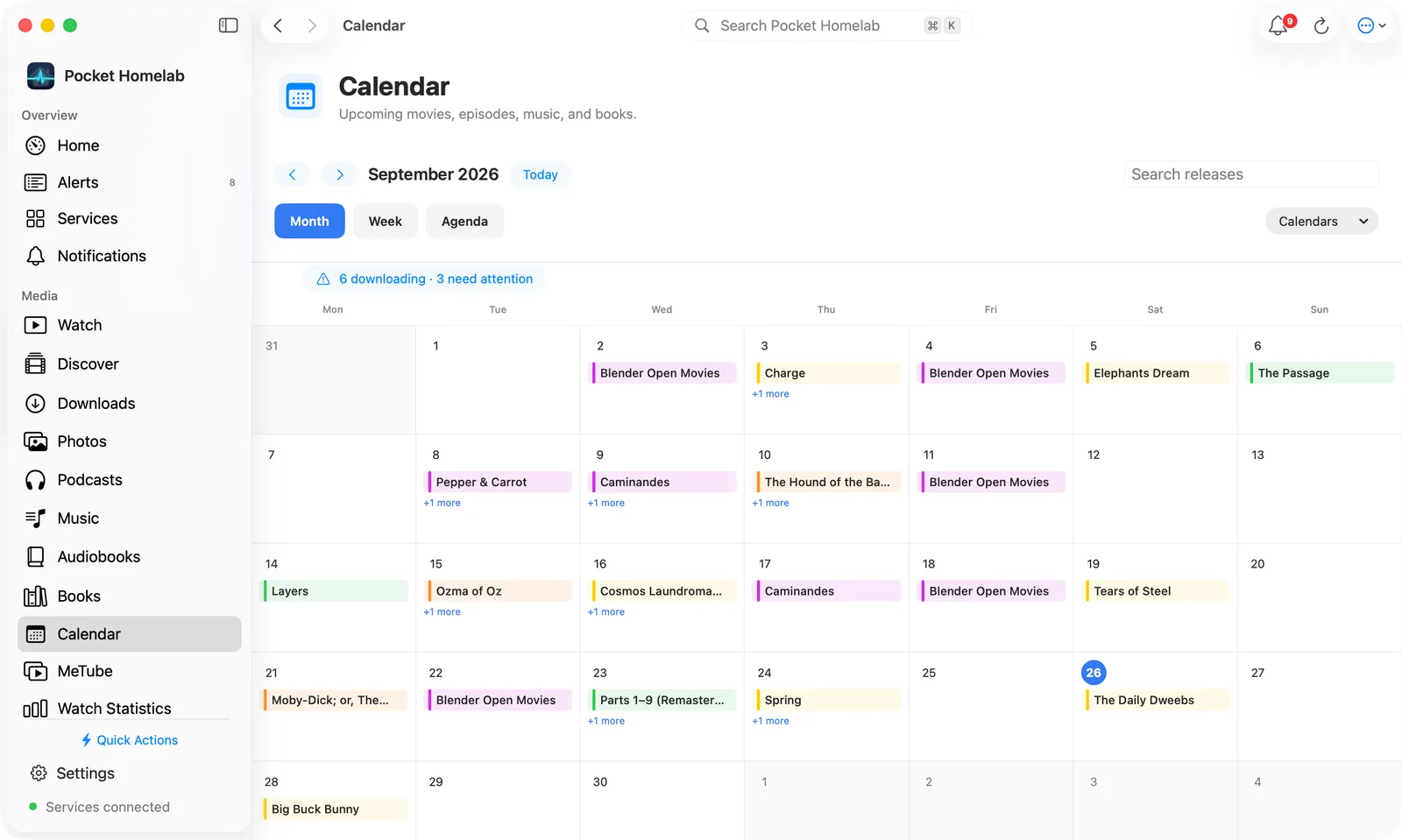
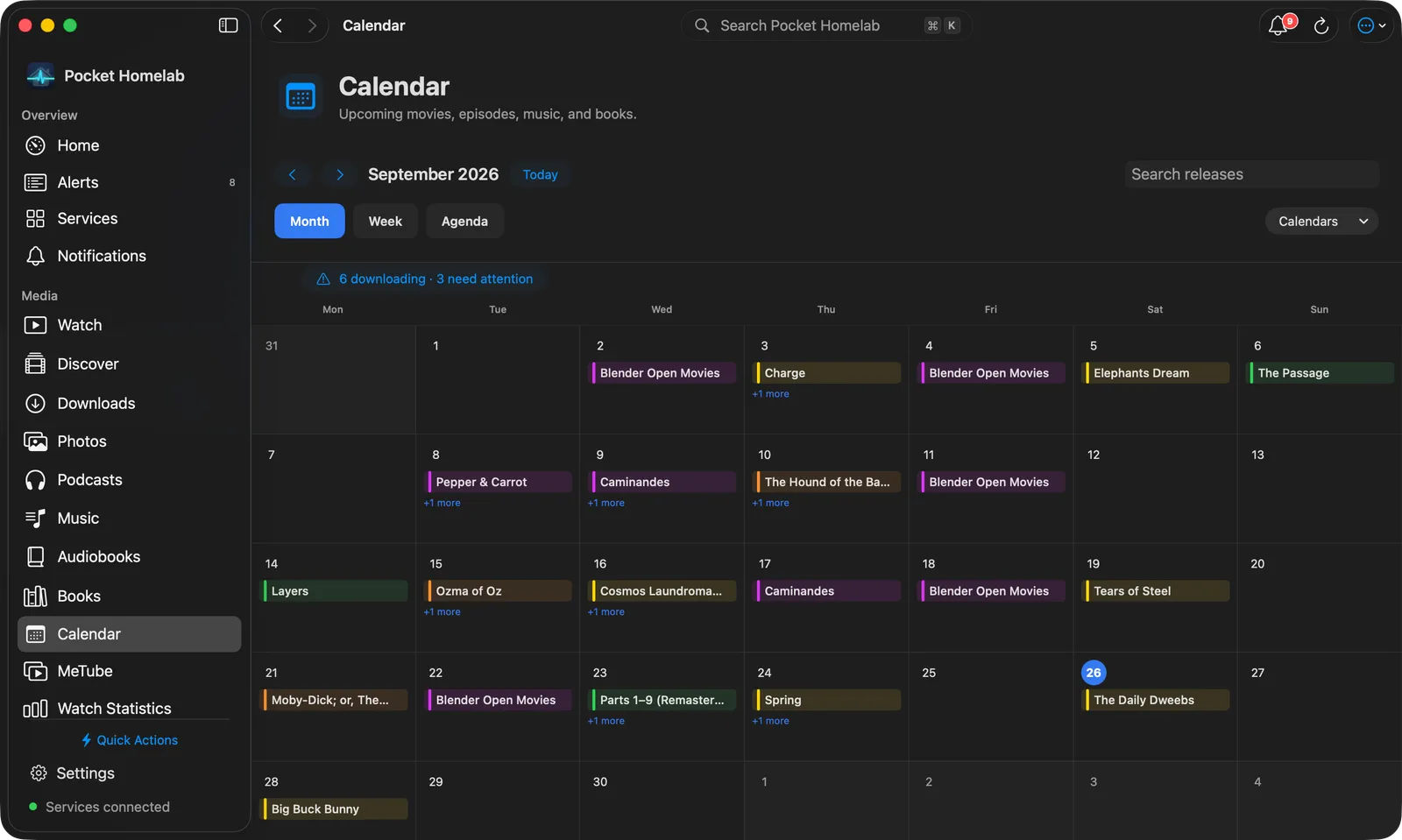
See upcoming book releases, a stuck download queue and search results, all in the shared media calendar.
iPhoneMacOn this page
Chaptarr (or any Readarr-compatible fork) manages your book collection. Pocket Homelab folds it into the shared
Media calendar alongside Radarr, Sonarr and Lidarr: upcoming releases, the download queue and a “Search now”
action. Every UI string calls it “Chaptarr” even though the Settings title says “Chaptarr / Readarr”.
What you get
Media calendar entries: one per book, titled with the book name and subtitle <author> · Book. Chaptarr’s
colour is orange, symbol book.fill, kind tag “Book”.
Home tile (“Calendar”): shares the same tile as Radarr/Sonarr/Lidarr, value N today / N stuck / next
release date.
Download queue: Chaptarr’s queue rows appear in the shared Queue screen, including unknown-author stuck items.
Any one of Radarr, Sonarr, Lidarr or Chaptarr being configured is enough to show the Calendar tab, Home row,
quick action and Spotlight entry.
Set up
In Chaptarr (or your Readarr fork), open Settings → General and copy the API Key.
In the app, go to Settings → Services → Chaptarr / Readarr, paste the URL and key, then press
Test connection.
Both the URL and key are required; a URL alone does not count as configured for Chaptarr.
Key
Field
Required
Secret
Where to get it
CHAPTARR_URL
Chaptarr / Readarr URL
Required
—
Base URL of your instance. Leave empty to hide Chaptarr / Readarr features.
CHAPTARR_API_KEY
API key
Required
Secret
Settings → General (any Readarr-compatible fork).
Both the URL and key are required; a URL alone does not count as configured for Chaptarr.
On iPhone
Month view: orange dots for Chaptarr books, ringed today.
Agenda: book entries with author subtitle. Detail screen title is Book; the “Release” section labels
Chaptarr’s own status row “Series” for the author status (a wording quirk shared with Lidarr); a “Details” section
lists genres, Publisher and Pages when Chaptarr has them. Search now in Chaptarr and, with Prowlarr configured,
Search indexers pre-filled with <author> <title> in the Books category.
The Calendar’s round button beside the + holds its controls: Today, Month, Agenda, Download
queue, Refresh, the previous and next month, Next 7/14/30/90 days, Add to iOS Calendar, Show
Chaptarr (when more than one arr app is set up) and Open Chaptarr. The first five show until you pick your
own with Customise; turn the button off in Settings → Screen action buttons.
On Mac
Calendar workspace (earlier layout): releases by day, with the stuck queue beside them.
The Calendar workspace has Month, Week and Agenda views, as rounded tabs, with a Search releases
field and a Calendars menu to show or hide Chaptarr next to the other arr apps. Agenda lists the next 7, 14, 30
or 90 days beside a small month navigator. Clicking a book opens its details in a sheet, with the same actions as on
iPhone.
Actions
Search now in Chaptarr: POST /api/v1/command (BookSearch); Chaptarr grabs automatically. Always behind a
confirmation dialog.
Remove from queue: with an option to also blocklist the release.
Add to iOS Calendar / Add to Calendar: writes an all-day event into a “Homelab media” device calendar.
Nothing here monitors, unmonitors, adds or deletes a book in Chaptarr; that stays in Chaptarr’s own UI. There is
no separate Books-request hub the way Lidarr has one in the Music tab.
Works with
Prowlarr: a book’s detail screen gains “Search indexers” pre-filled with the author and title in the Books
category.
Jellyfin (Watch) and Jellyseerr (Discover): both gain a “Media calendar” button (in the toolbar and in their
round buttons) once Chaptarr (or any arr app) is configured.
Calibre-Web has no direct link to Chaptarr; books requested here are not surfaced in the Books tab.
Tips & troubleshooting
A queue row whose book is unknown to Chaptarr still counts as “stuck” so nothing silently hides.
A wrong key shows “API key rejected. Copy it from Chaptarr → Settings → General.”
If your server is actually Readarr rather than Chaptarr, everything still works; the app only cares that it
speaks the same v1 API family.