
Nextcloud Tasks
To-do lists, natural-language quick add, a calendar view and app-badge reminders from Nextcloud Tasks.
iPhoneMacOn this page
Nextcloud Tasks stores your to-dos over CalDAV, the same protocol Apple Reminders and Nextcloud’s own web client use. Pocket Homelab gives you lists, a Today/Upcoming/Calendar view, natural-language quick add, subtasks, and app badge reminders for what’s due. It shares its credentials with Files, Contacts and Deck.
What you get
- Home row: value like “3 today” or “12 open”, caption with overdue/due-today/this-week counts.
- Home header option: “Tasks due today”.
- “Tasks” tab (optional, off by default), plus the core Notifications tab which lists today’s and overdue tasks toward the app badge.
- Screen action button (iPhone): a round button beside the + on the Tasks screen with its views and list tools.
- Quick actions: Tasks (⇧⌘K on Mac) and New task (⇧⌘N on Mac; one of the default hold-fan actions).
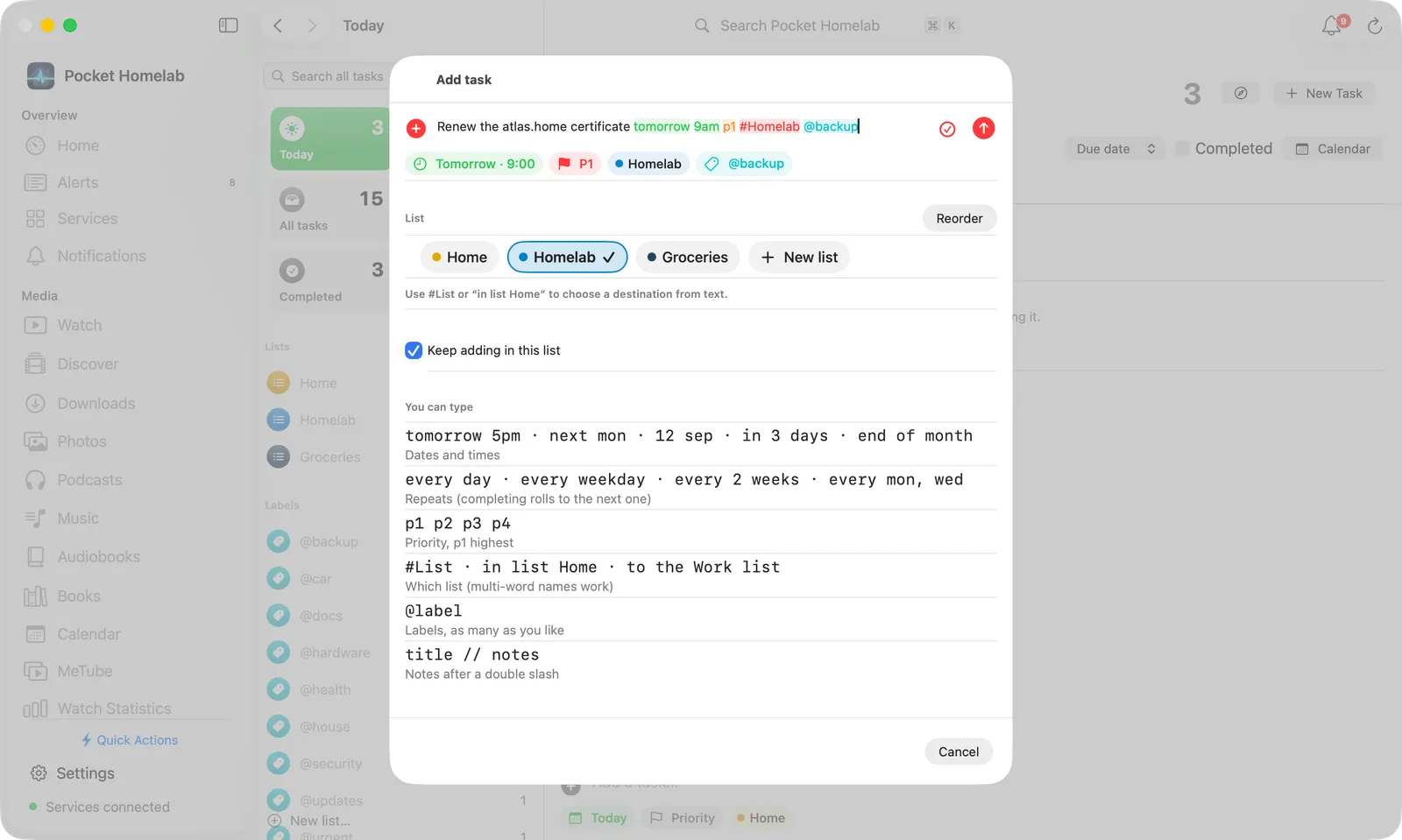
- Spotlight/palette: an Add task “…” row parsed live from what you type, plus matching open tasks.
- Shortcuts (iPhone): New Task opens quick add, from Shortcuts, Siri or the Action Button; see Widgets and Shortcuts.
- From a note: in the Nextcloud Notes editor, Make this line a task… sends the line to a Tasks list and leaves a link to the new task behind in the note.
- Mac: a two-pane Tasks page (⌃⌘5) with Reminders-style view tiles, and a system-wide Add task capture panel (⌃⌥⌘T).
- App badge: “Today’s to-dos” and “Overdue to-dos” can each feed the badge count (Settings → App badge).
Set up
Tasks shares its credentials with Nextcloud Files. If you have not already, follow Nextcloud → Set up to create an app password.
| Key | Field | Required | Secret | Where to get it |
|---|---|---|---|---|
NEXTCLOUD_URL | Nextcloud URL | Required | — | Base URL of Nextcloud, including its subpath if any. |
NEXTCLOUD_USERNAME | Nextcloud Username | Required | — | Your Nextcloud user ID (not display name). |
NEXTCLOUD_APP_PASSWORD | Nextcloud App Password | Required | Secret | Create an app password in Nextcloud → Personal settings → Security. |
On iPhone
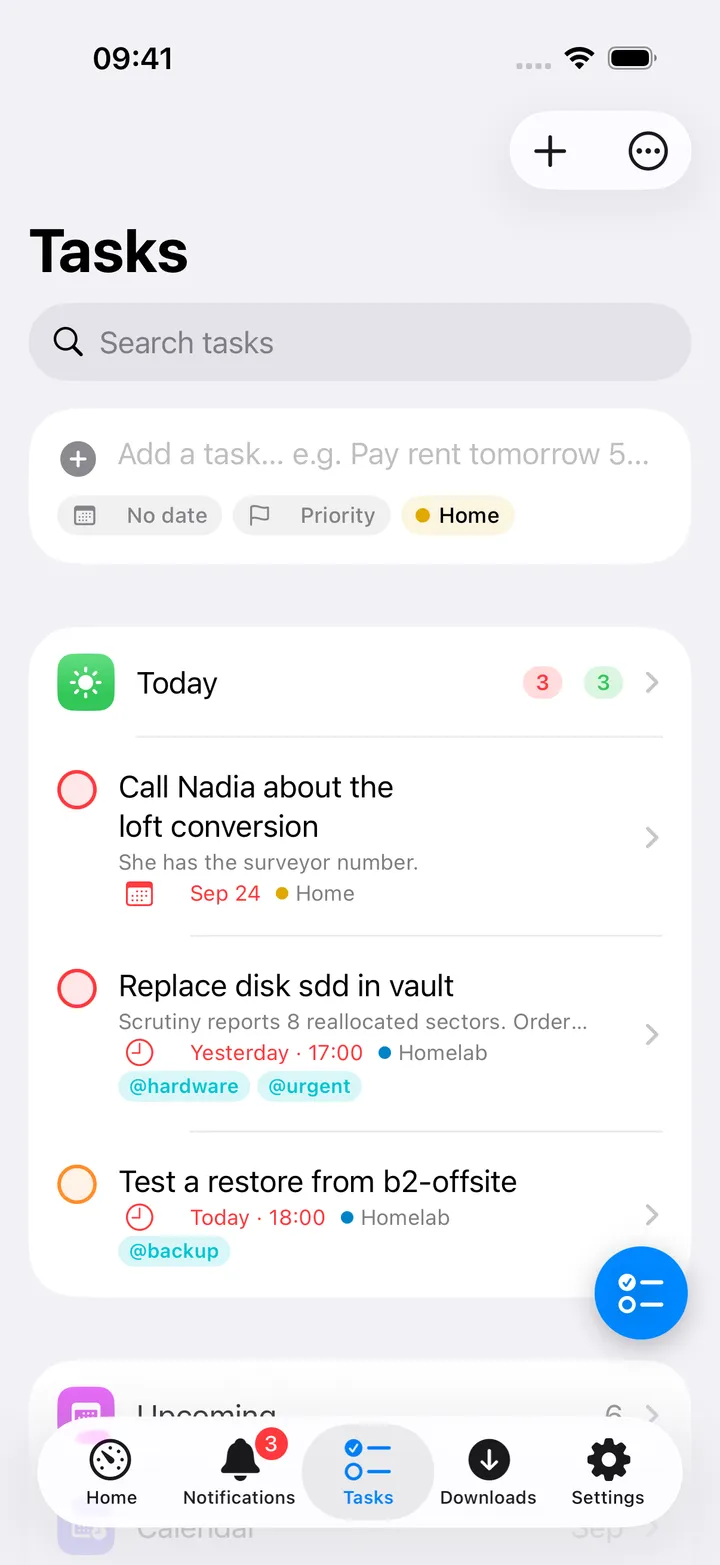
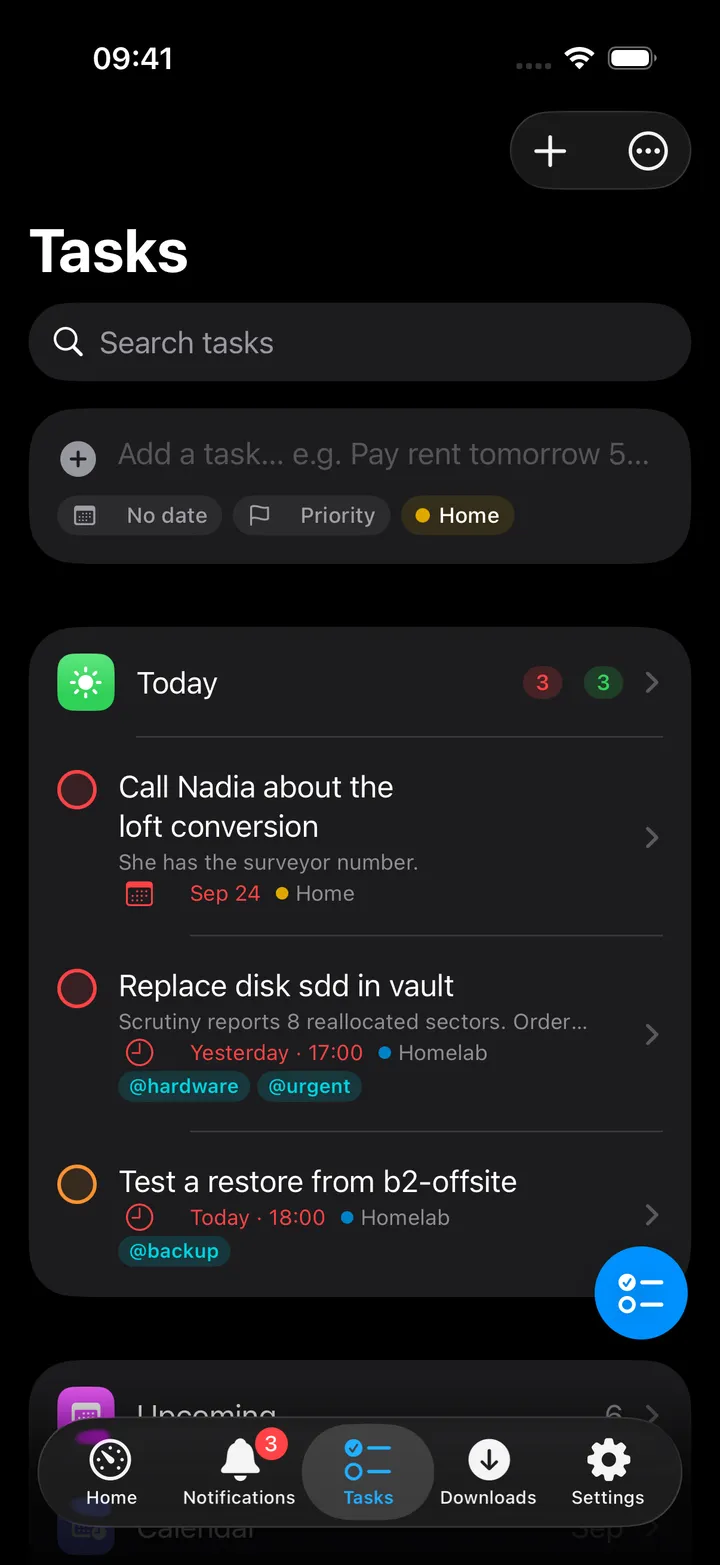
The Tasks hub opens with the quick-add composer, then Today with its overdue and due counts and up to six of today’s tasks inline (Show all for the rest). Below come Upcoming, Calendar, All tasks, No date and Completed, then your Lists, each with its Nextcloud colour and open count (a tray icon marks the default list), your Labels, and a Read-only section for Deck boards and shared lists you cannot edit. Reorder beside the Lists heading changes their order on this device. Long-press a list for Use as default list, Keep adding in this list and Delete list; swipe it to delete. The search field searches every task.
The ⋯ menu at the top has Refresh, Reorder lists, New list… and Open Nextcloud Tasks. The round button beside the + carries Add task, the views, Calendar, Refresh, New list…, Reorder lists, Open Nextcloud Tasks and each of your lists. It shows five of them until you choose your own with Customise, and you can turn it off in Settings → Screen action buttons.
A view or list has a Calendar button, a ⋯ menu with the sort (due date, priority, title or newest), Show completed, Refresh and the list’s own options, a filter field, and an Add a task… composer at the bottom that files new tasks into that list, label or day.
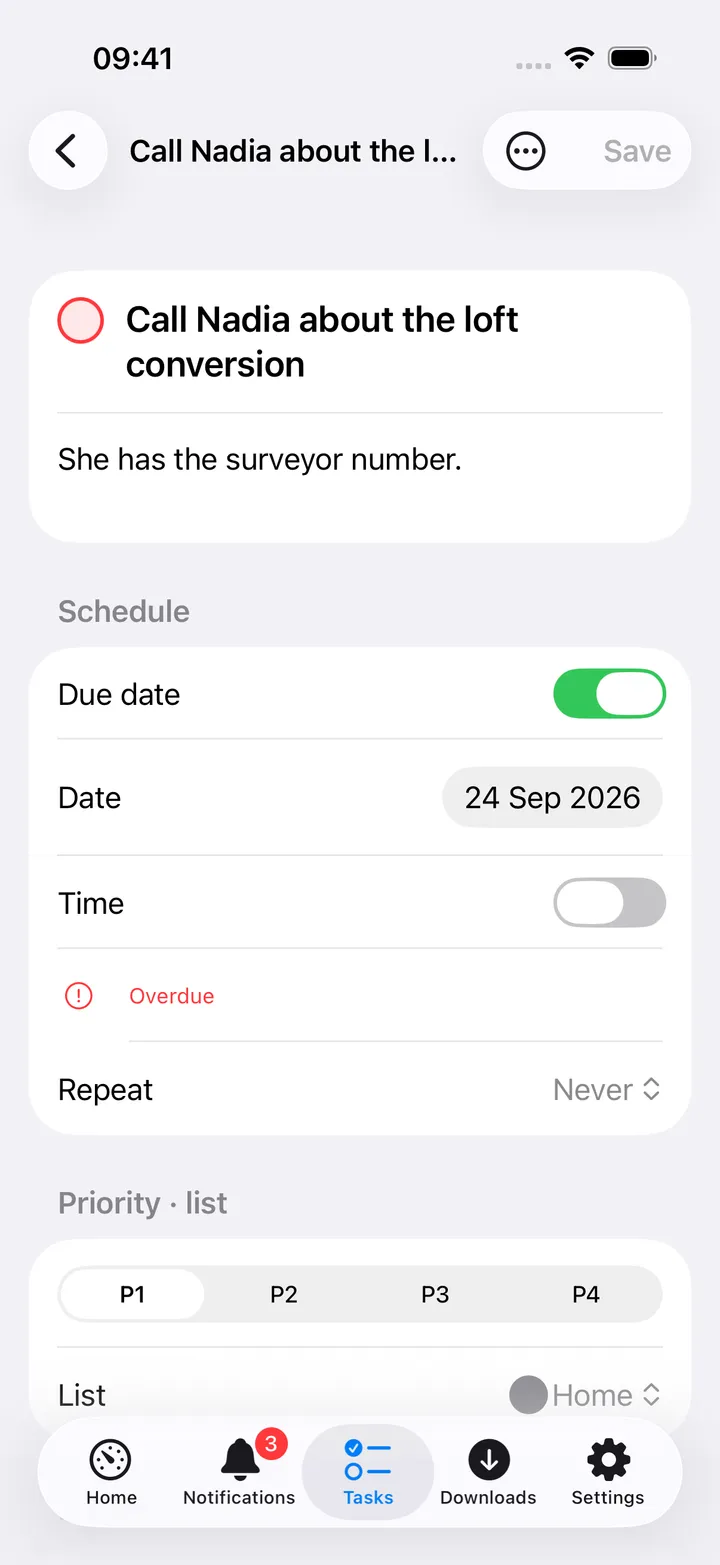
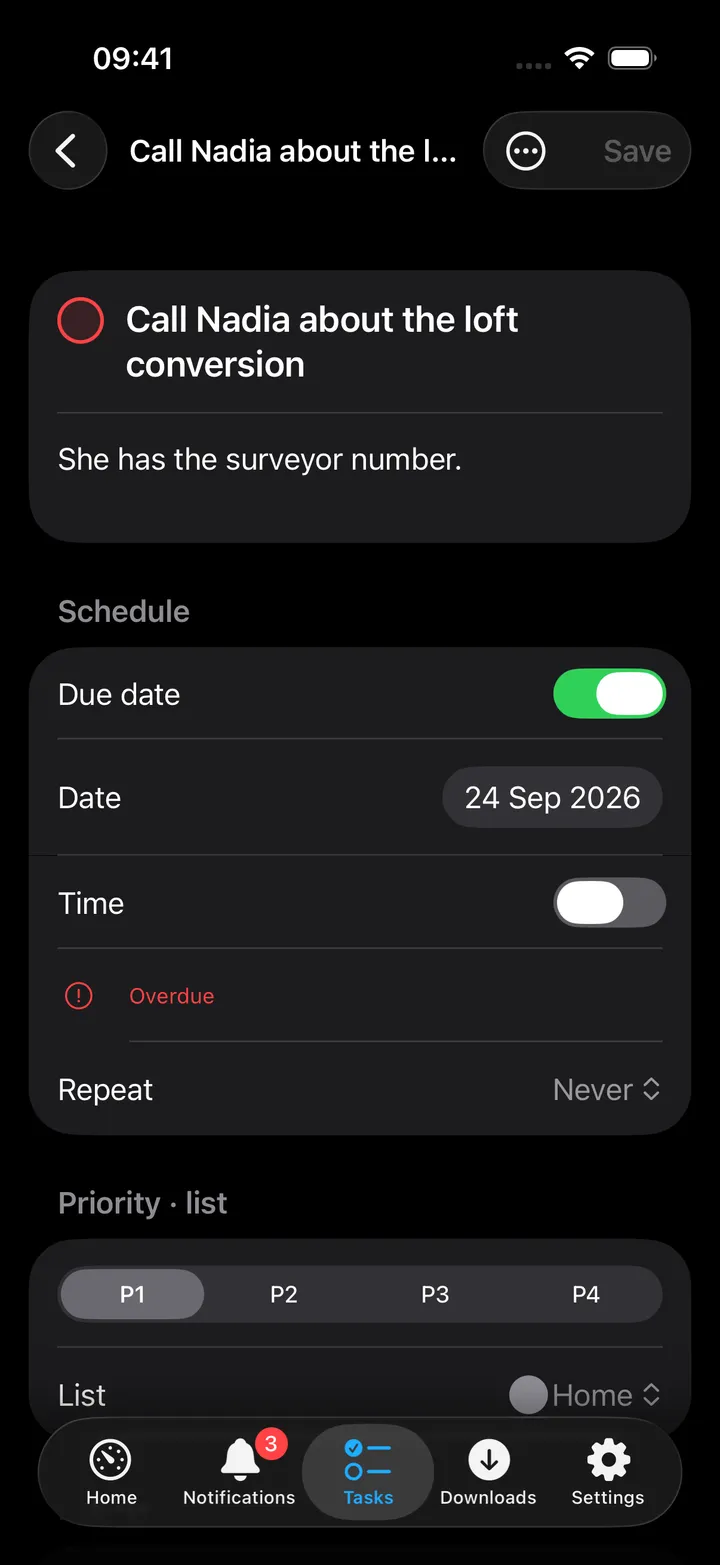
Swipe a task for Done/Reopen or Delete, or long-press for quick edit, scheduling, priority and Move to. Completing a task shows a “Task completed” card with Undo for a few seconds. Creating a task while offline queues it with a “Saved on this device” note and sends it once the app can reach Nextcloud again; while Nextcloud is unreachable the hub shows the lists saved on this device.
On Mac
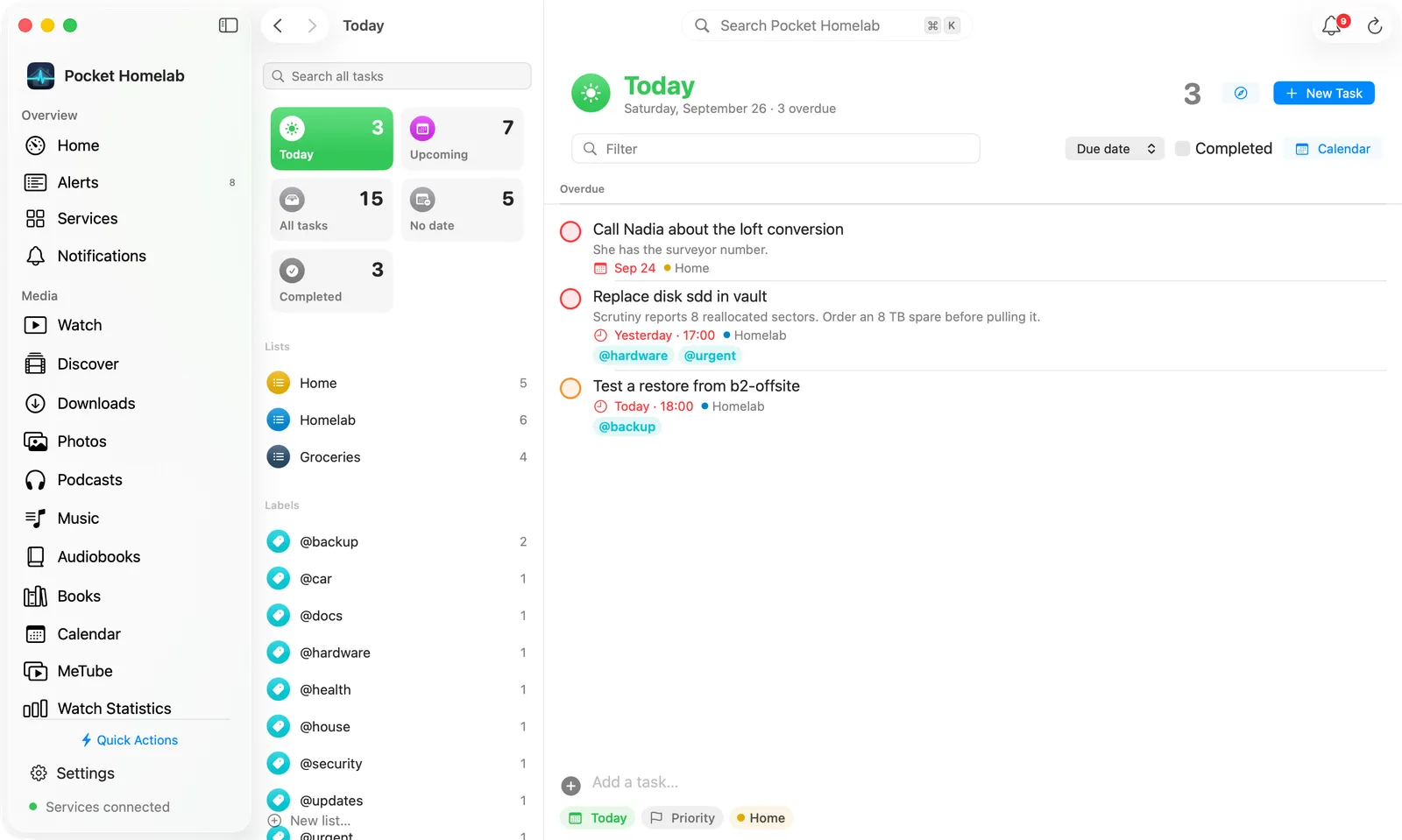
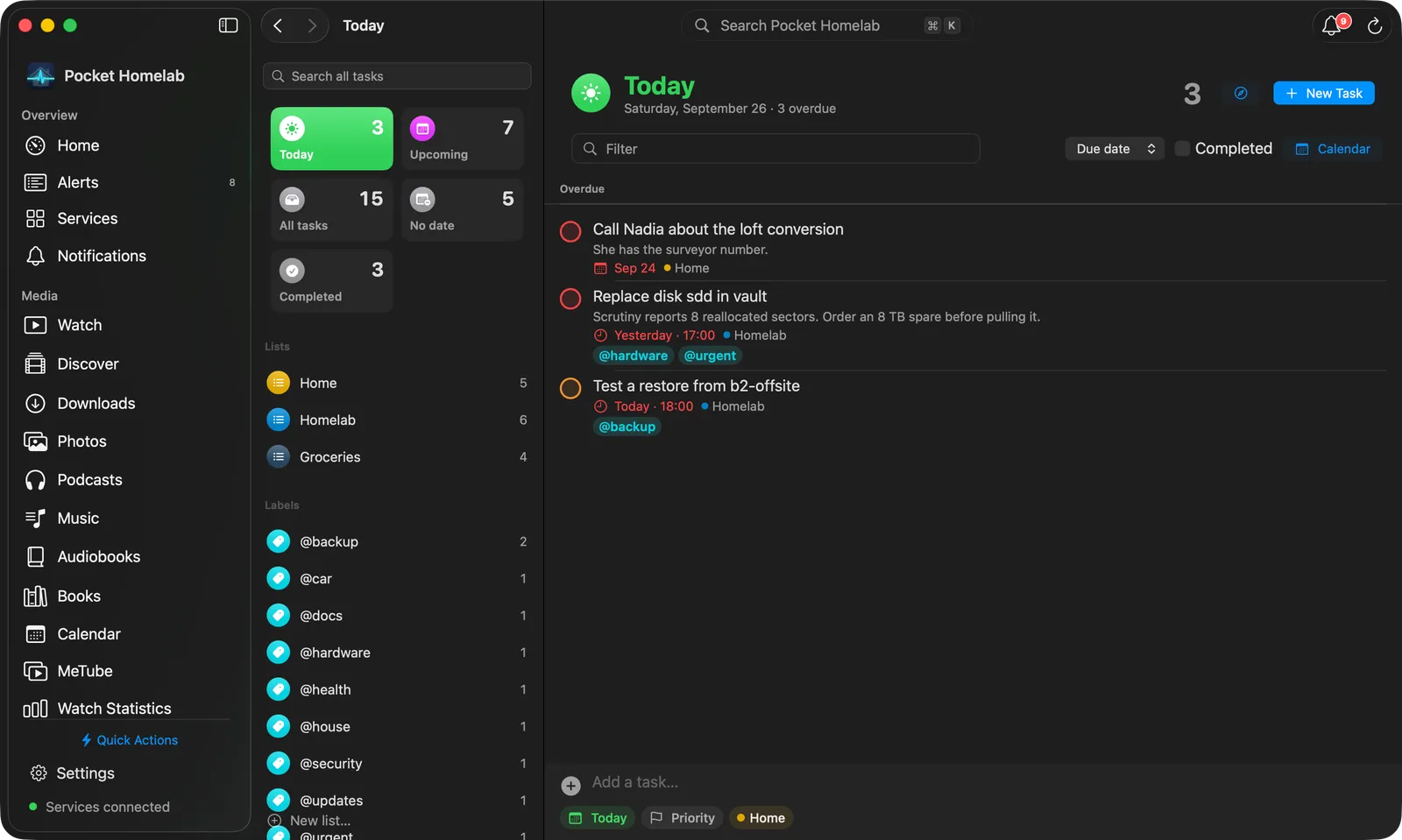
The left column starts with Search all tasks, then the five views as coloured tiles in two columns (Today, Upcoming, All tasks, No date, Completed), each with its icon and count; the chosen one fills with its colour. Below them are your Lists, each with a round icon in its Nextcloud colour and its open count, your Labels, and any Read-only lists (Deck boards and shared lists, with a lock). New list… sits at the bottom.
The right side has a header with the view’s icon in a coloured circle, its name and a line under it: on Today the date and how many tasks are overdue (or “nothing due”), on a list its open and overdue counts. The count, an Open Nextcloud Tasks button and New Task sit on the right. Under the header are a Filter field, the sort menu, a Completed checkbox, Calendar, and for a list of your own a ⋯ menu with Use as default list, Keep adding in this list and Delete list. The tasks follow, with the Add a task… composer at the bottom. When nothing is due today, Today says “Nothing due today” and lists the next six scheduled tasks under Coming up. Click a task to open its detail page; right-click it for the same quick actions as the iPhone’s long-press.
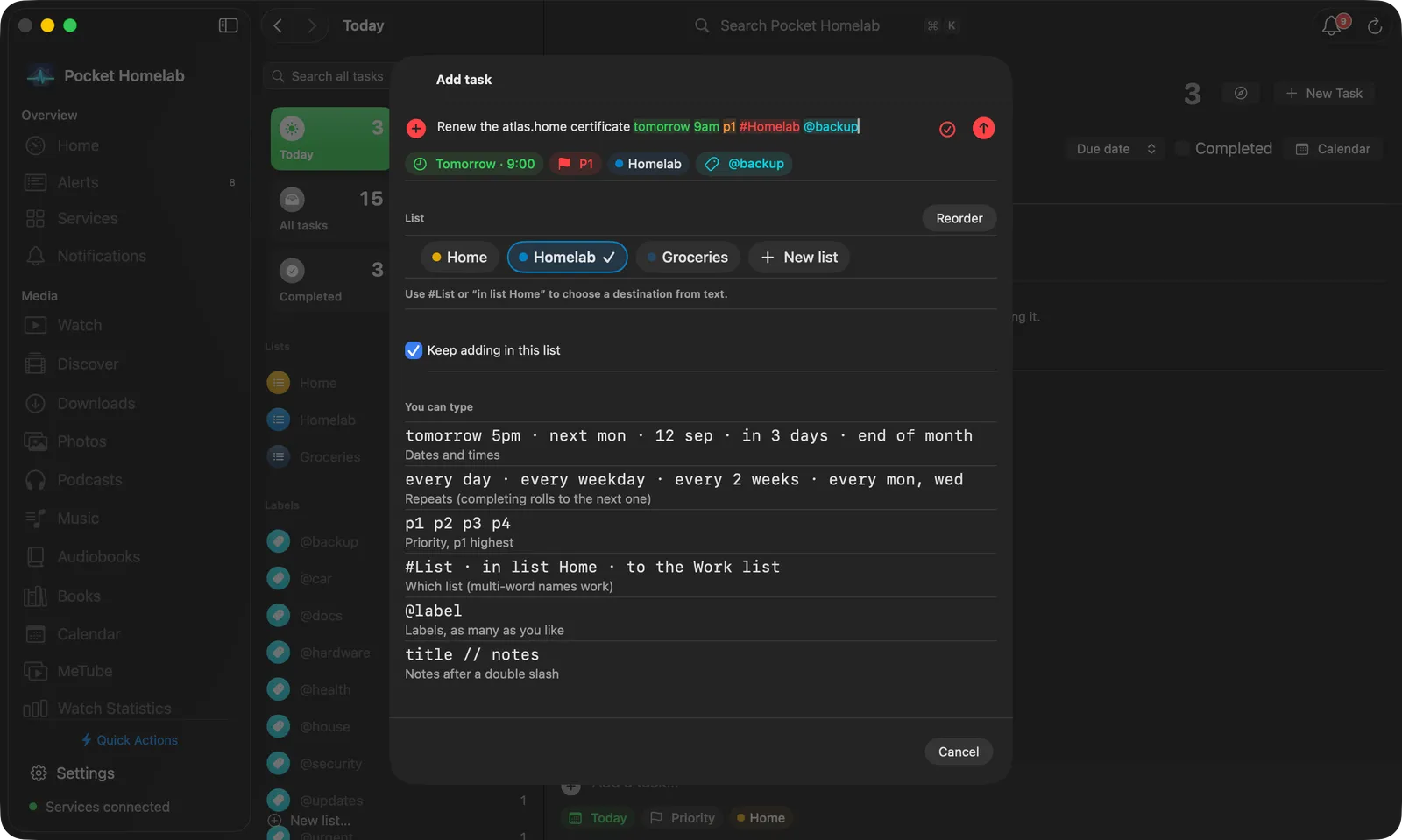
⌃⌥⌘T opens a floating Add task panel over whatever app you’re in; Escape hides it and keeps the draft.
Actions
- Create a task (composer, quick add, palette, Mac capture), queued offline if there’s no connection.
- Edit, complete/reopen, reschedule, set priority, move to another list, or delete a task.
- Create or delete a list, choose the default list, and reorder lists (the order is kept on this device).
Only task creation is queued offline; edits, completions and deletes fail immediately with an error if the server can’t be reached (no silent retry).
- Notes about this: a task’s page ends with the notes that link to it and Write a note about this, when your Nextcloud has Notes.
Works with
- Shares credentials and the free-tier slot with Files, Contacts and Deck.
- Deck boards appear here as read-only lists; opening one of those to-dos opens the real Deck card instead of a task editor.
- App badge / Notifications tab: “Today’s to-dos” and “Overdue to-dos” can each be included in the badge count.
- Shares the offline outbox with Firefly III transactions and LubeLogger vehicle entries (Settings → Offline & sync on iPhone).
Tips & troubleshooting
- A task still sitting in the outbox can’t be edited or completed yet: wait for it to sync, or discard it from Settings → Offline & sync on iPhone.
- Recurring tasks are never marked complete; completing one rolls its due date to the next occurrence instead.
403reads “Access denied, the list is read-only for this account”: check write permission on that calendar in Nextcloud.