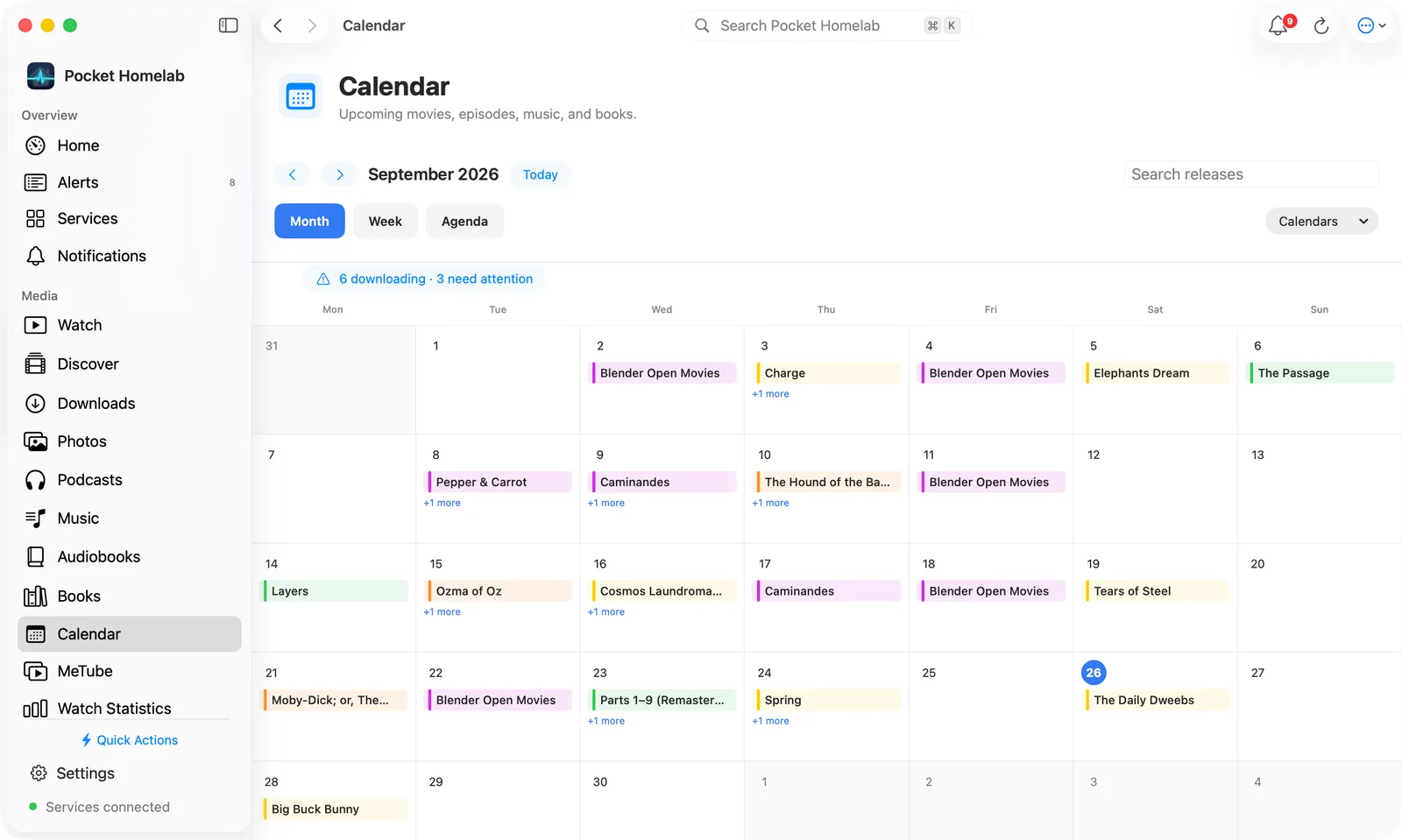
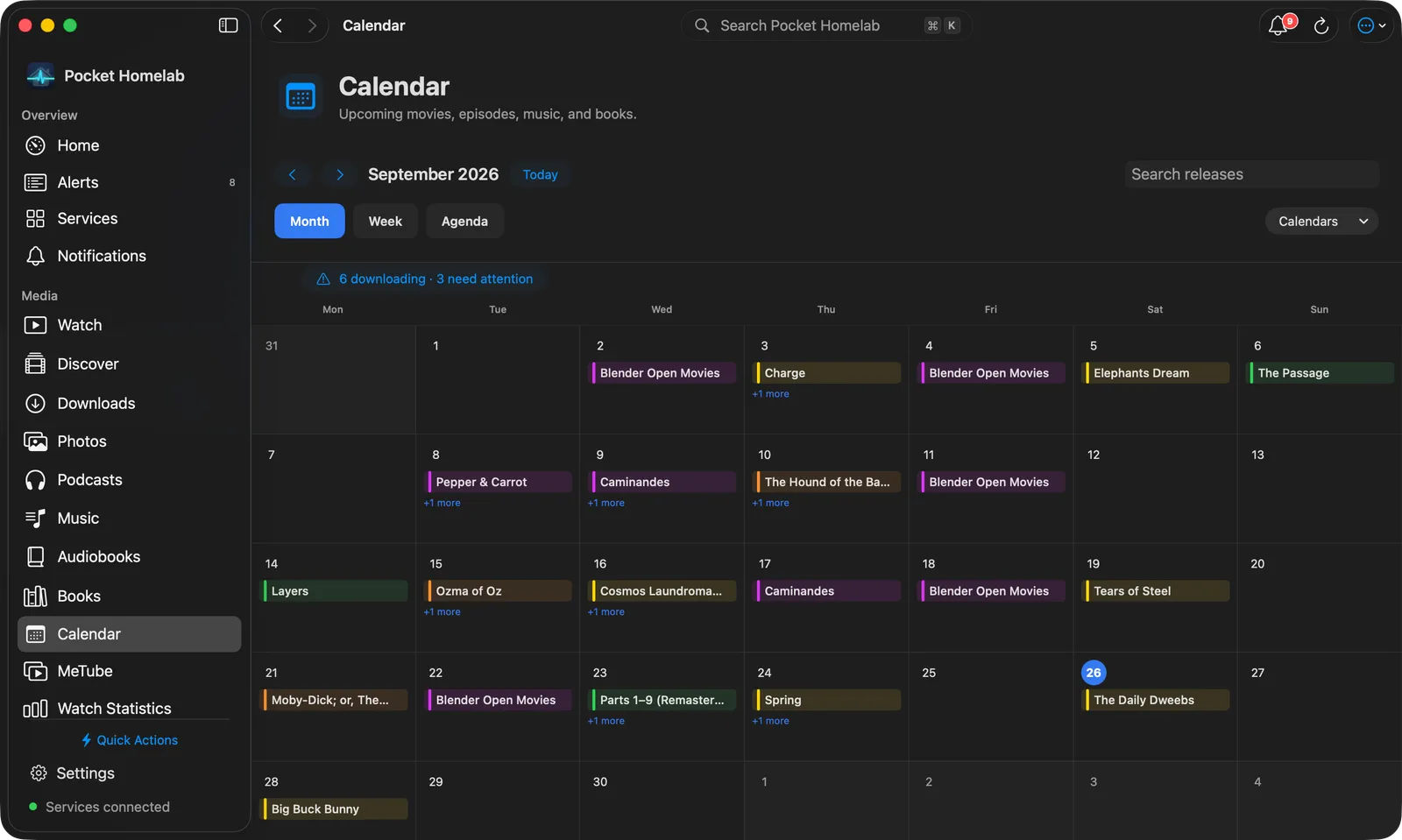
See upcoming movie releases, a stuck download queue and search results, all in the shared media calendar.
iPhoneMacOn this page
Radarr manages your movie collection. Pocket Homelab folds it into the shared Media calendar alongside Sonarr,
Lidarr and Chaptarr, upcoming releases, download queue and a “Search now” action, all in one indigo-accented hub.
What you get
Media calendar entries: one per movie, on whichever of digital release, physical release or “in cinemas” date
falls inside the visible window. Radarr’s colour in the calendar is yellow, symbol film.fill, kind tag “Movie”.
Home tile (“Calendar”): value N stuck, N today or the next release’s day, red when something is stuck,
orange when something lands today, indigo otherwise.
Download queue: Radarr’s queue rows appear in the shared Queue screen, including unknown-movie stuck items.
Any one of Radarr, Sonarr, Lidarr or Chaptarr being configured is enough to show the Calendar tab, Home row,
quick action and Spotlight entry, configuring more than one just adds more colours of dot to the month grid.
Set up
In Radarr, open Settings → General and copy the API Key.
In the app, go to Settings → Services → Radarr, paste the URL and key, then press Test connection.
Both the URL and key are required, a URL alone does not count as configured for Radarr.
Key
Field
Required
Secret
Where to get it
RADARR_URL
Radarr URL
Required
—
Base URL of your instance. Leave empty to hide Radarr features.
RADARR_API_KEY
API key
Required
Secret
Settings → General.
Both the URL and key are required, a URL alone does not count as configured for Radarr.
On iPhone
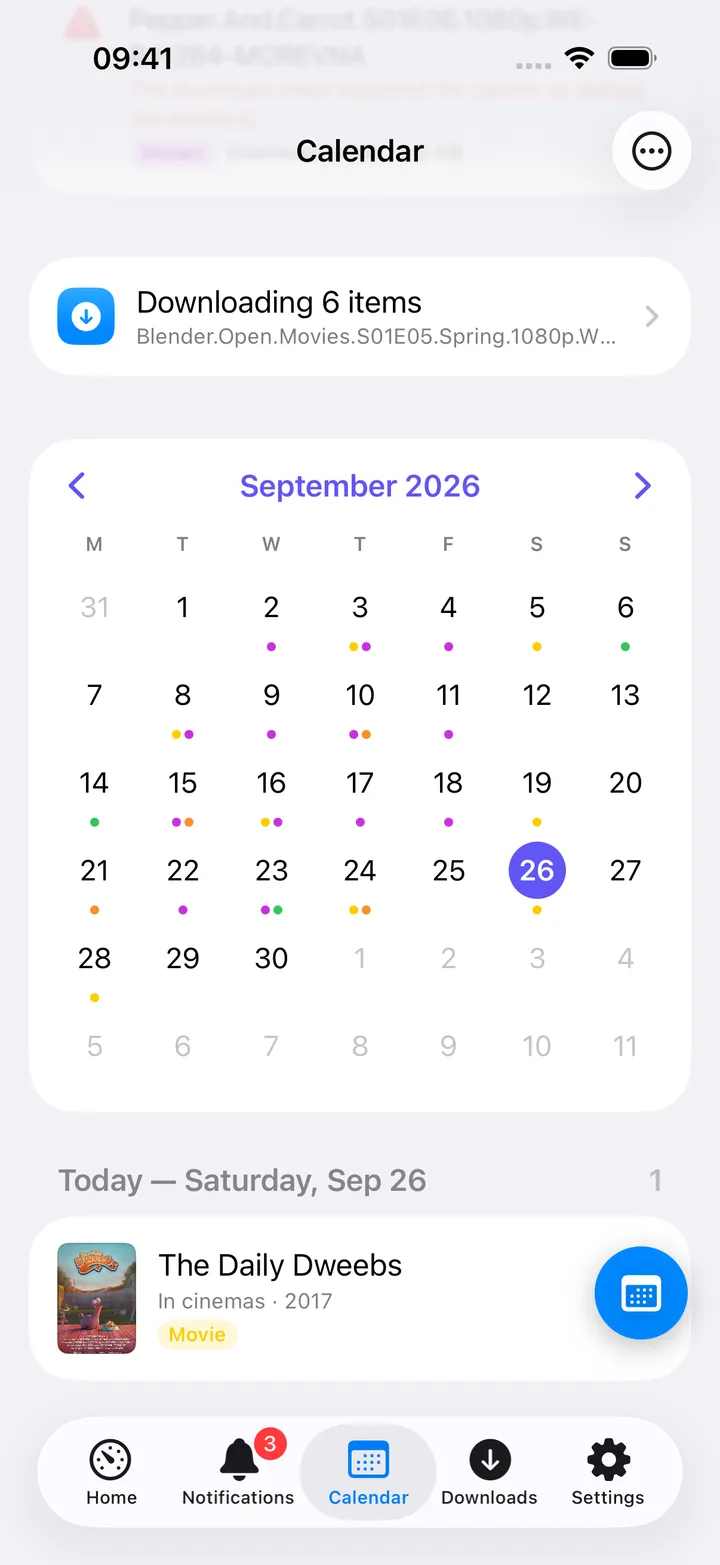
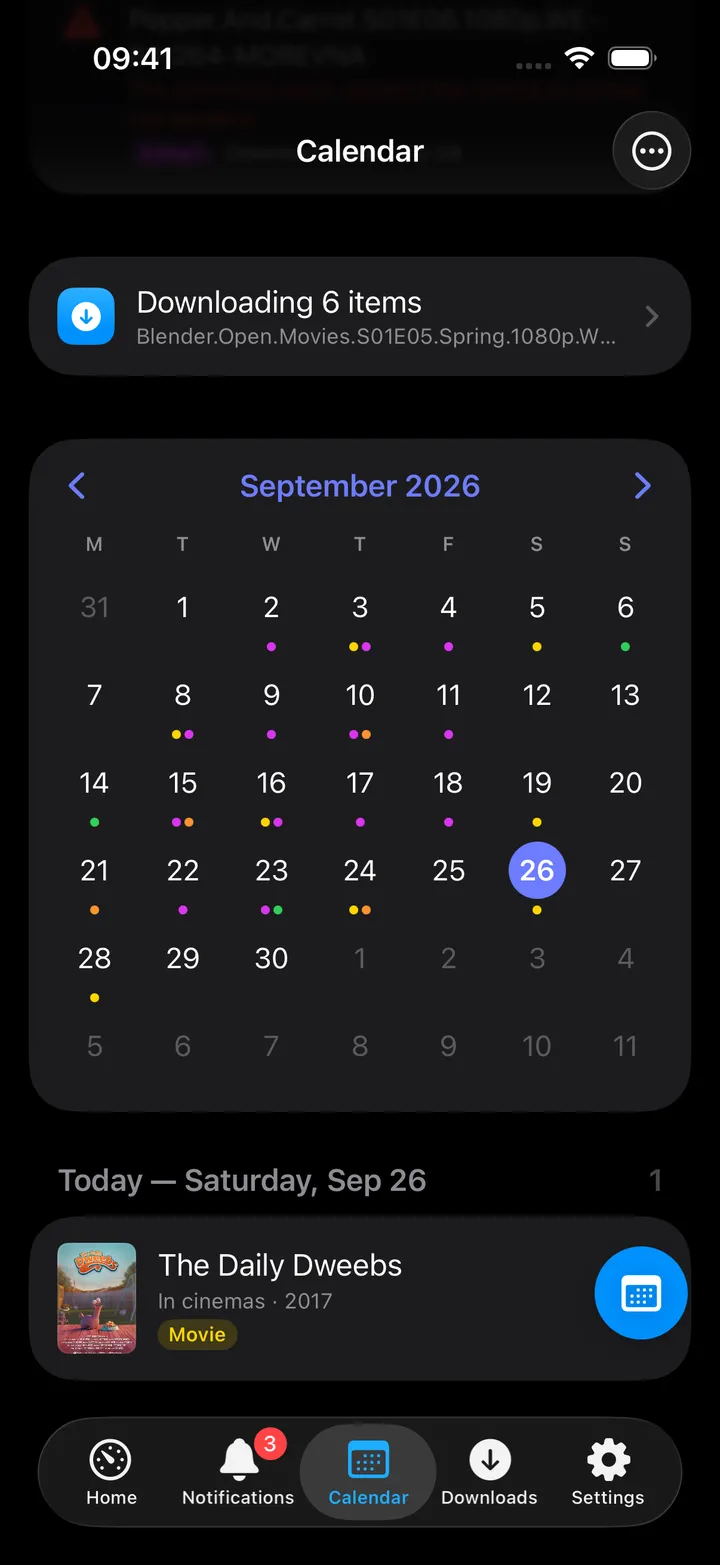
Month view: dots per app, ringed today, filled selected day. Switch Month / Agenda with the
control at the top of the Calendar; the toolbar’s More menu has a Show section to hide any one app’s dots
when several are configured.
The Calendar’s screen action button (the round button beside the +) holds the same controls: Today, Month,
Agenda, the download queue, Refresh, previous and next month, the 7, 14, 30 and 90 day windows, Add to iOS
Calendar, a Show switch per app and Open Radarr. The first five show until you choose your own; turn the
button off in Settings → Screen action buttons.
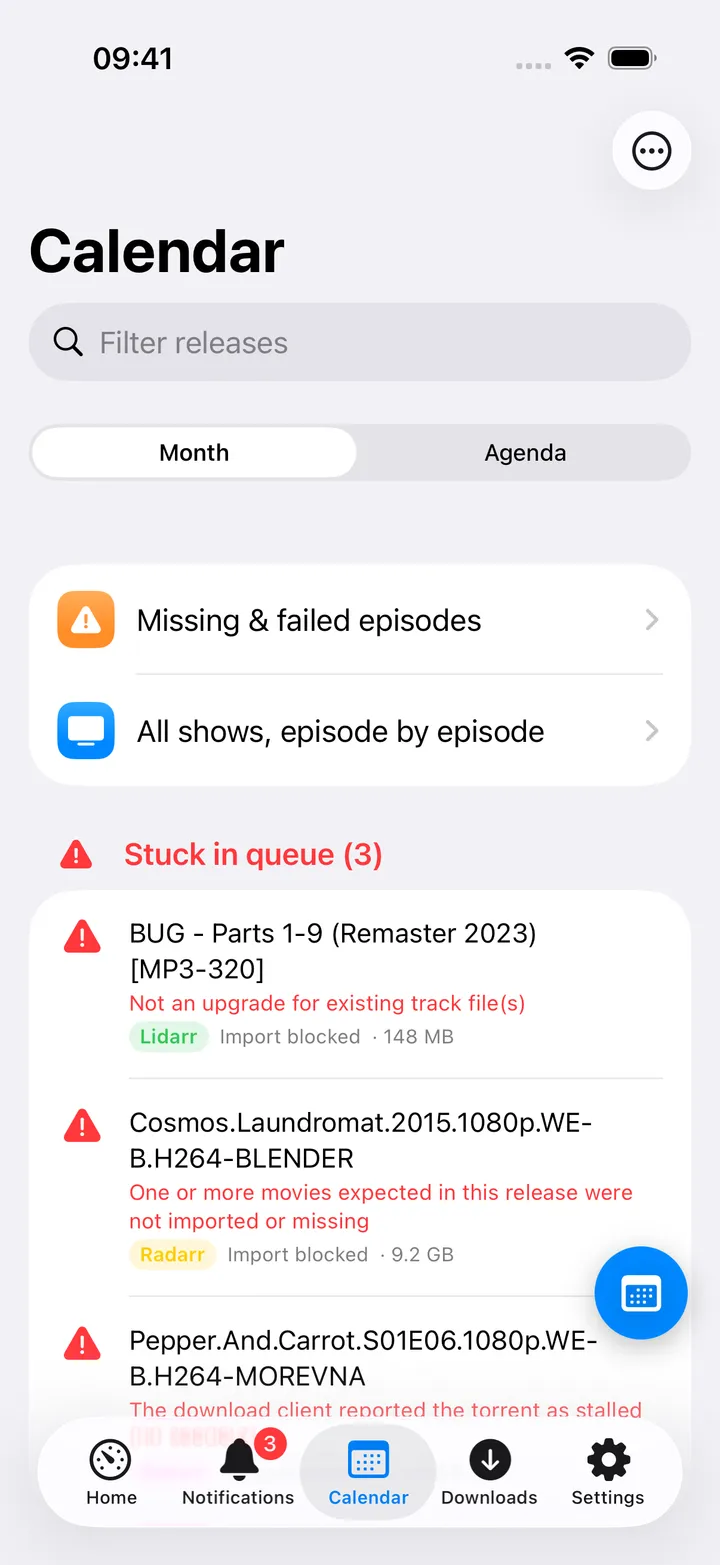
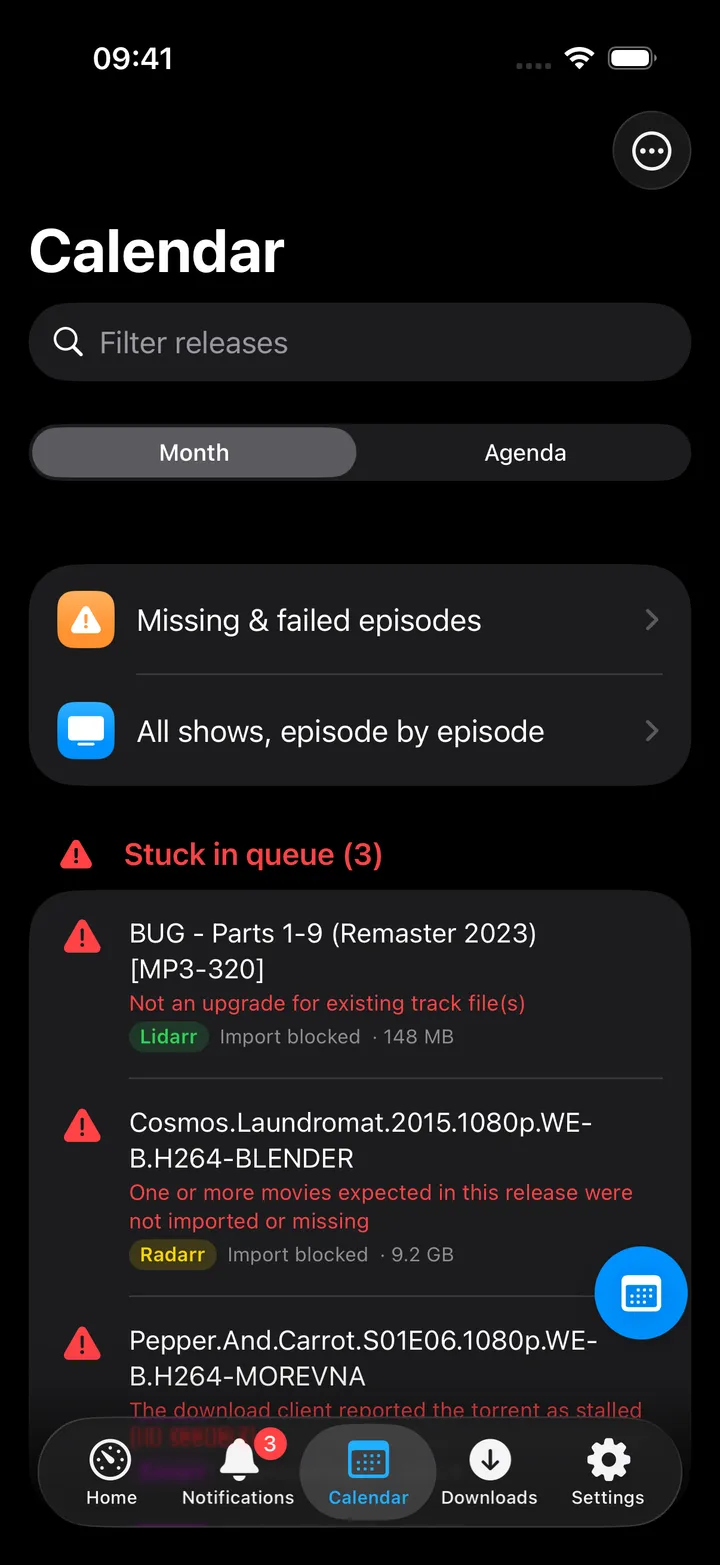
Agenda: day sections plus a red 'Stuck in queue' section on top. A Radarr entry’s subtitle reads
Digital release · 2026 (or Physical release / In cinemas, whichever date is showing).
Detail screen: Search now in Radarr asks Radarr’s indexers immediately and grabs the best match; Search
indexers (when Prowlarr is configured) pre-fills a Prowlarr search with the title and year; Trailer opens
the YouTube trailer when Radarr has one; Add to iOS Calendar syncs this release into a “Homelab media”
calendar.
Remove from queue (swipe or context menu on a stuck row) asks whether to blocklist the release too.
On Mac
Calendar workspace: the Month view with each release in its day, and the queue status above the grid.
The Calendar workspace has three views, as rounded tabs:
Month: a full-width grid with the release titles in each day.
Week: a seven-day planner with artwork, starting on your locale’s first weekday.
Agenda: releases grouped by date for the next 7, 14, 30 or 90 days, with a small month navigator and a
checkbox per calendar.
The toolbar has search, previous / next, Today and a Calendars menu to hide an app; loading, errors and
the queue status (N downloading · N need attention, which opens the queue) stay in a fixed strip so the calendar
does not jump. Add to Calendar, Refresh and Open Radarr are in the ⋯ menu. Clicking a movie opens it
in the same detail sheet as Discover, with Jellyseerr’s details (and Open in
Jellyseerr) when Jellyseerr is connected and the movie matches by its TMDB id; otherwise the sheet shows the
calendar’s own details. Open in Radarr is there either way.
Actions
Search now in Radarr: POST /api/v3/command (MoviesSearch); Radarr grabs automatically from whatever it
finds. Always behind a confirmation dialog.
Remove from queue: with an option to also blocklist the release so Radarr does not grab it again.
Add to iOS Calendar / Add to Calendar: writes into a device calendar named “Homelab media”; re-syncing
updates or removes events whose ids are no longer present. Manual only, no background sync.
Nothing here monitors, unmonitors, adds or deletes a movie in Radarr, those stay in Radarr’s own UI.
Works with
Prowlarr: a movie’s detail screen gains “Search indexers”, pre-filled with <title> <year> in the Movies
category.
Jellyfin (Watch) and Jellyseerr (Discover): both toolbars gain a “Media calendar” button once Radarr (or any
arr app) is configured.
Jellyseerr requests approved there flow through to Radarr’s own queue, which shows up here.
Tips & troubleshooting
Radarr picks whichever release date (digital / physical / cinema) falls inside the visible window; the same movie
can therefore show a different release kind depending on which window you are looking at.
A queue row whose movie is unknown to Radarr still counts as “stuck”, that is a deliberate choice so nothing
silently hides.
Posters and titles need the parent movie record, which Radarr provides for free, no separate image key needed.
A wrong key shows “API key rejected. Copy it from Radarr → Settings → General.”